
Hard Drive replacement (Error: CE-34335-8)
This video from Fasttech teaches you to replace your malfunctioning Hard Drive on your PlayStation 4 Pro. A faulty hard drive is most commonly responsible for Error: CE-34335-8 or “Cannot Access System Storage”. Learn how to fix this error from this tutorial.
Parts Required

Features and Specifications
1 Terabyte Storage Drive for PlayStation 4
Fixes ‘PS4 Cannot Start’ Error and Freezing Issues
Enclosure Option Available
Easy to Replace
Why Buy From Fasttech?
Lifetime Warranty
Free Worldwide Shipping
Original Part Guarantee
We have a 99% Customer Satisfaction Rate (See Reviews Below)
Our Guides Make Replacement Easy (See Below)

Features and Specifications
USB 3.1 Flash Drive
Compatible with PlayStation, Xbox and other devices
Free Worldwide Shipping
Lifetime Warranty
Free 2 Day Delivery in US and Canada
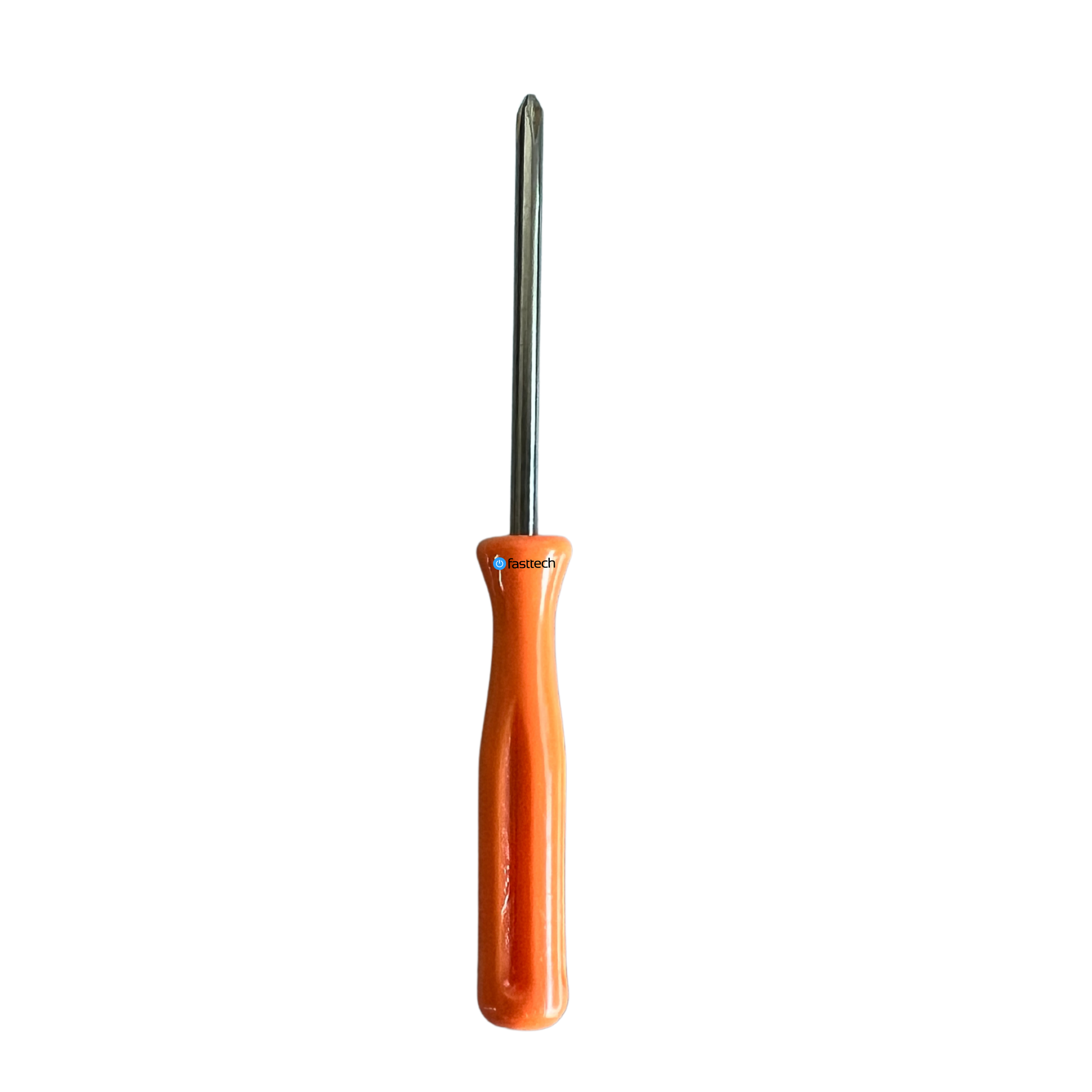
Features
High Quality Phillips Screwdriver
Used for various consoles, phones and other devices
Lifetime Replacement Warranty
Free Worldwide Shipping