 Image 1 of 41
 Image 2 of 41
 Image 3 of 41
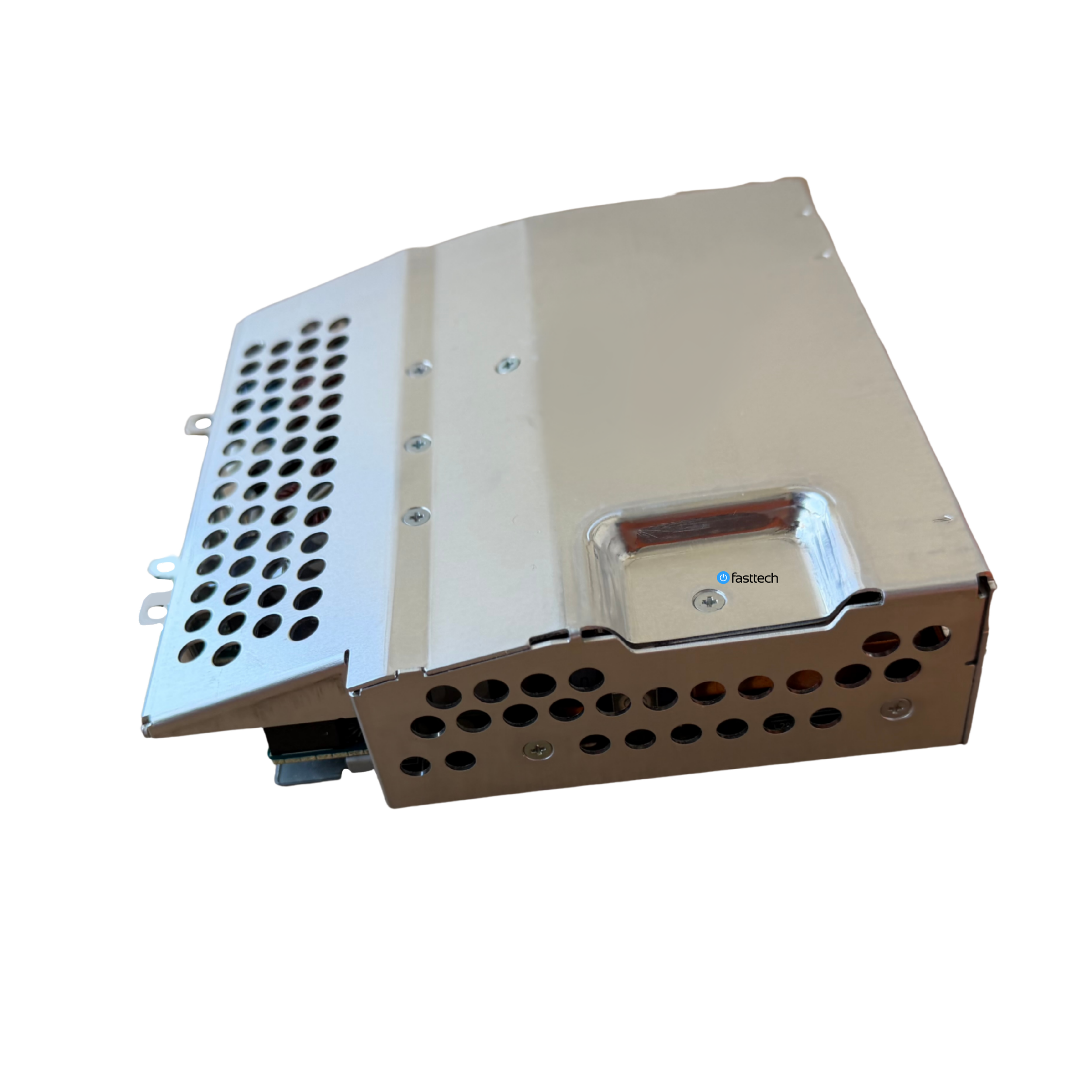 Image 4 of 41
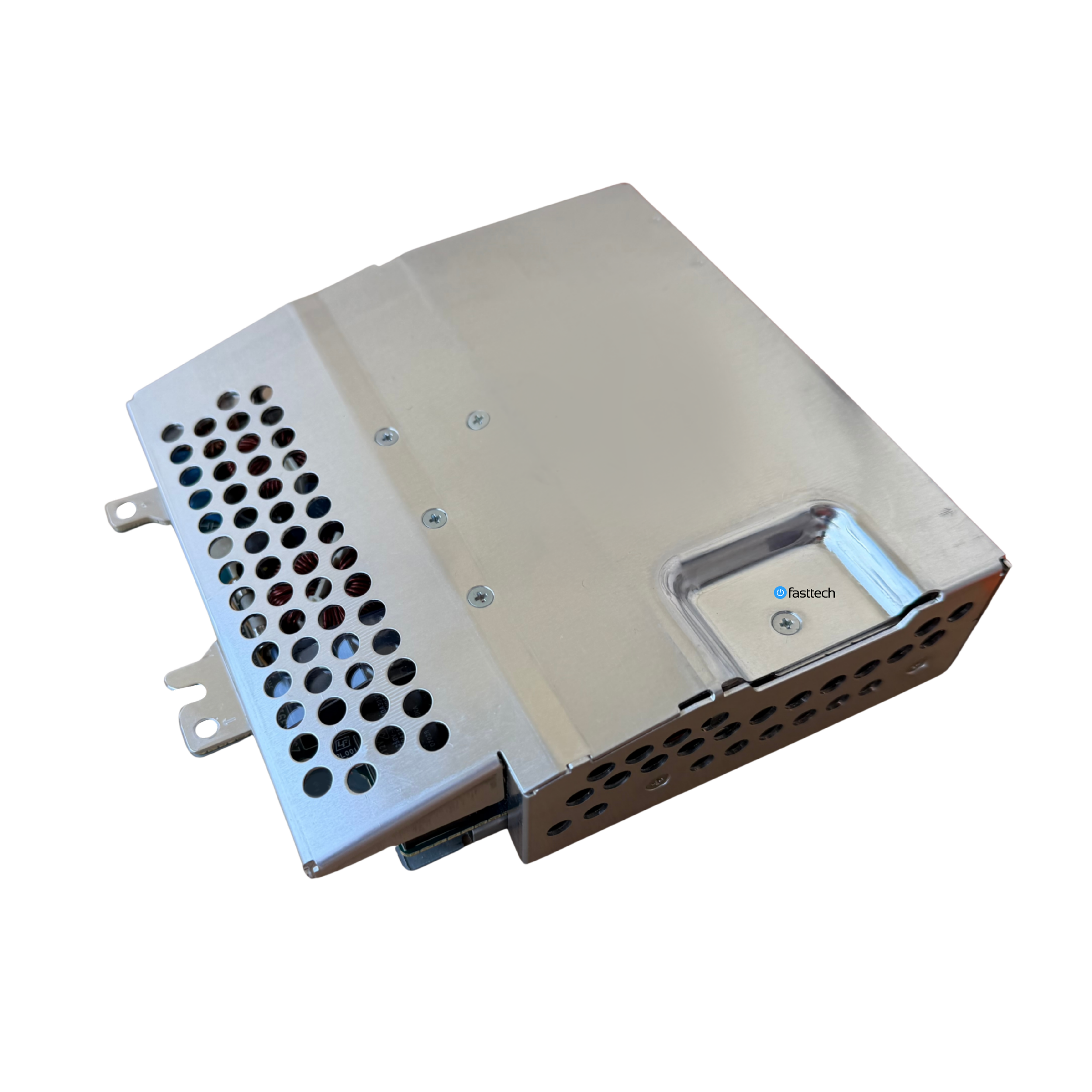 Image 5 of 41
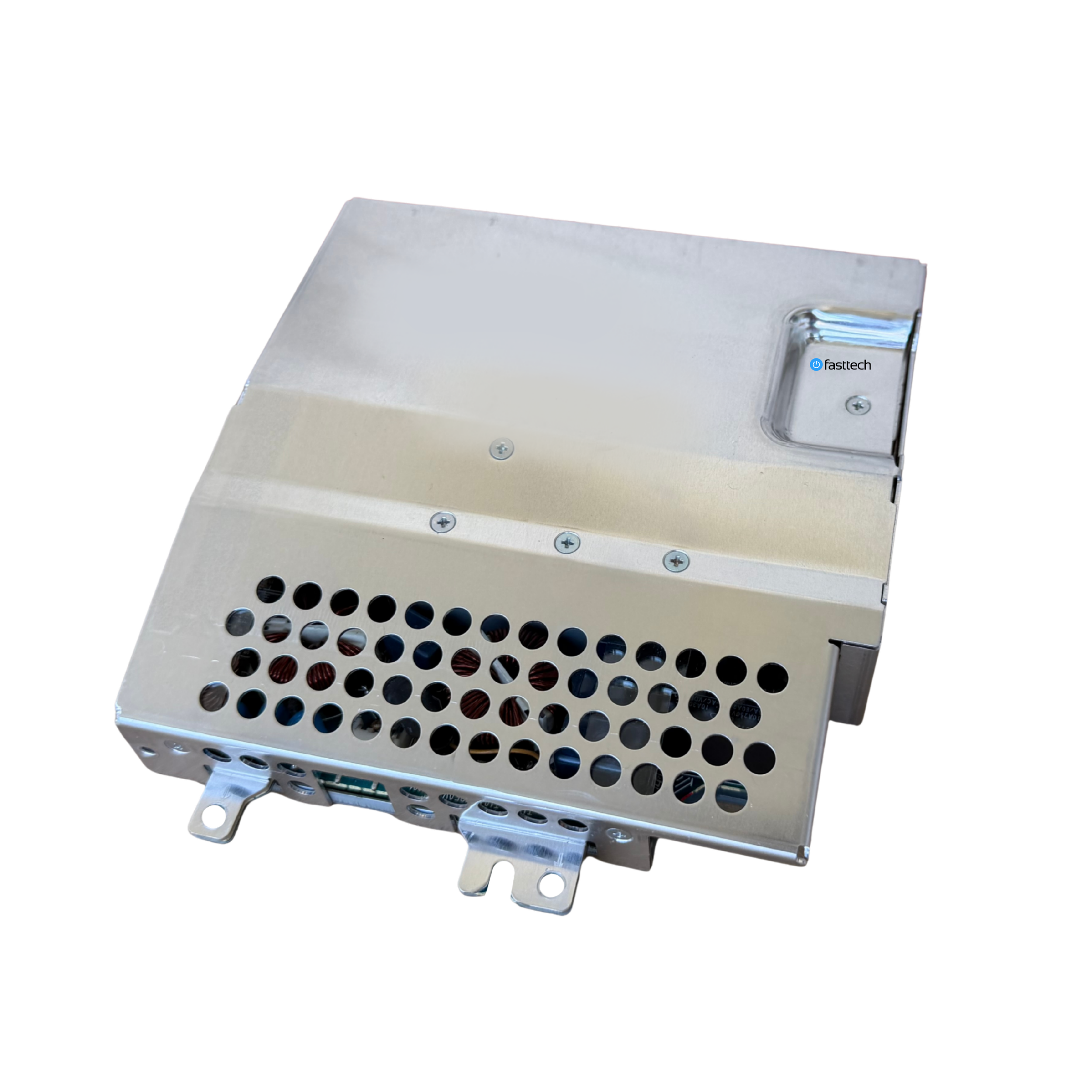 Image 6 of 41
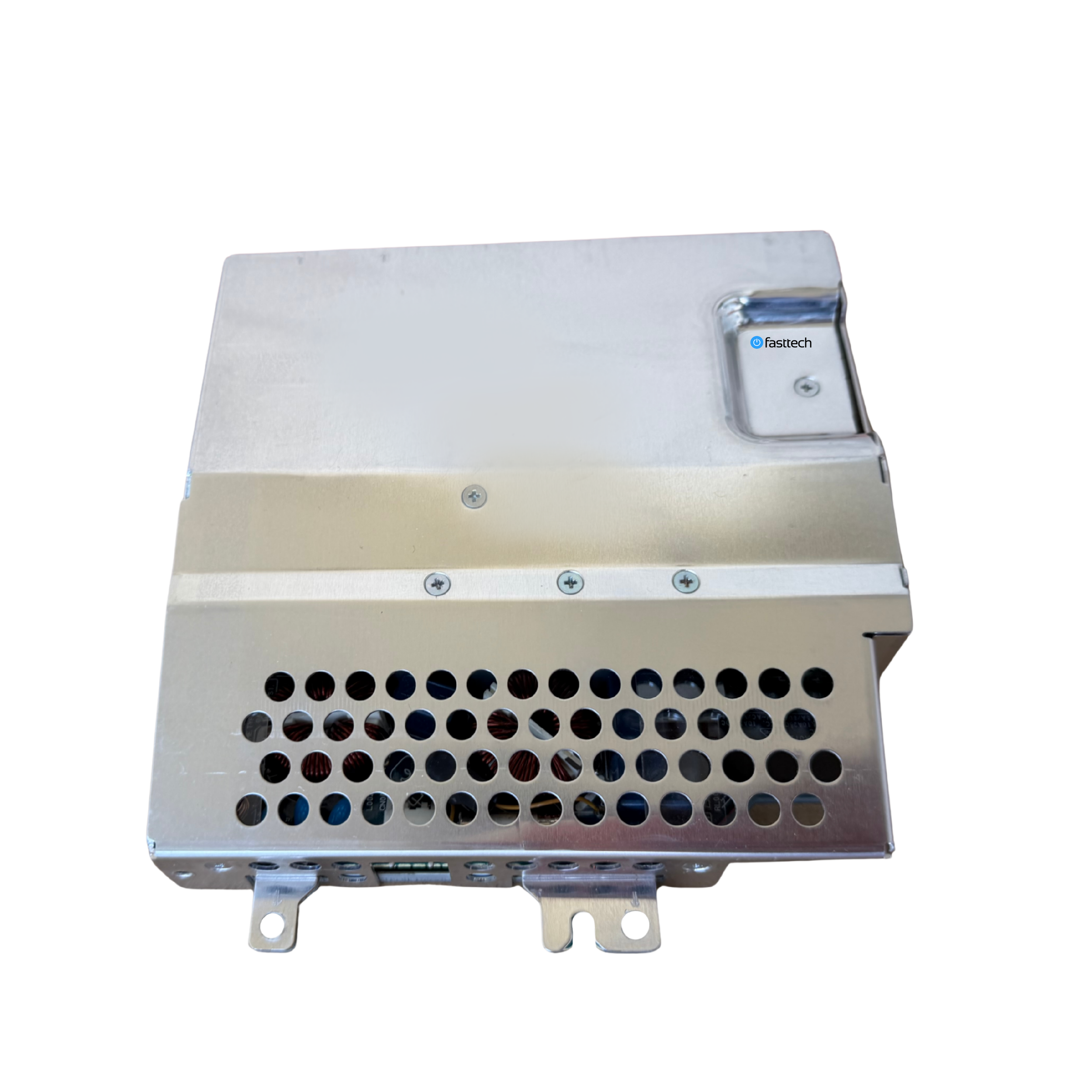 Image 7 of 41
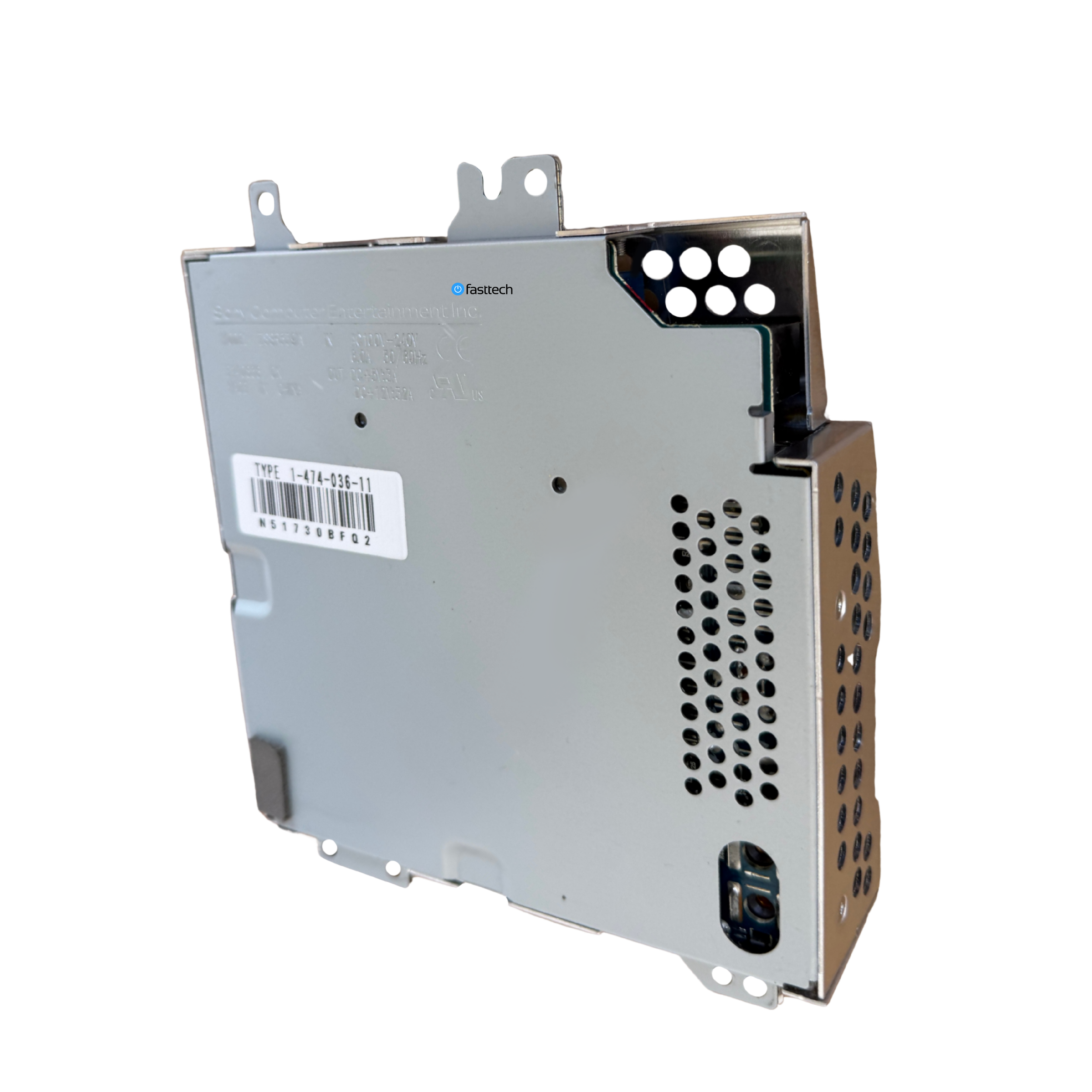 Image 8 of 41
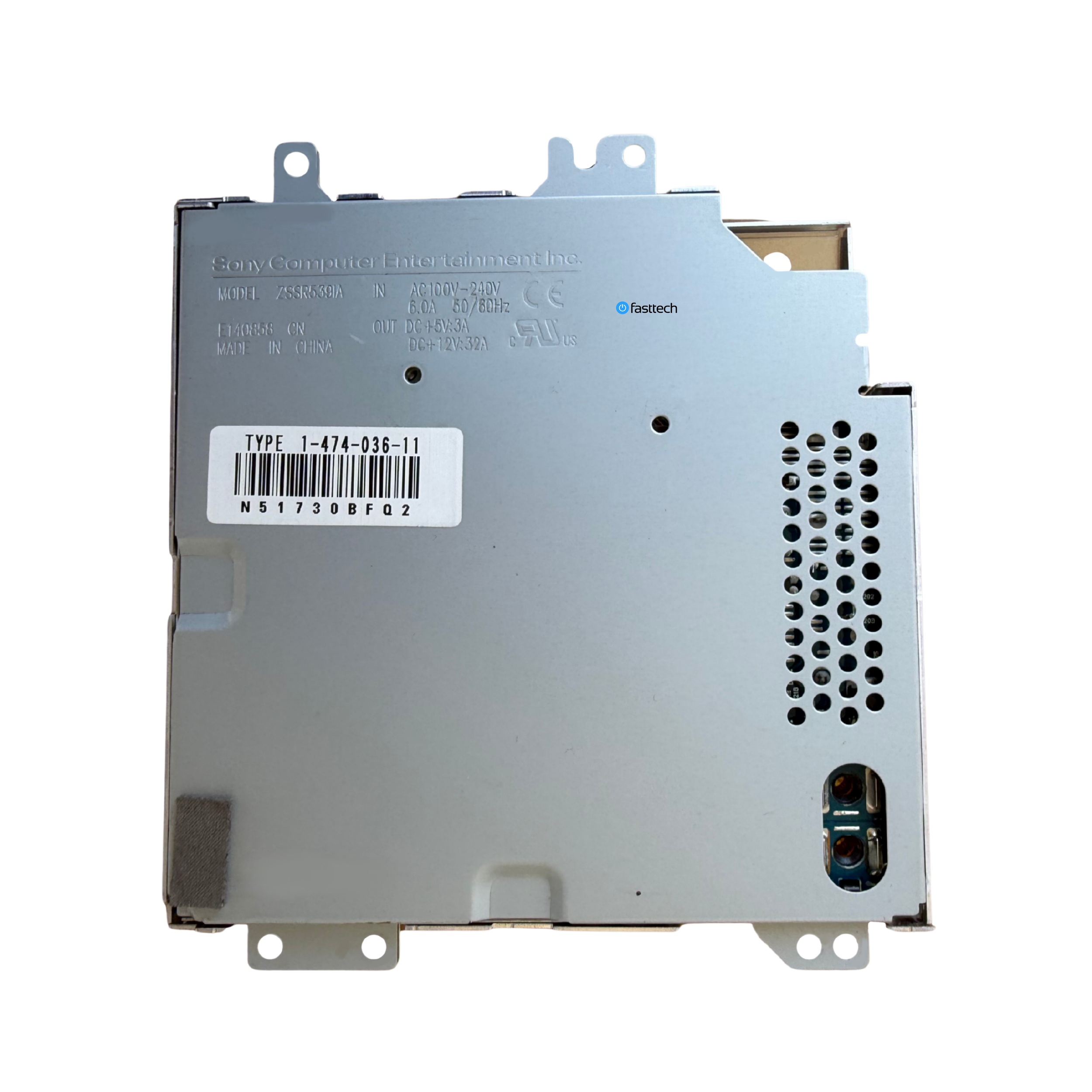 Image 9 of 41
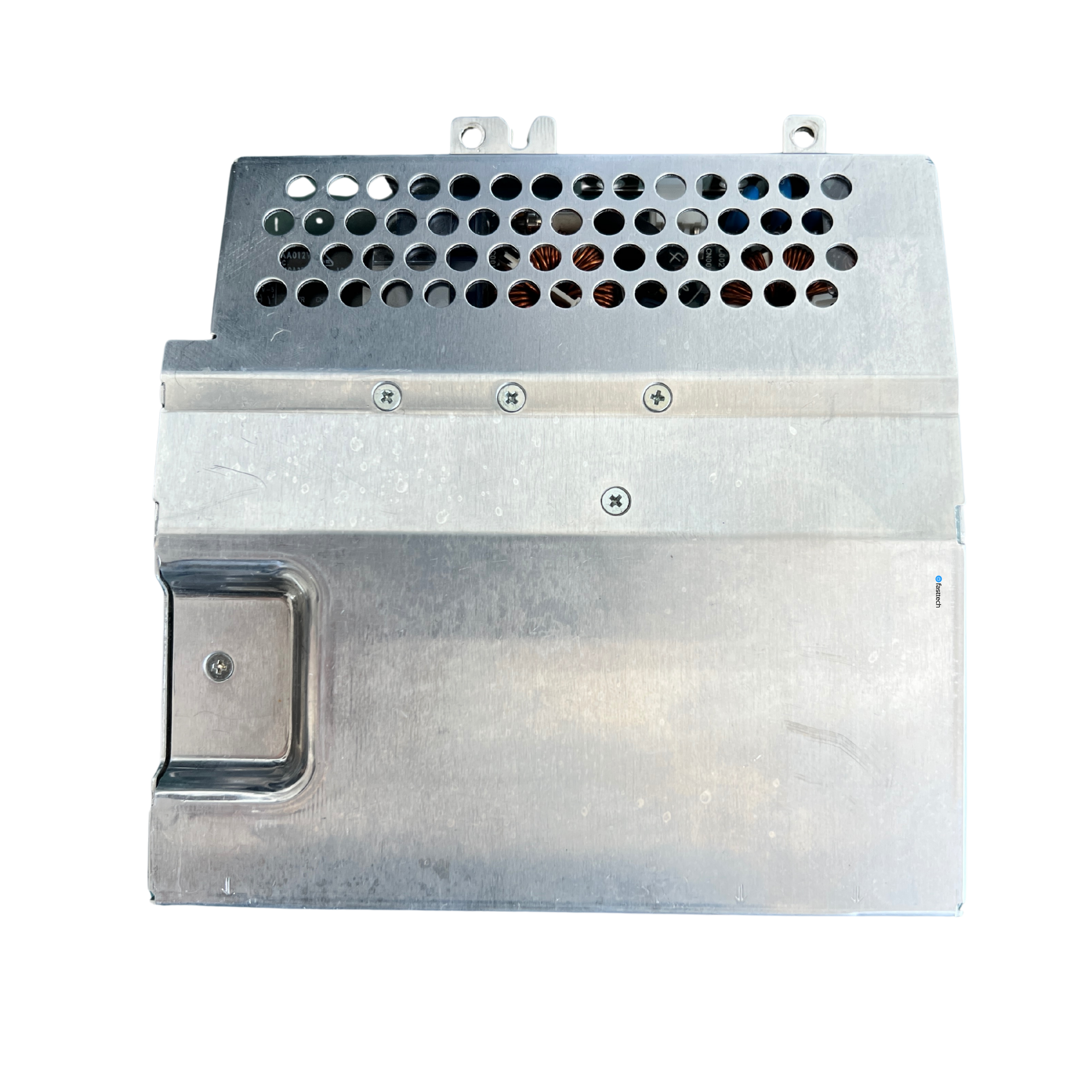 Image 10 of 41
 Image 11 of 41
 Image 12 of 41
 Image 13 of 41
 Image 14 of 41
 Image 15 of 41
 Image 16 of 41
 Image 17 of 41
 Image 18 of 41
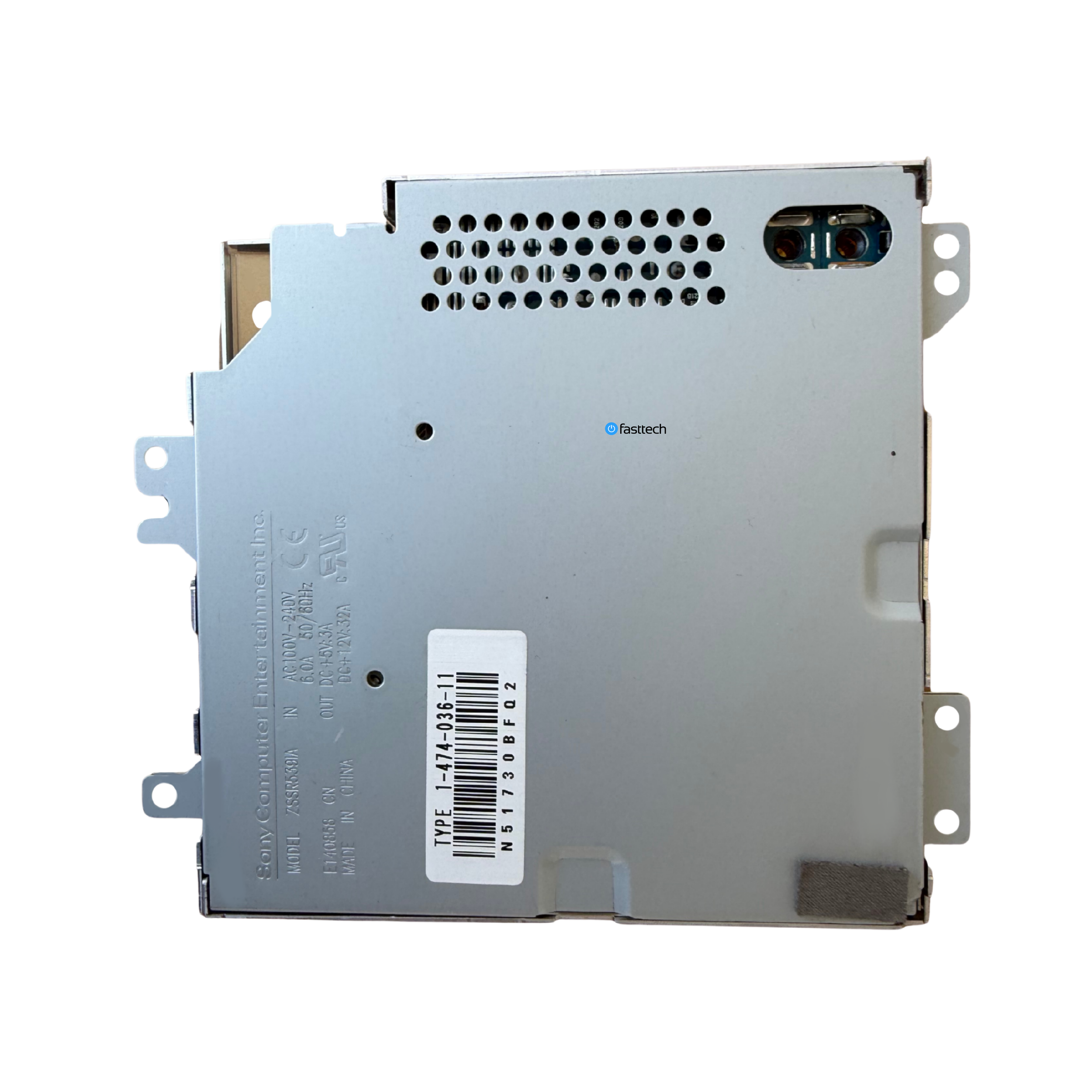 Image 19 of 41
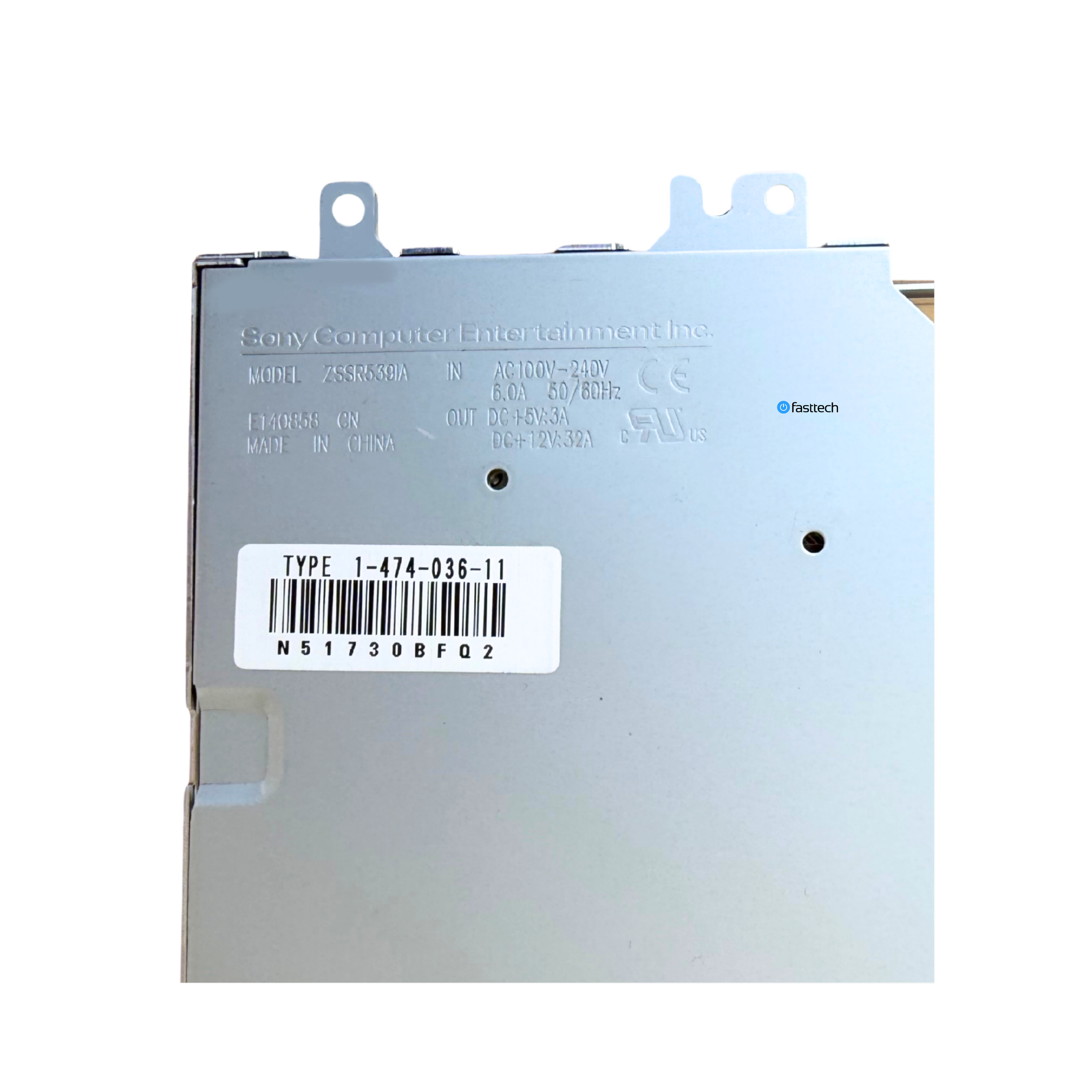 Image 20 of 41
 Image 21 of 41
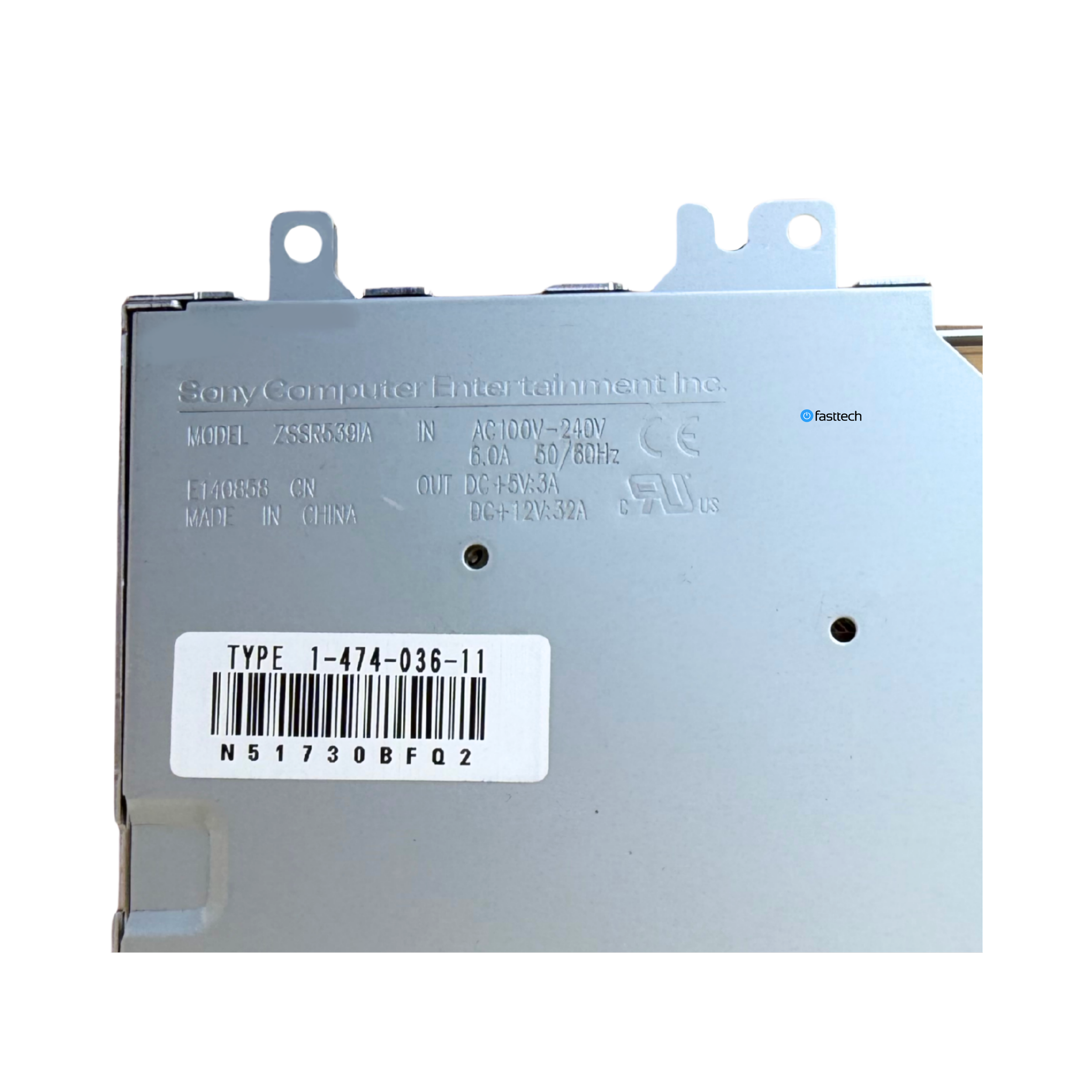 Image 22 of 41
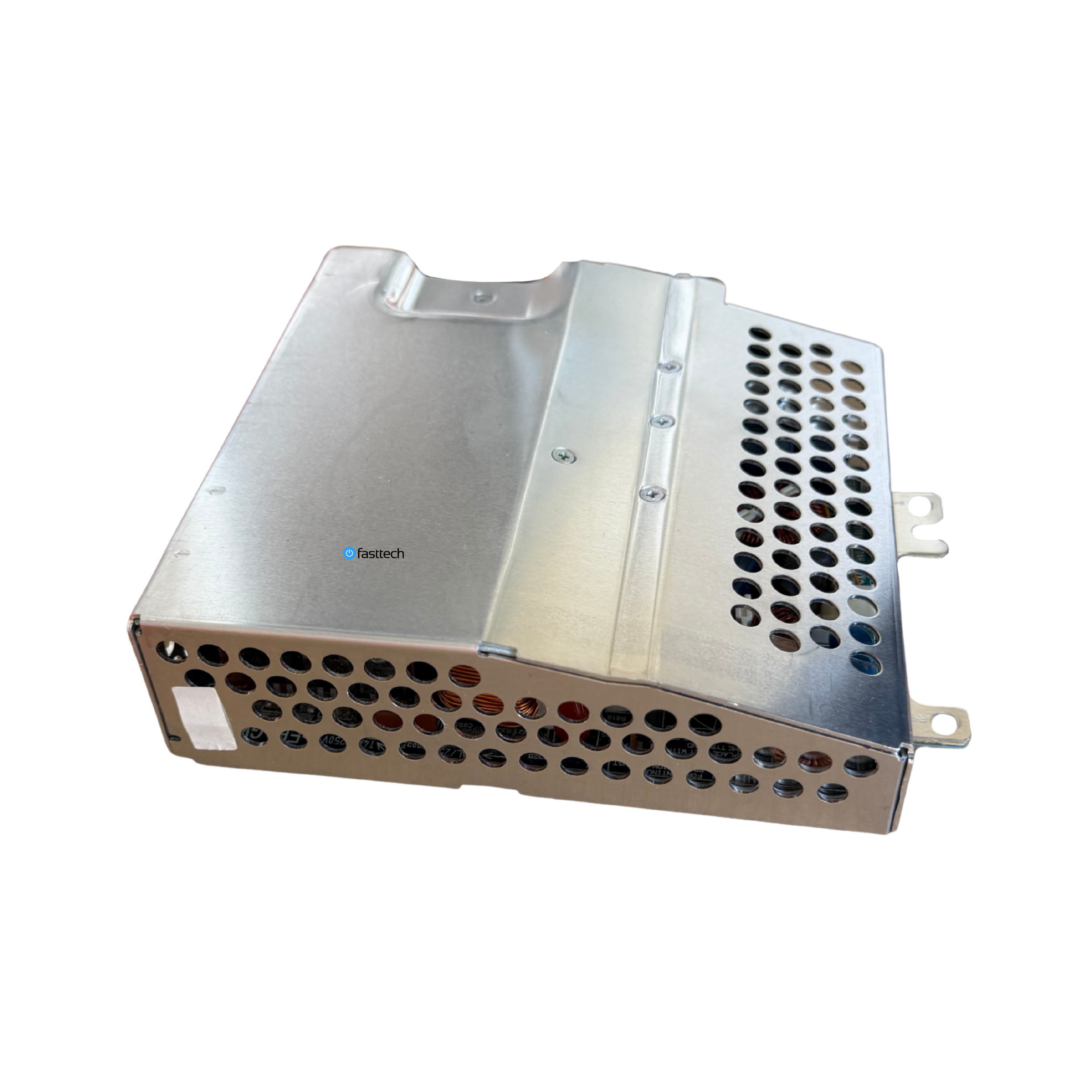 Image 23 of 41
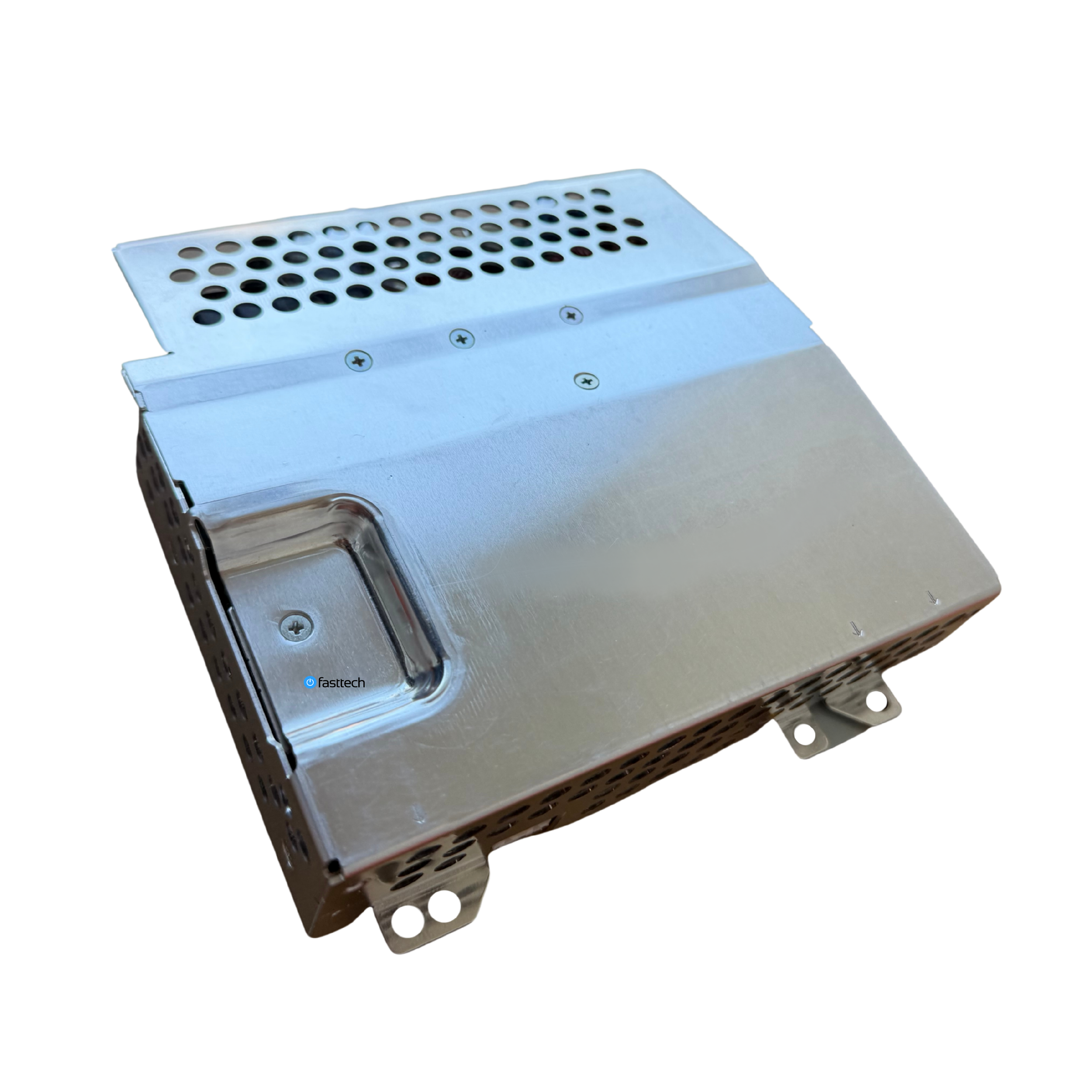 Image 24 of 41
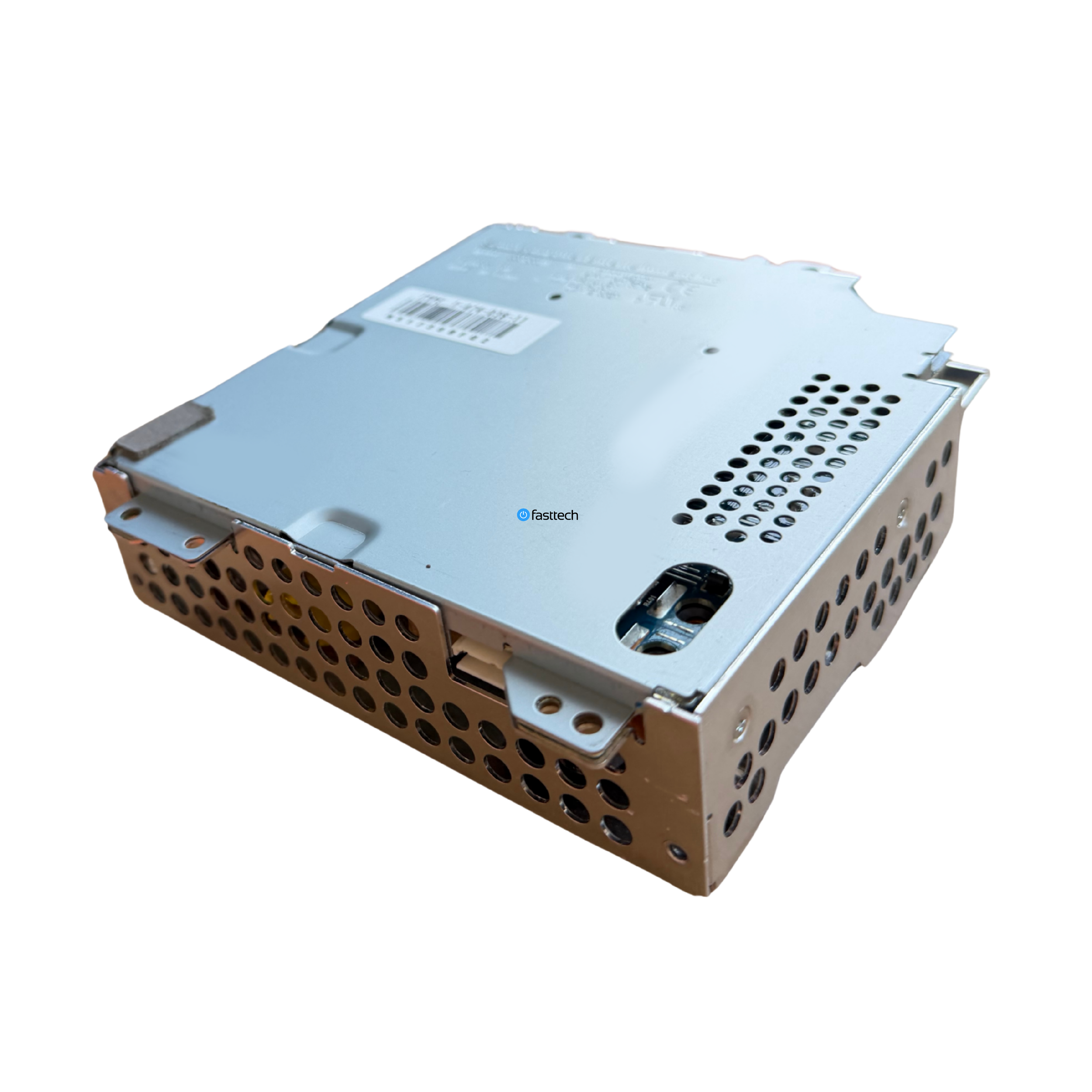 Image 25 of 41
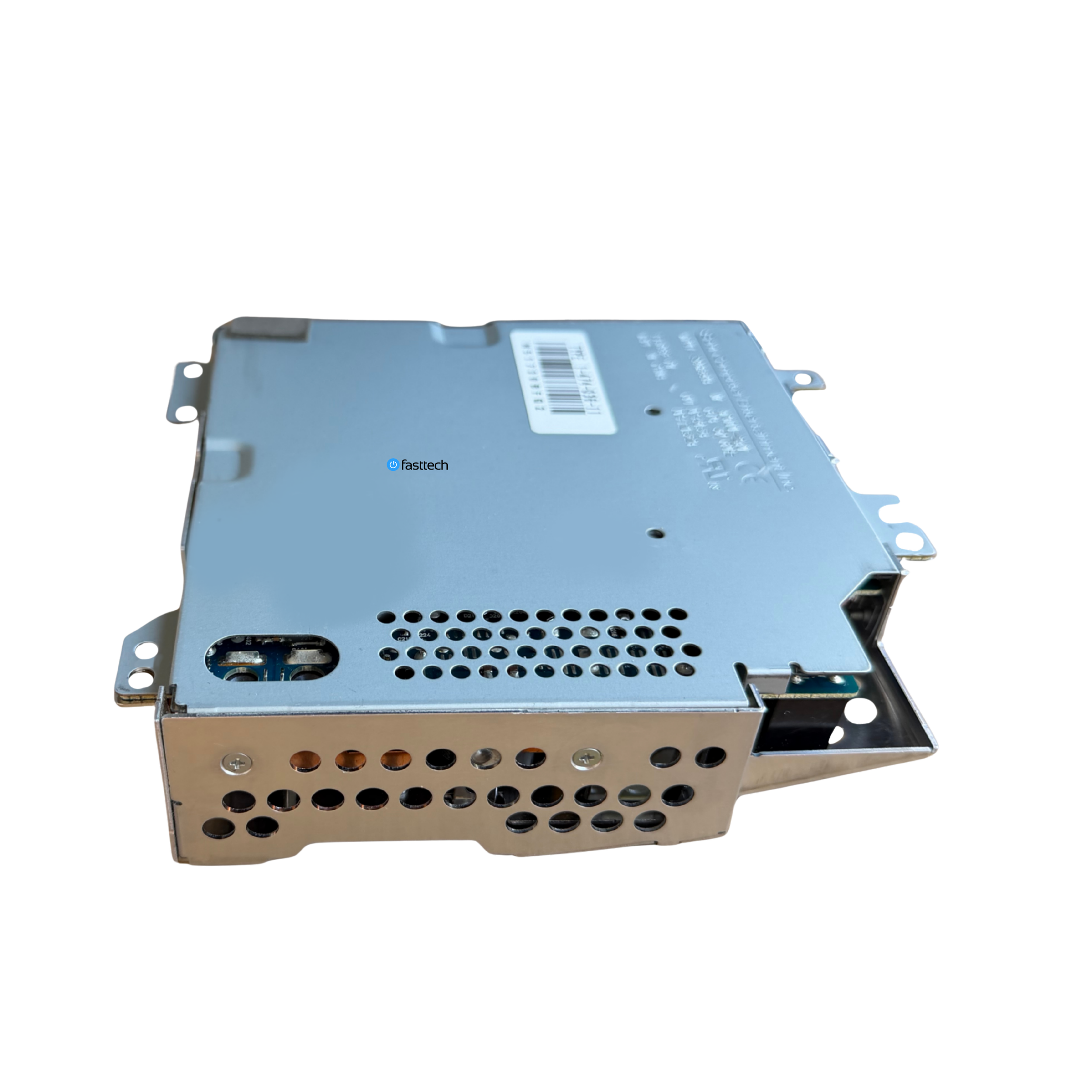 Image 26 of 41
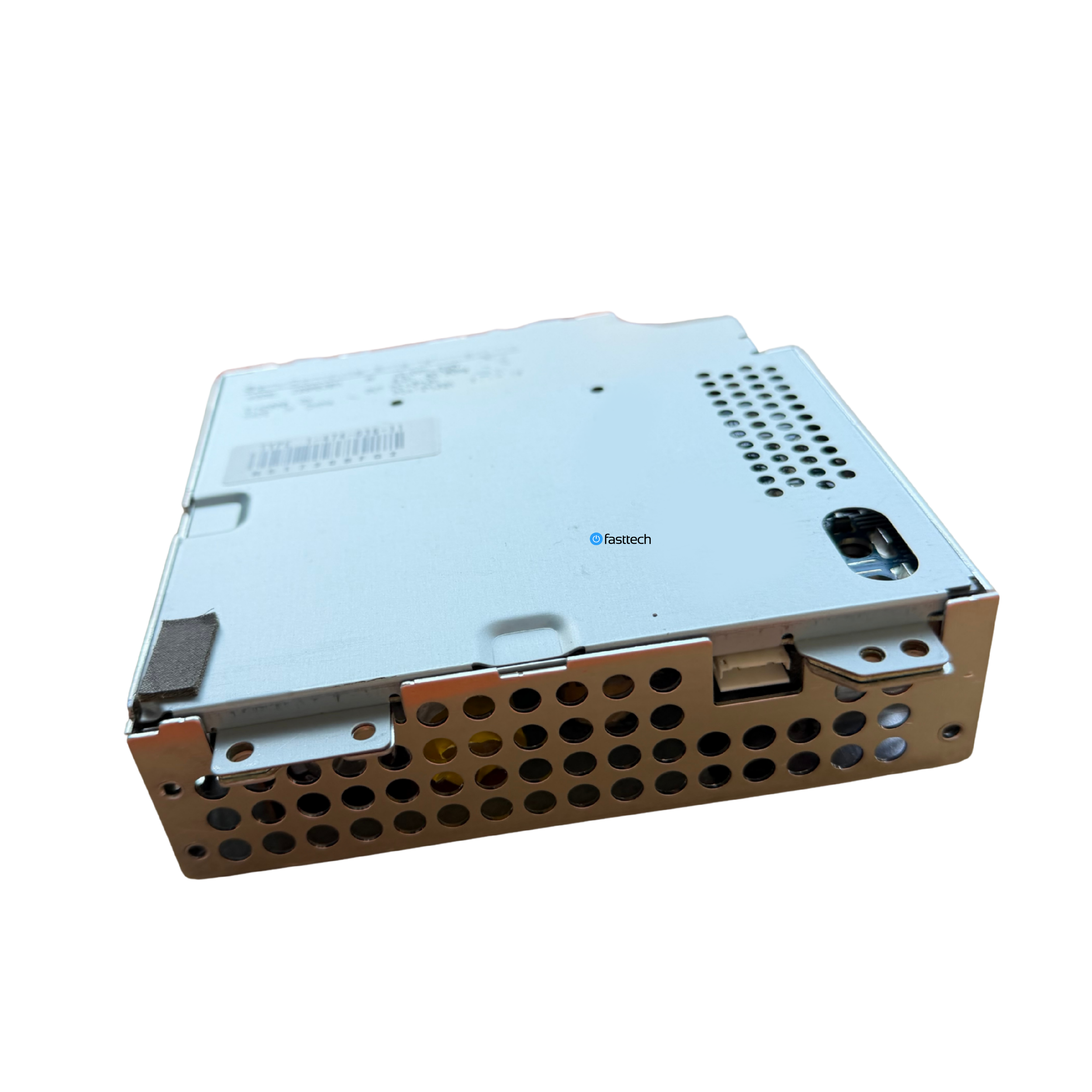 Image 27 of 41
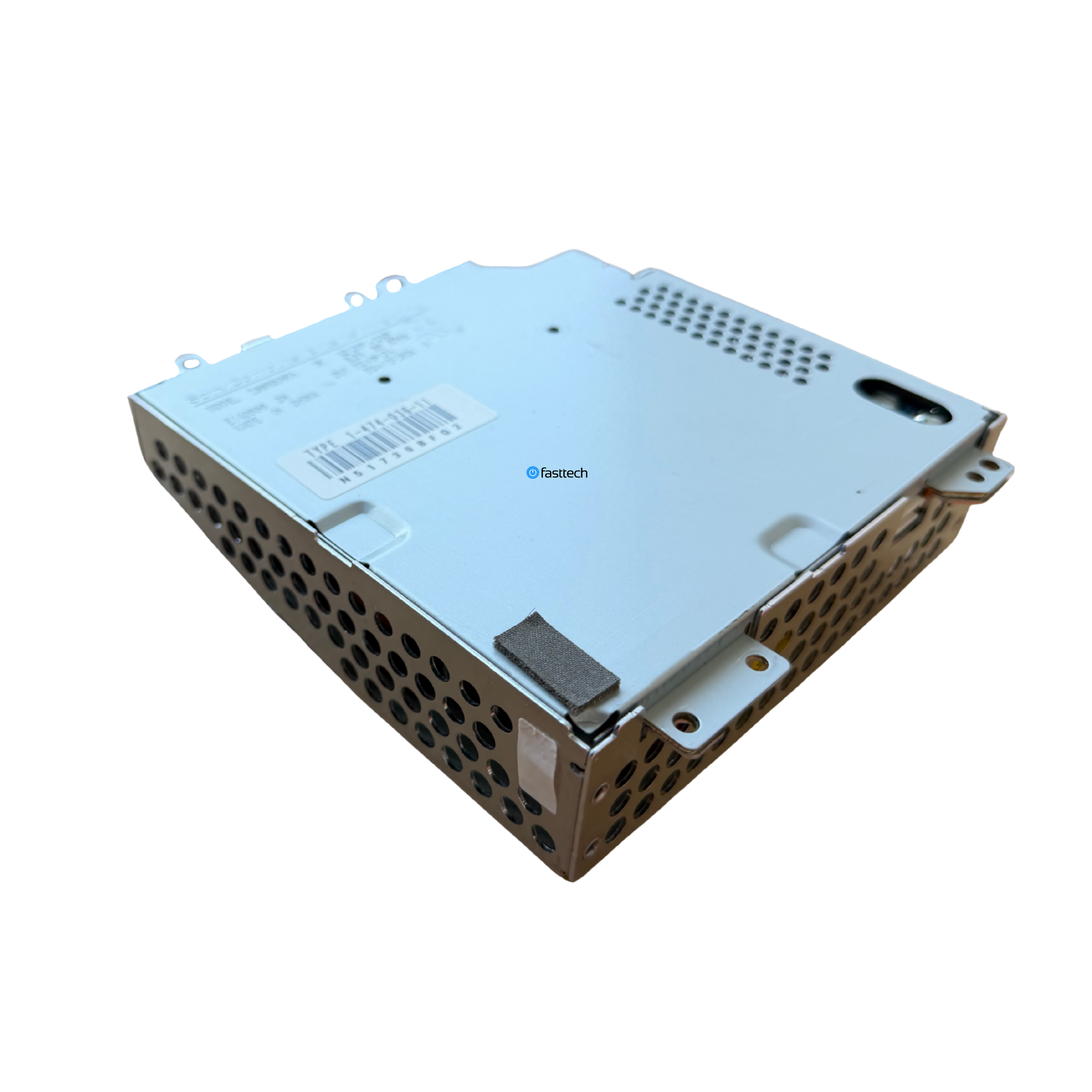 Image 28 of 41
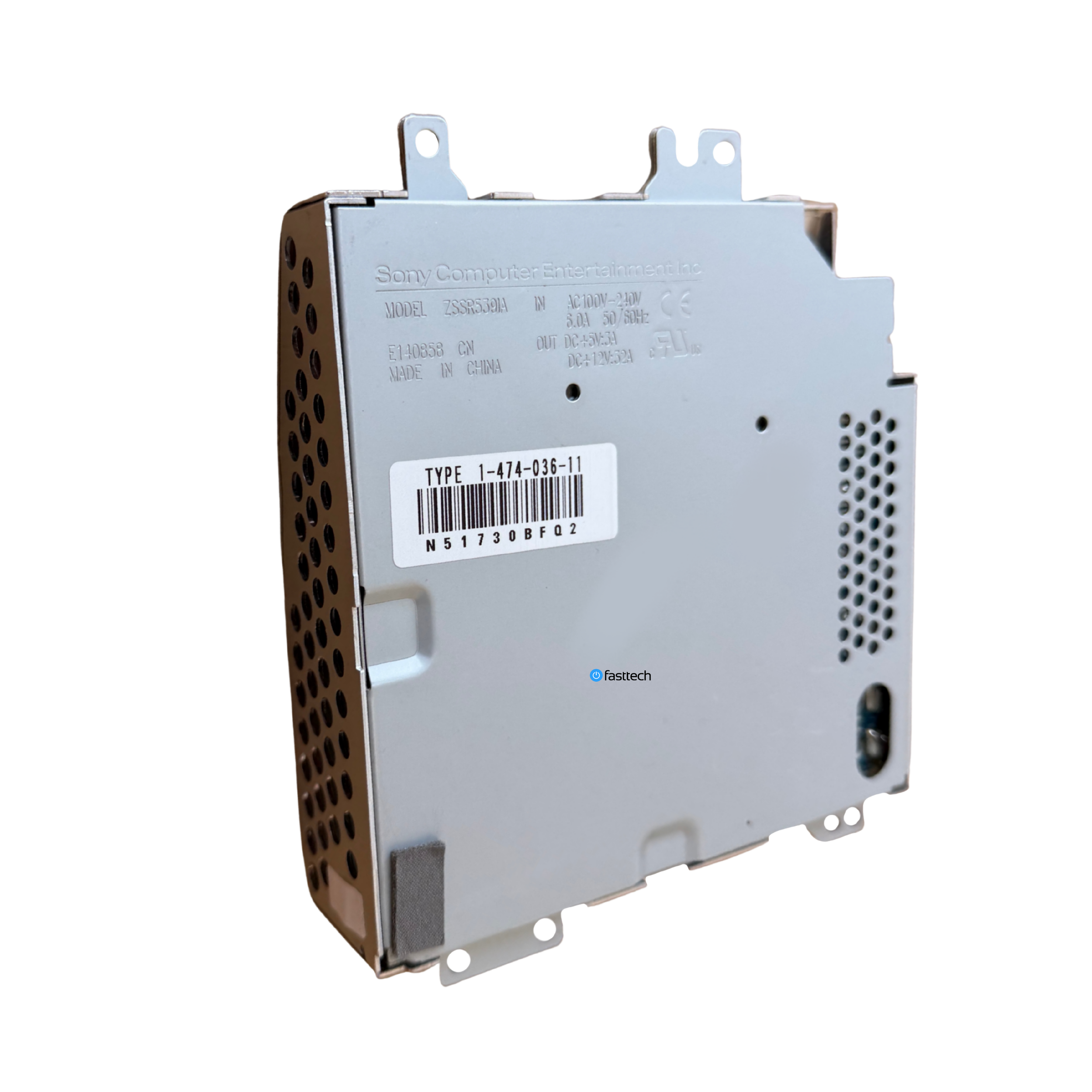 Image 29 of 41
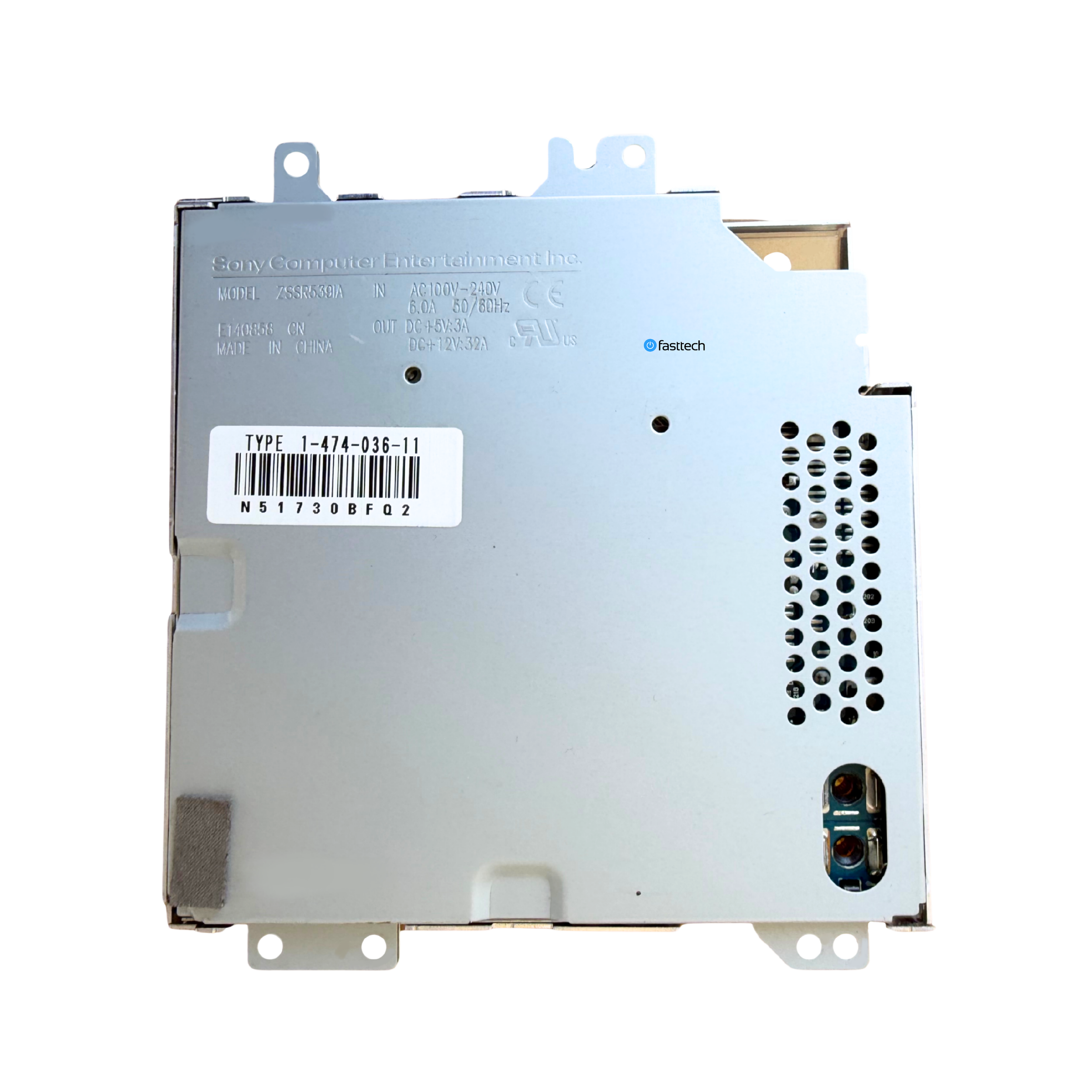 Image 30 of 41
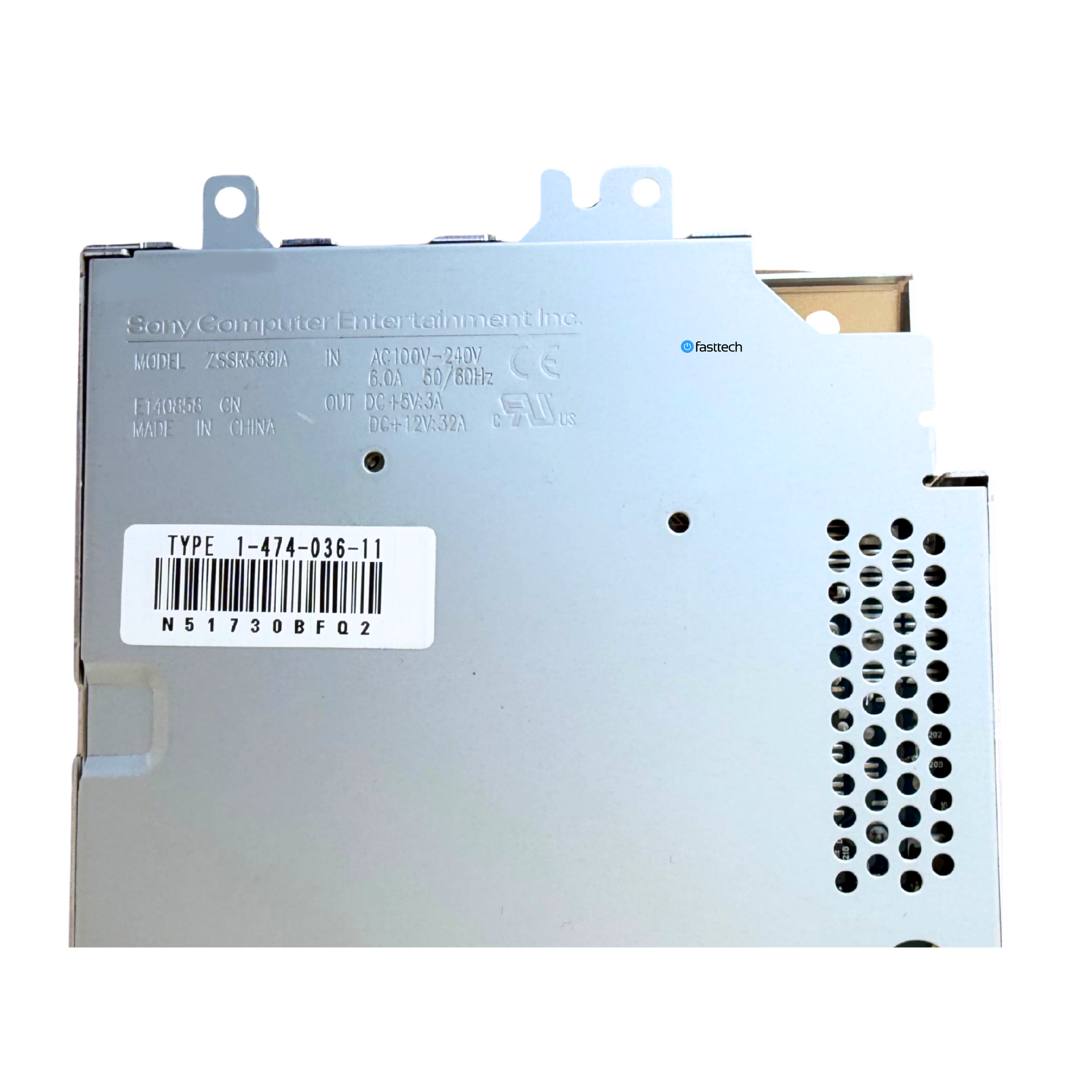 Image 31 of 41
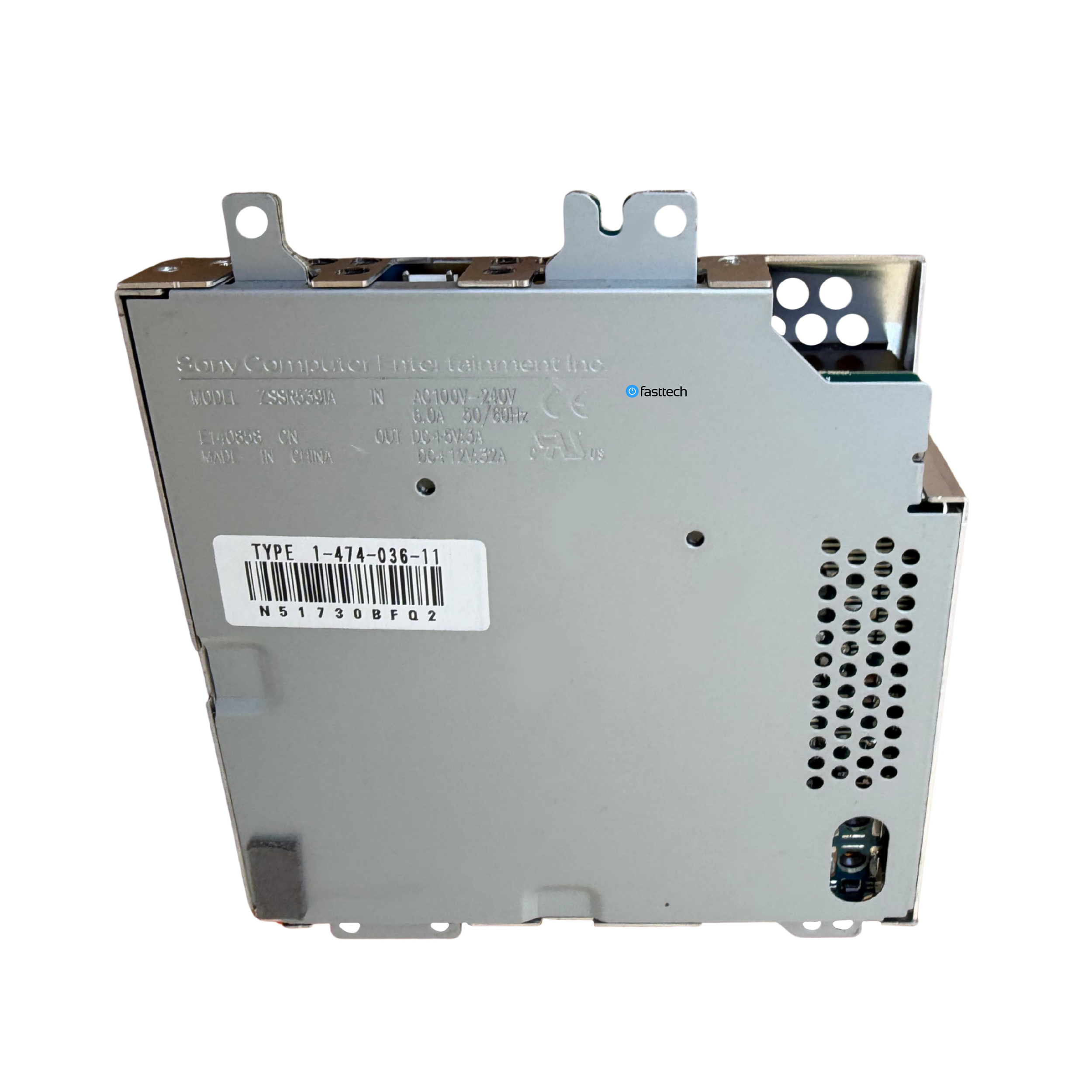 Image 32 of 41
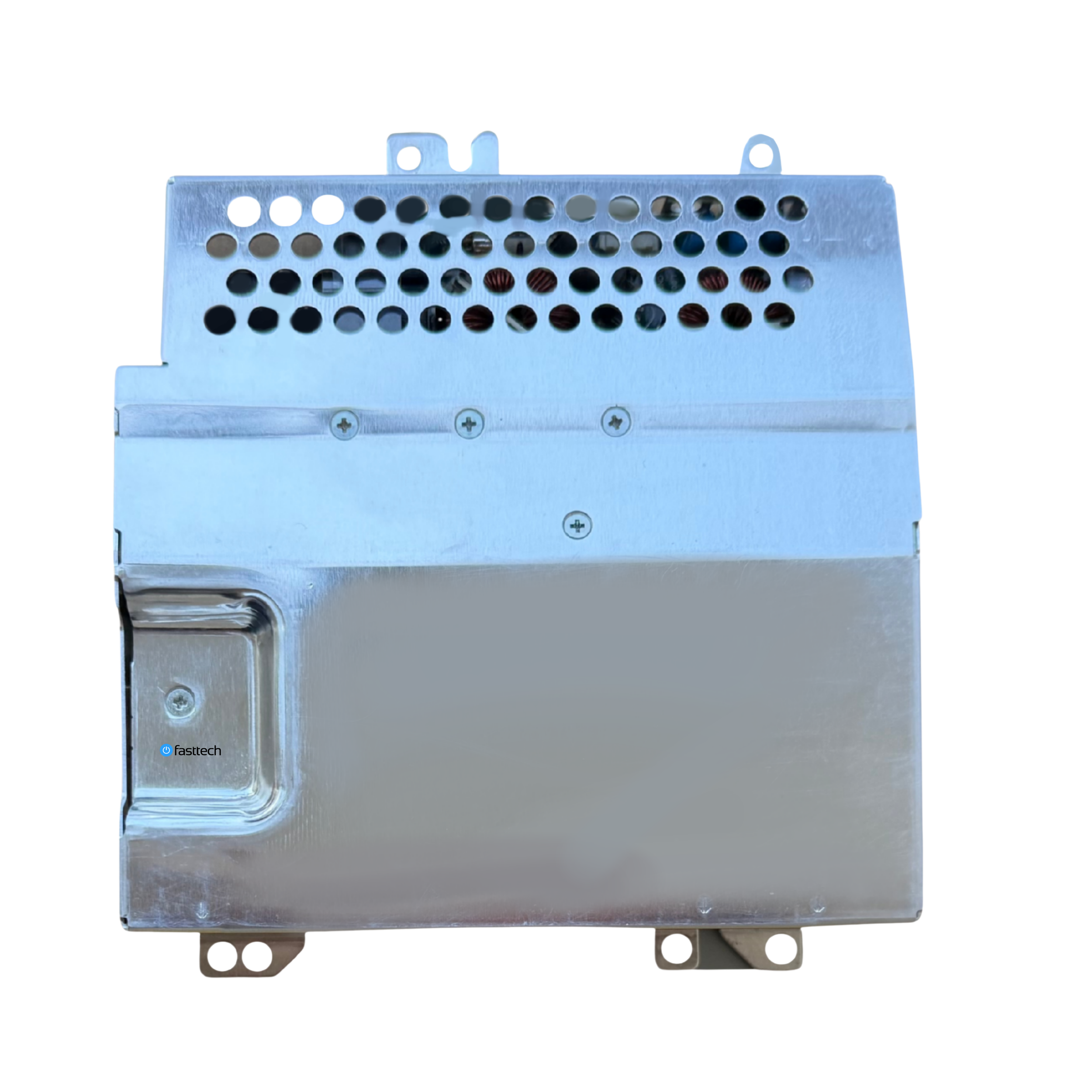 Image 33 of 41
 Image 34 of 41
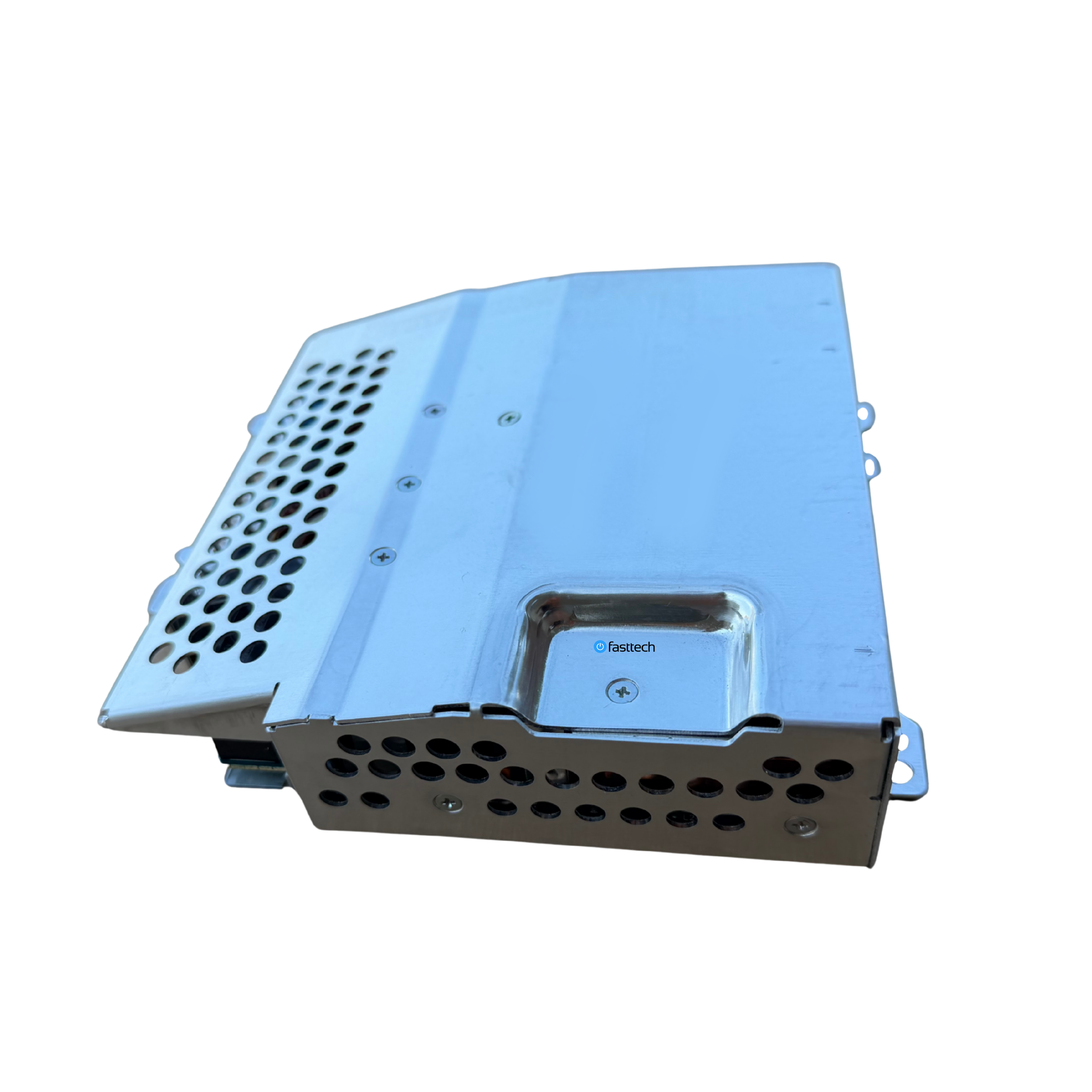 Image 35 of 41
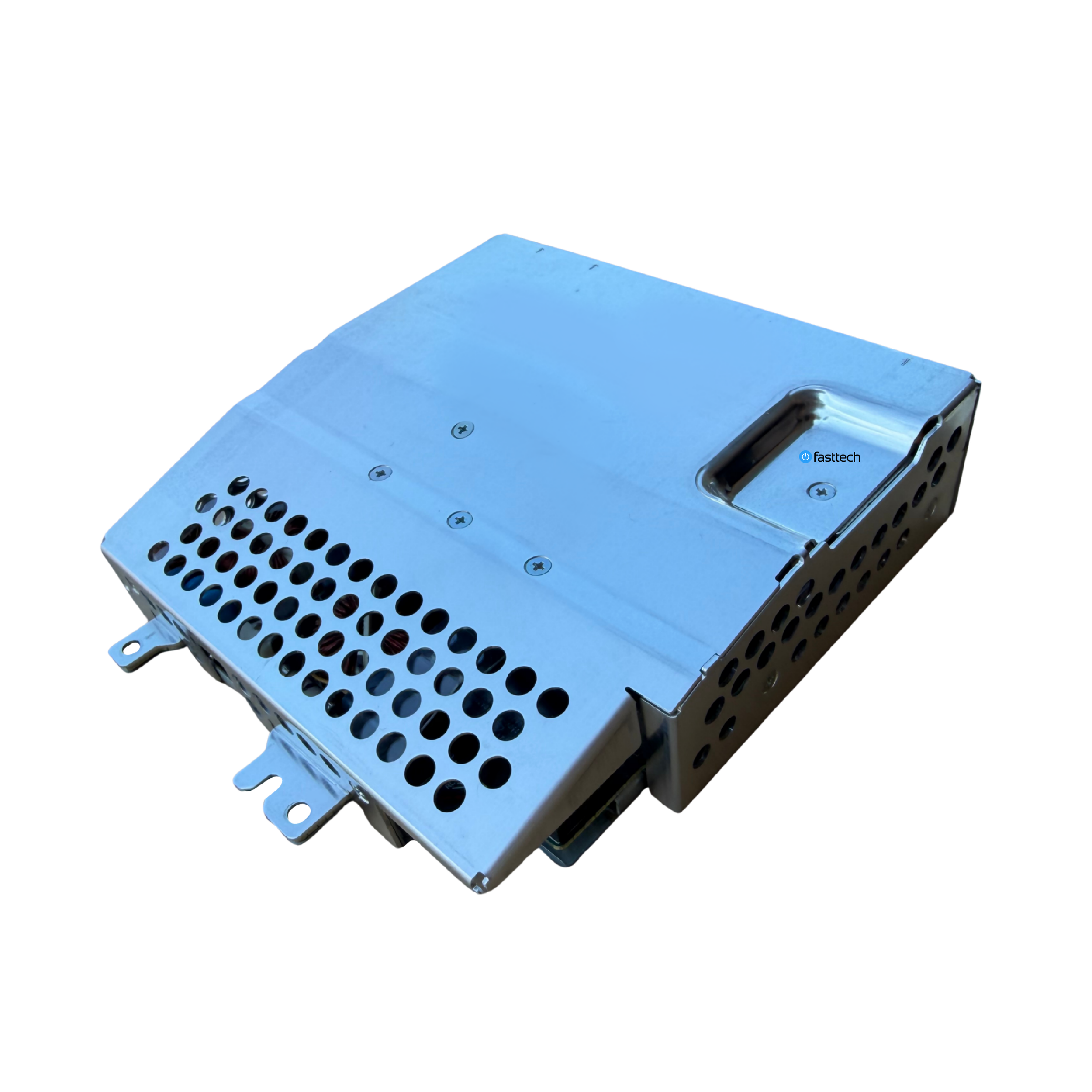 Image 36 of 41
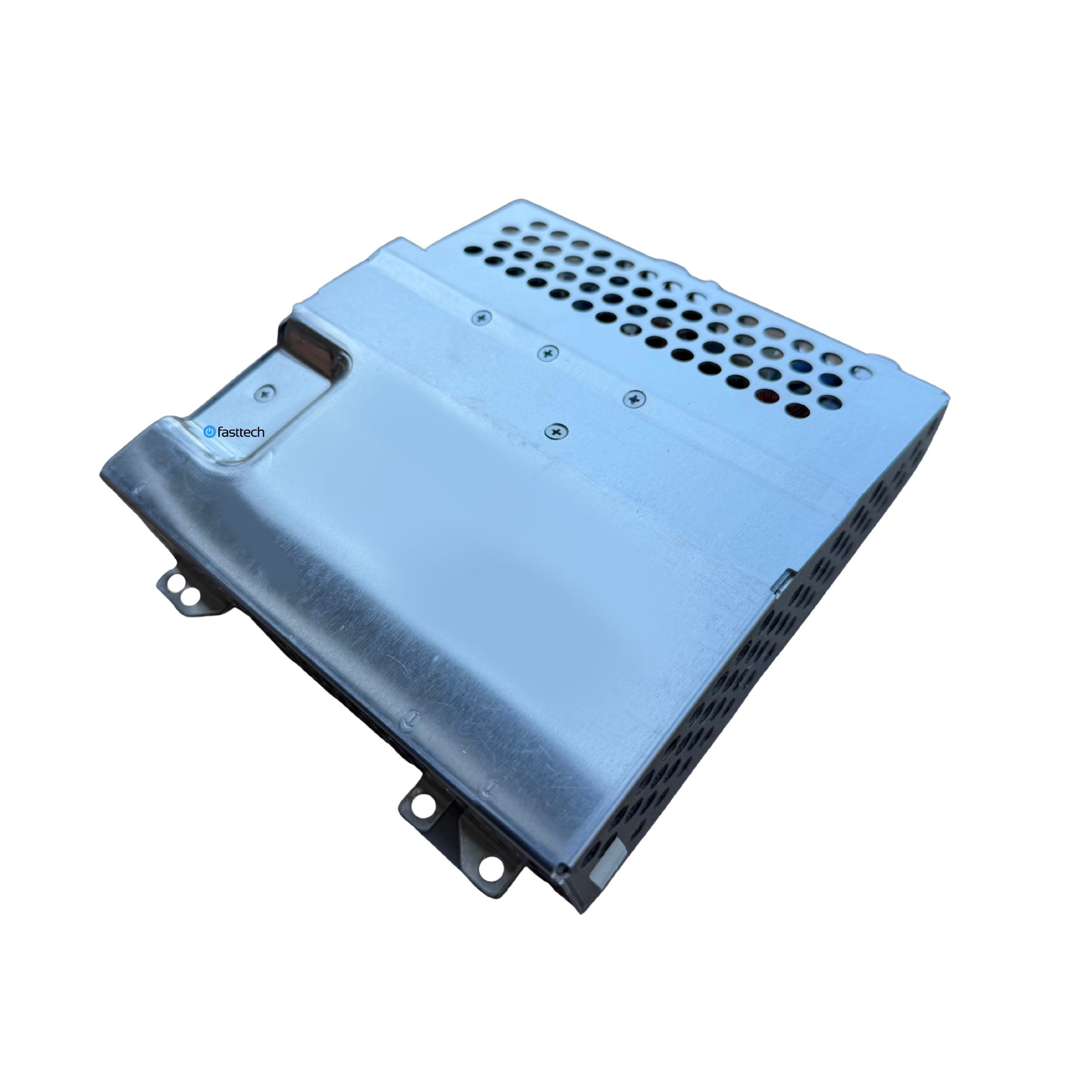 Image 37 of 41
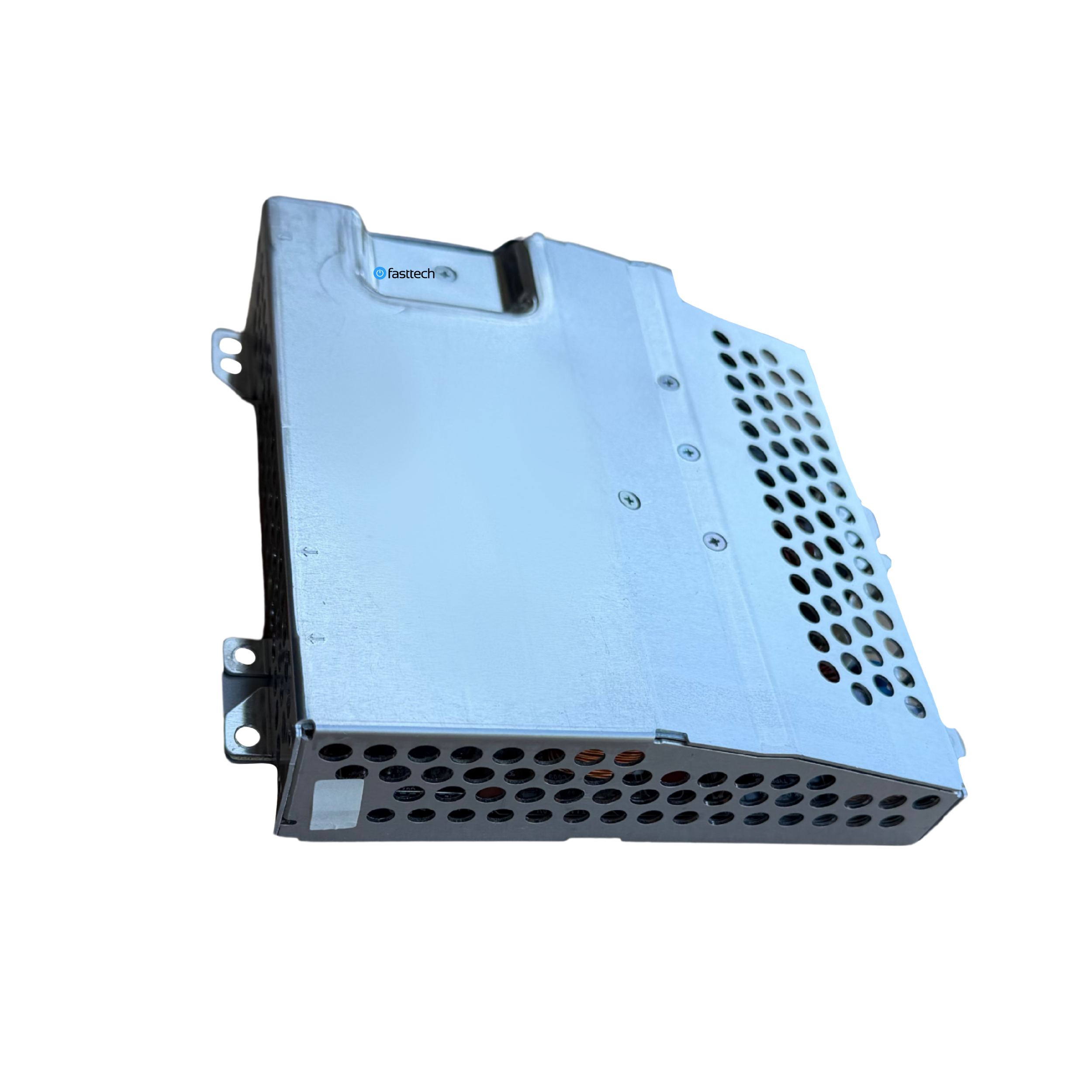 Image 38 of 41
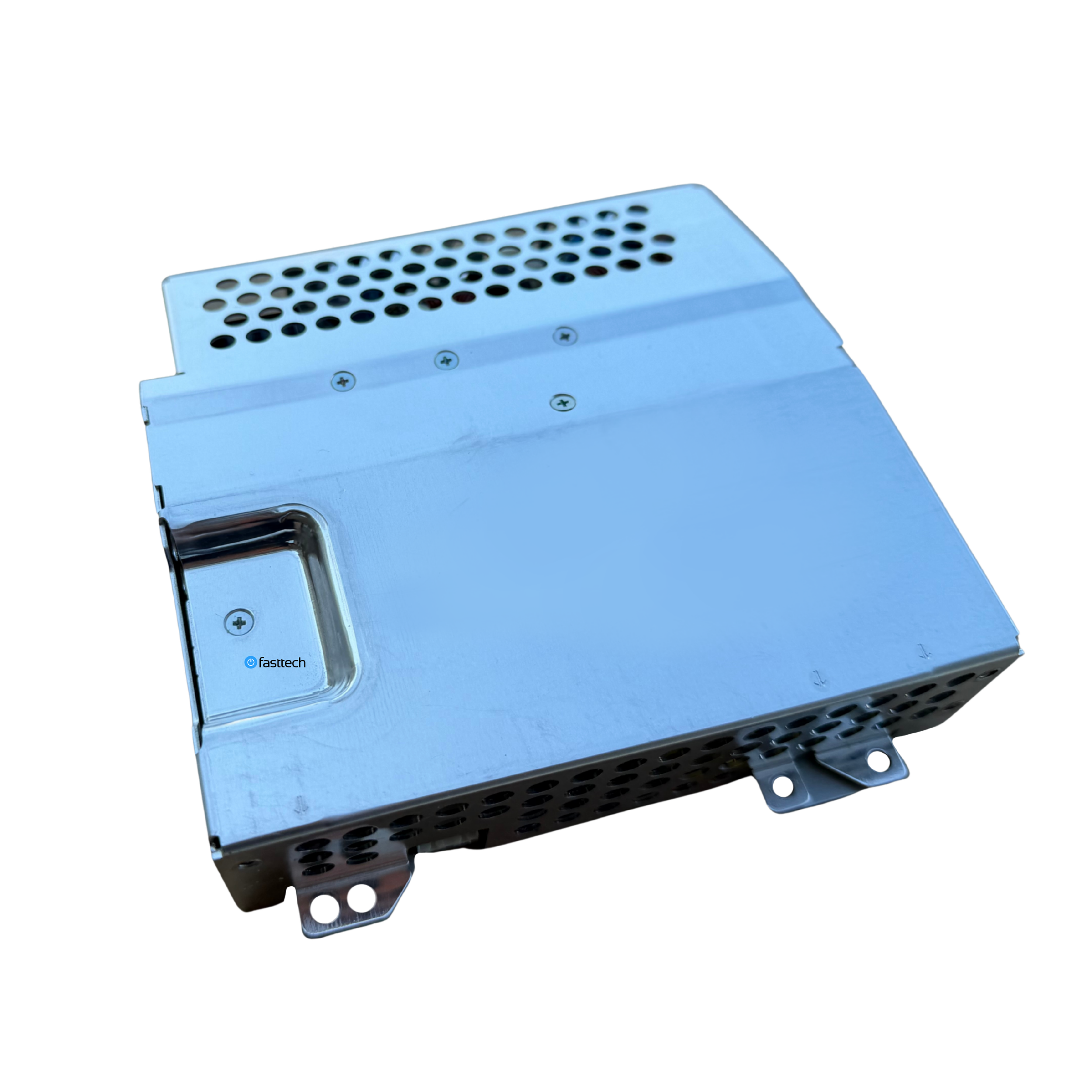 Image 39 of 41
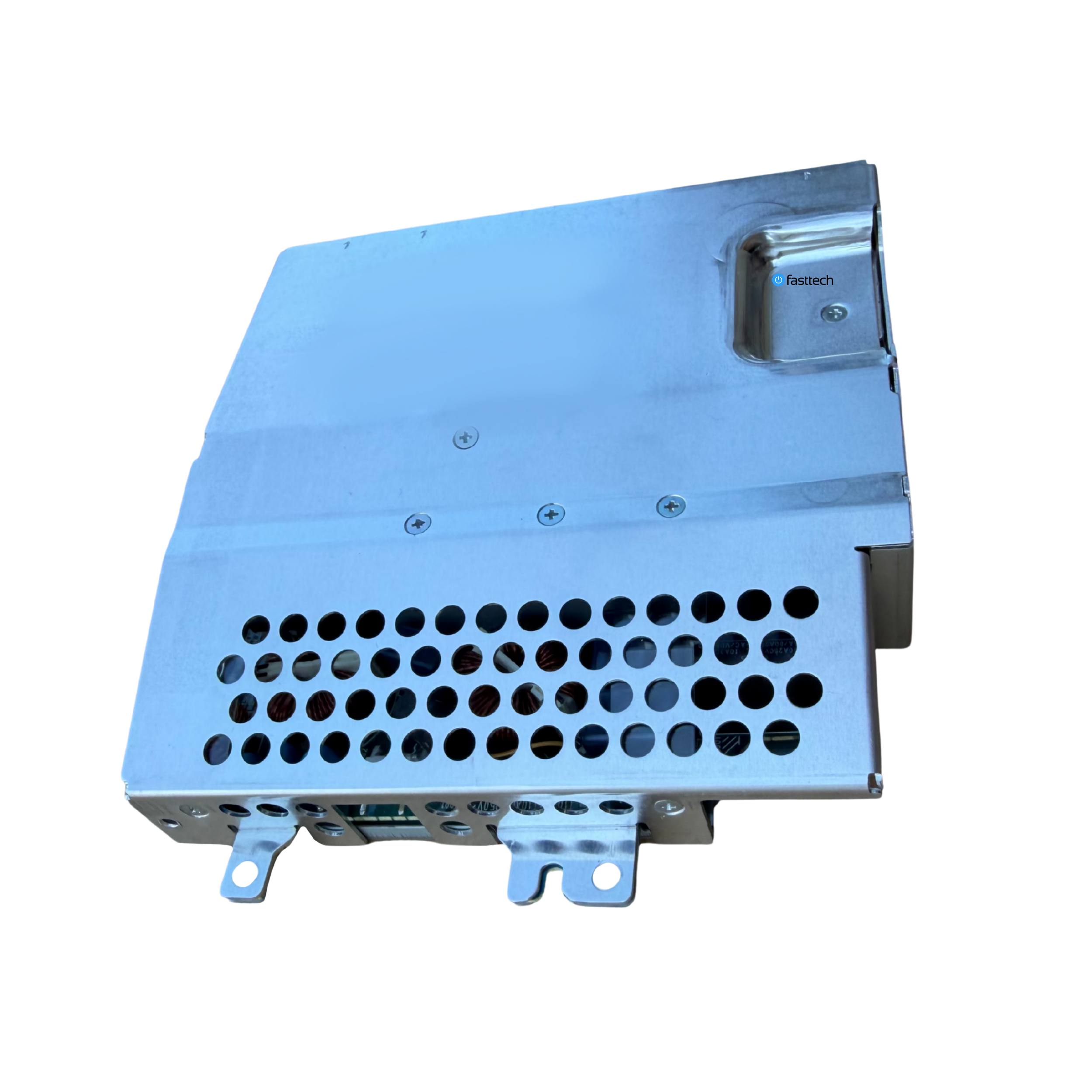 Image 40 of 41
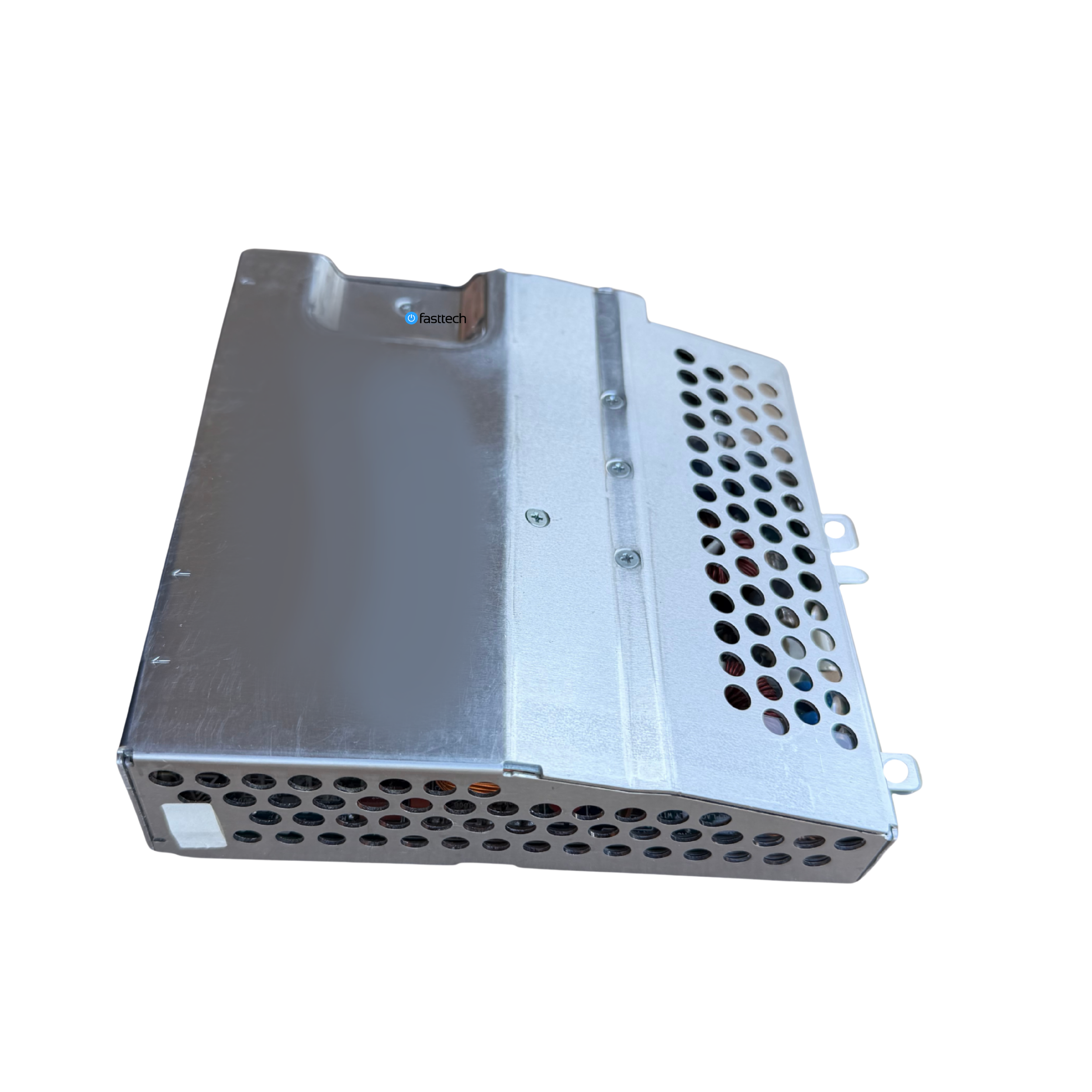 Image 41 of 41
How to replace your PS3’s Power Supply
How do I know I need a new Power Supply?
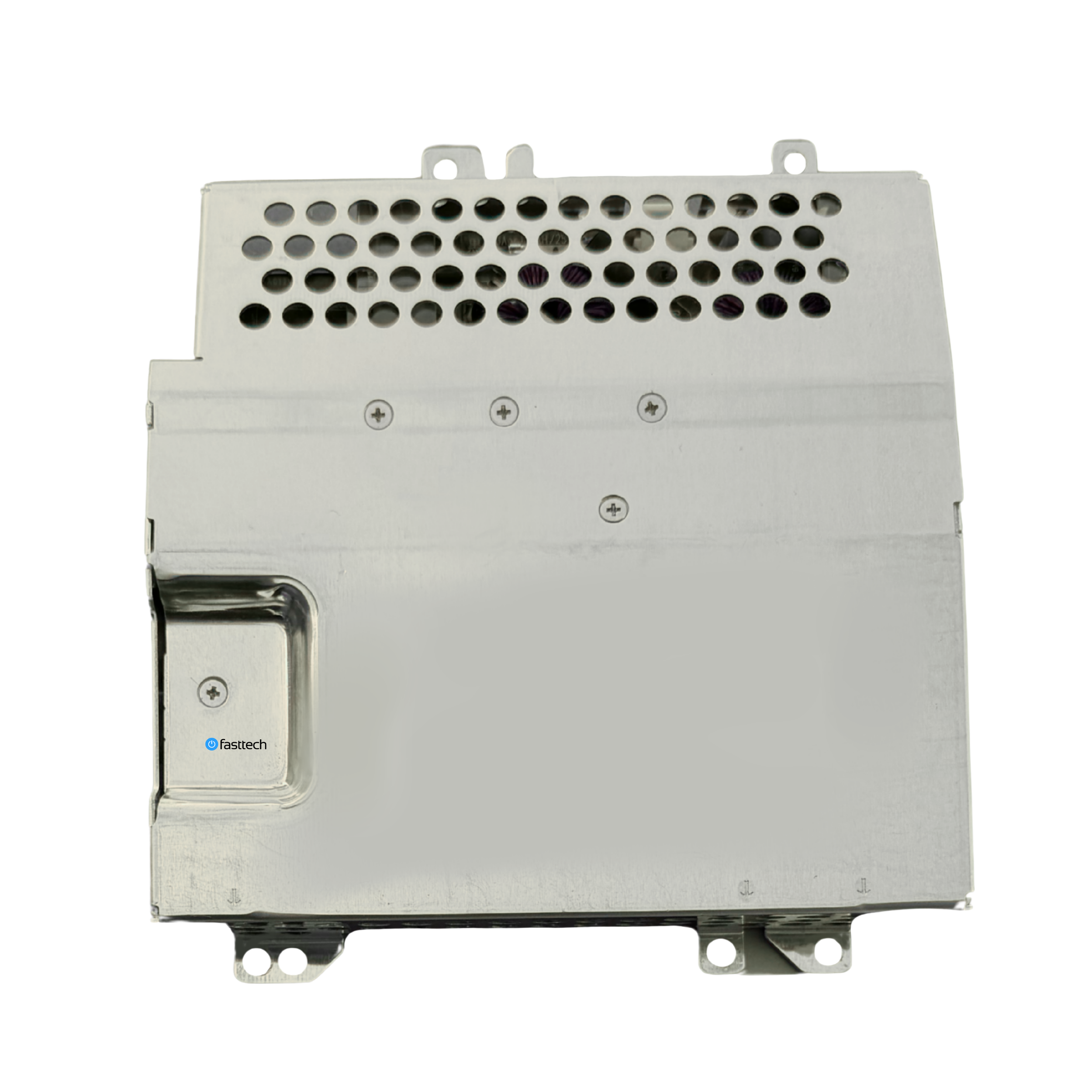
If your PS3 is not turning on, meaning there is no power light indicator at the front and no beep if you touch the power button, this most likely means that the power supply unit or PSU inside the system is defective. You can replace this part by watching our video guide
Models Supported
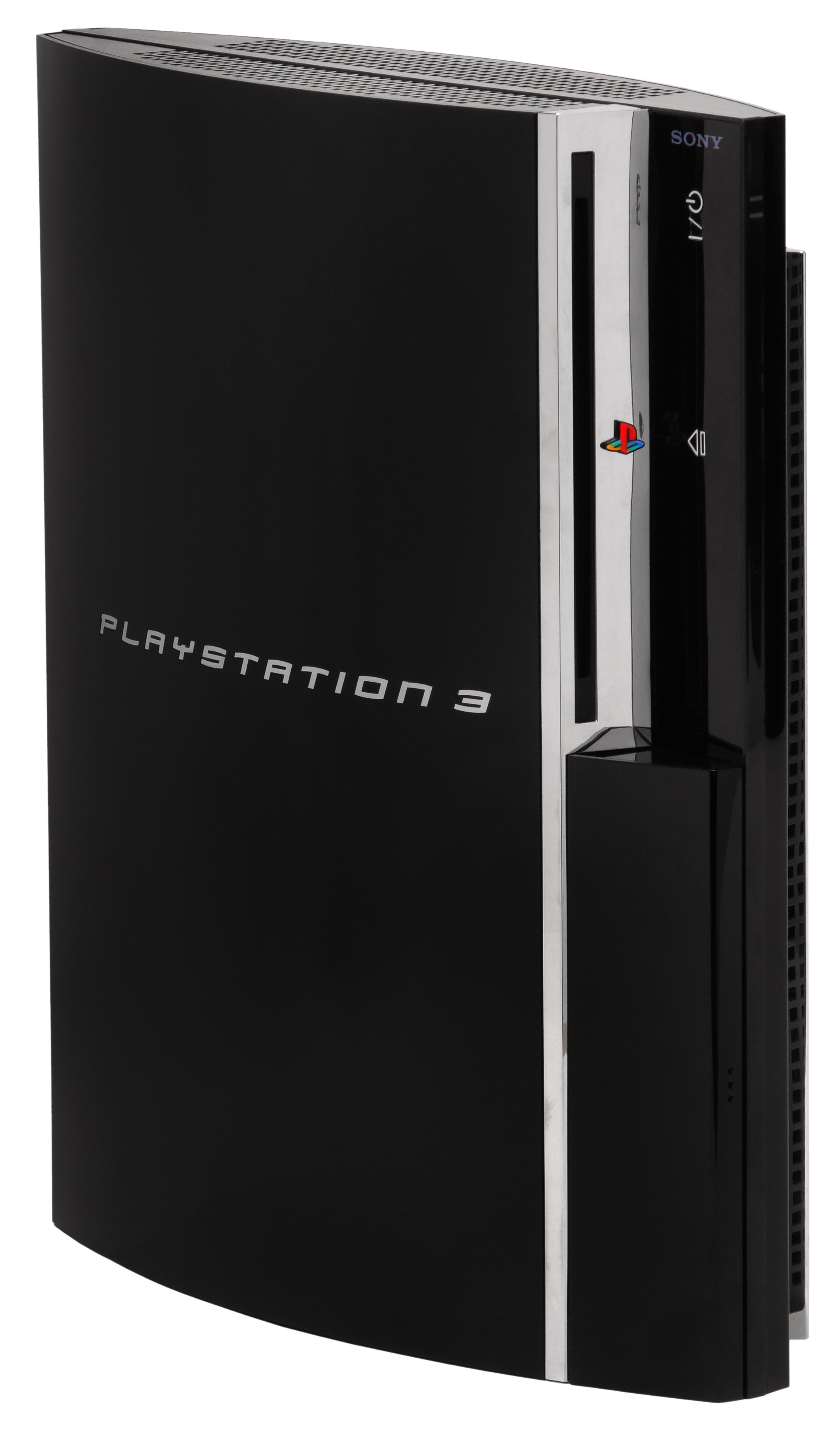
PlayStation 3 Compatibility:
CECHA, CECHB, CECHC, CECHE, CECHG