 Image 1 of 30
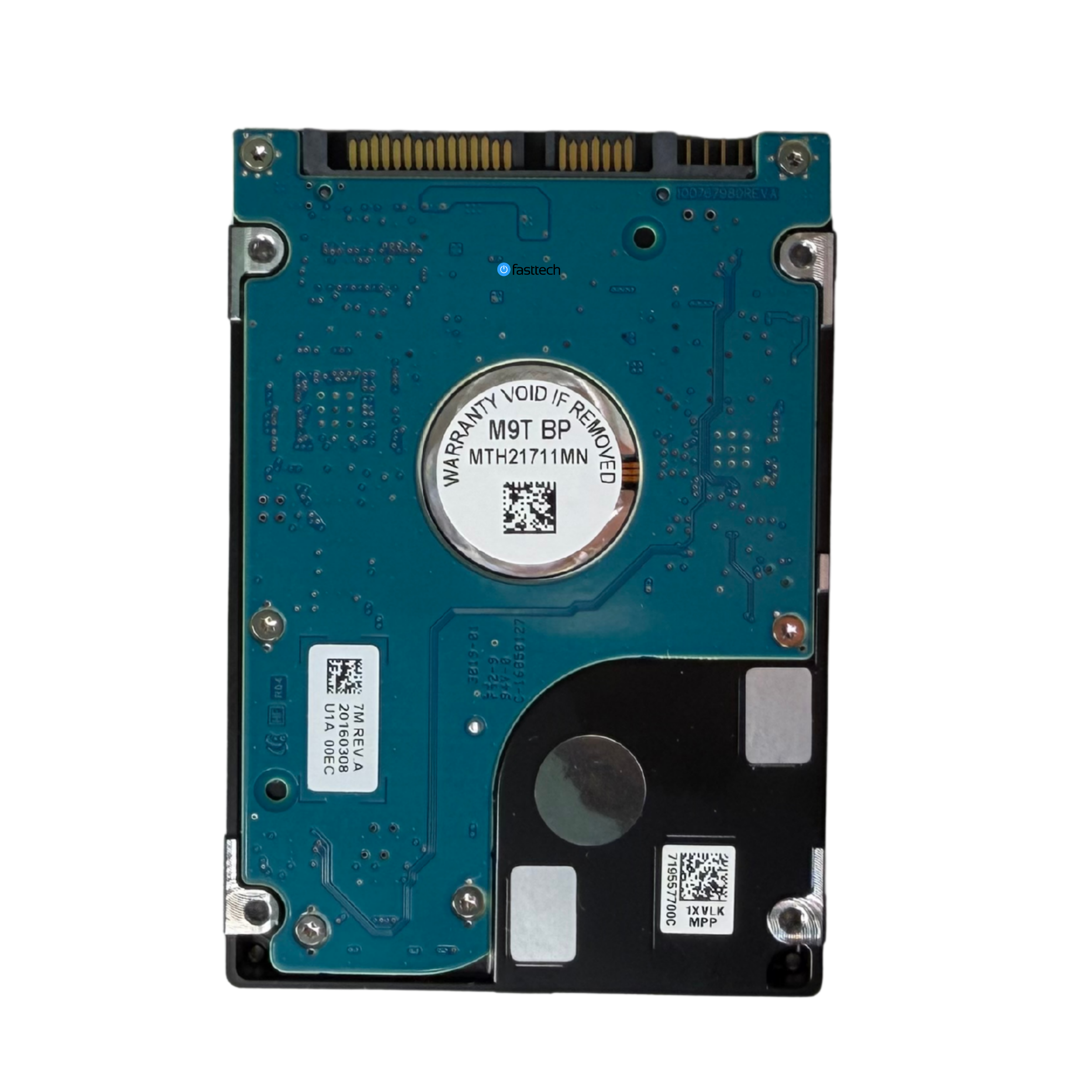 Image 2 of 30
 Image 3 of 30
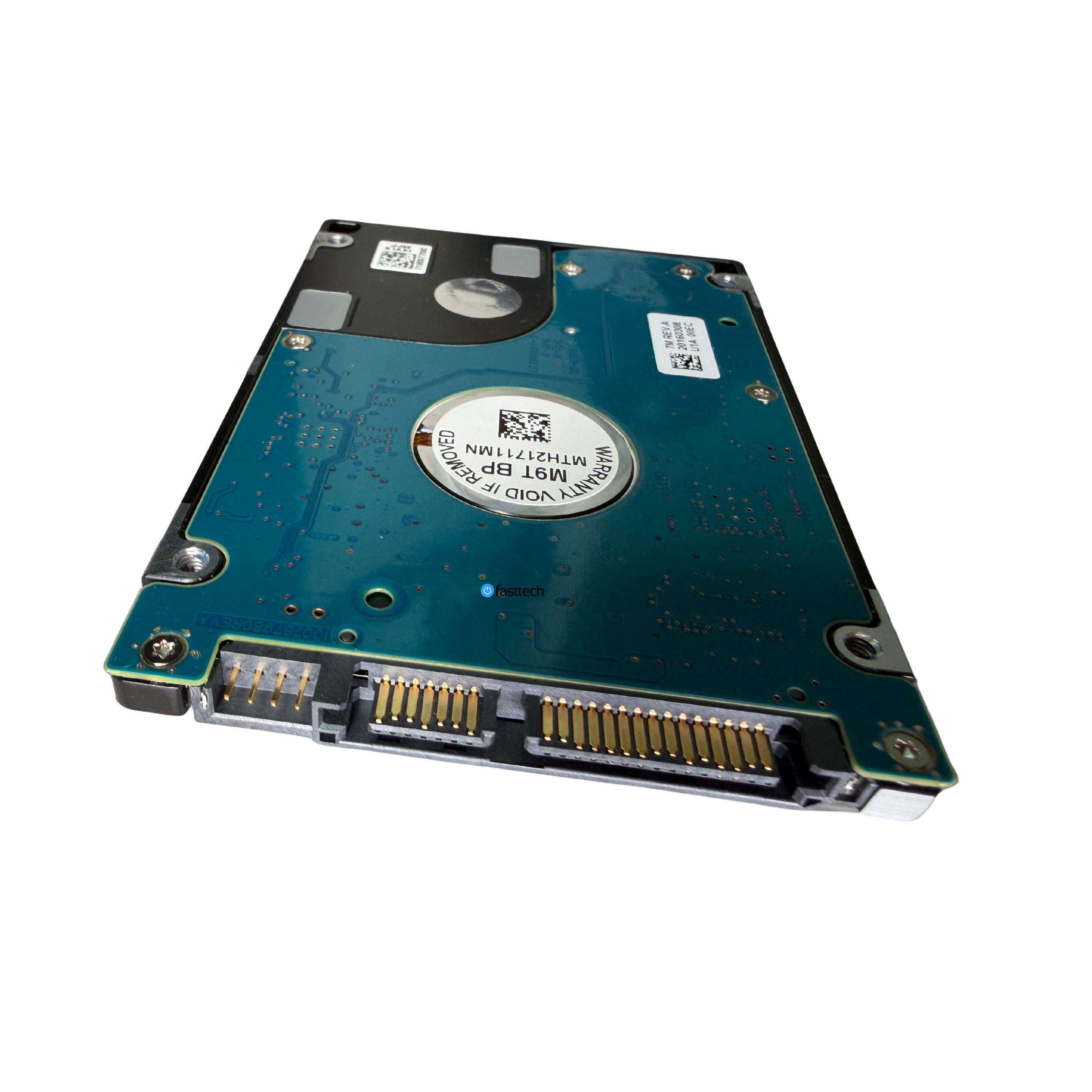 Image 4 of 30
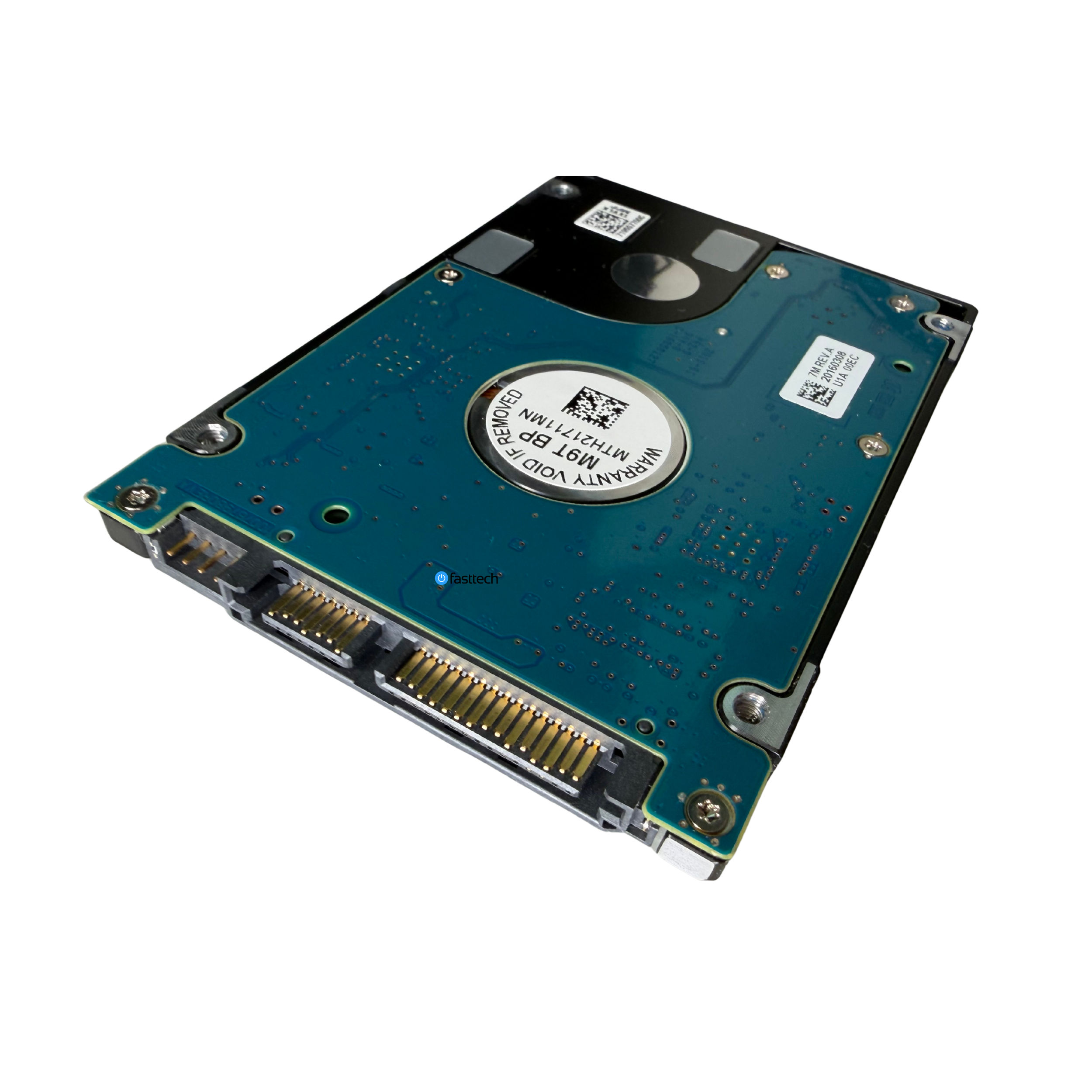 Image 5 of 30
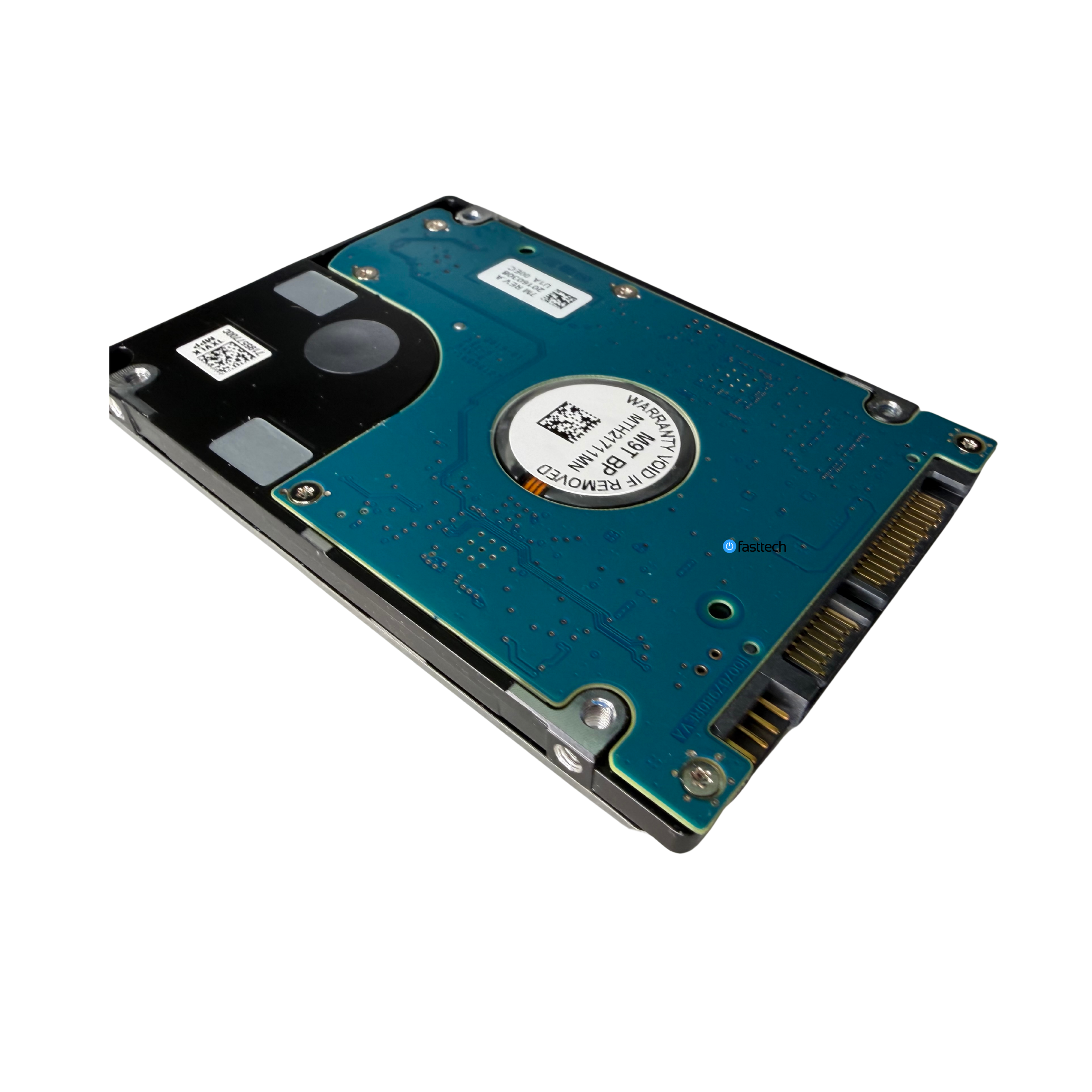 Image 6 of 30
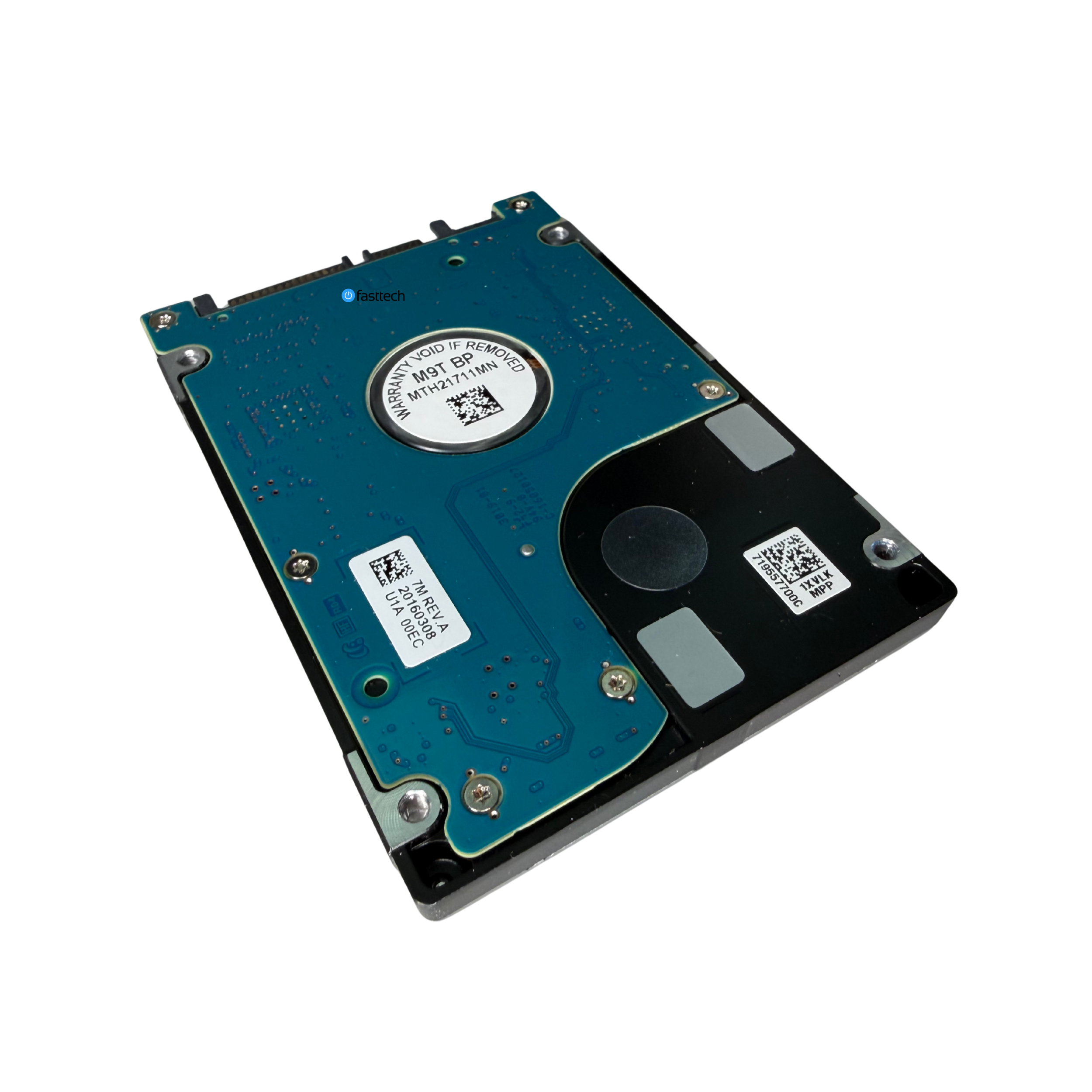 Image 7 of 30
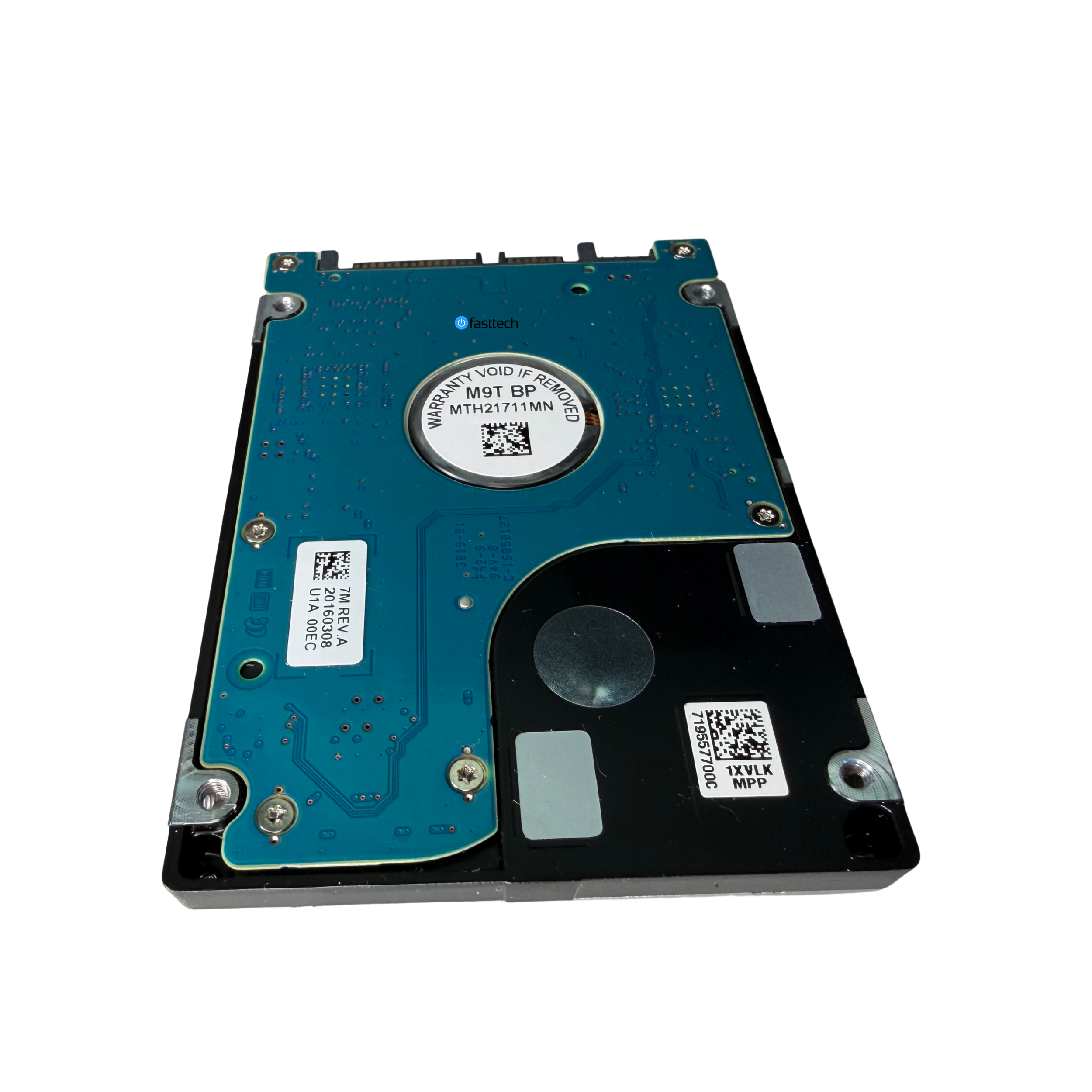 Image 8 of 30
 Image 9 of 30
 Image 10 of 30
 Image 11 of 30
 Image 12 of 30
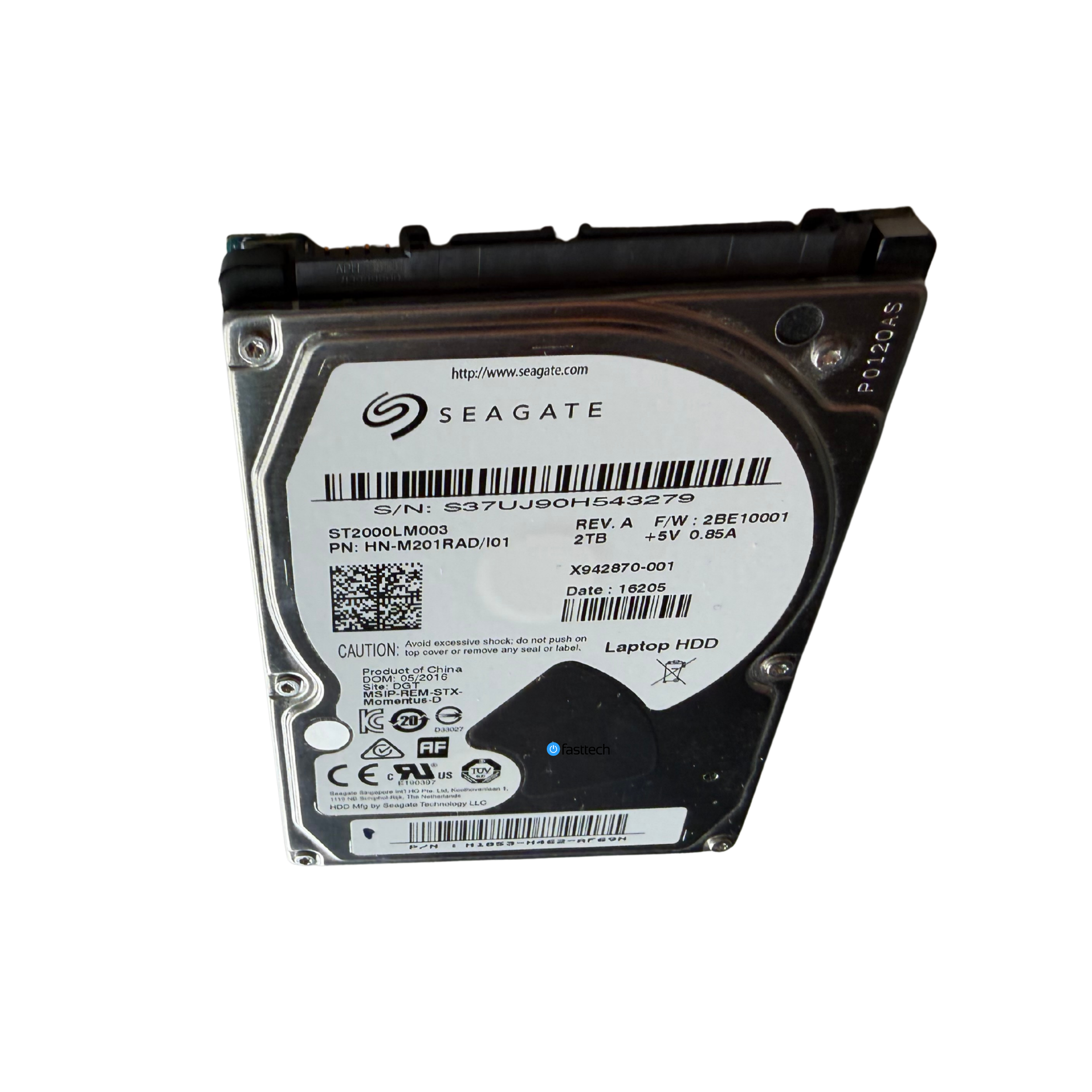 Image 13 of 30
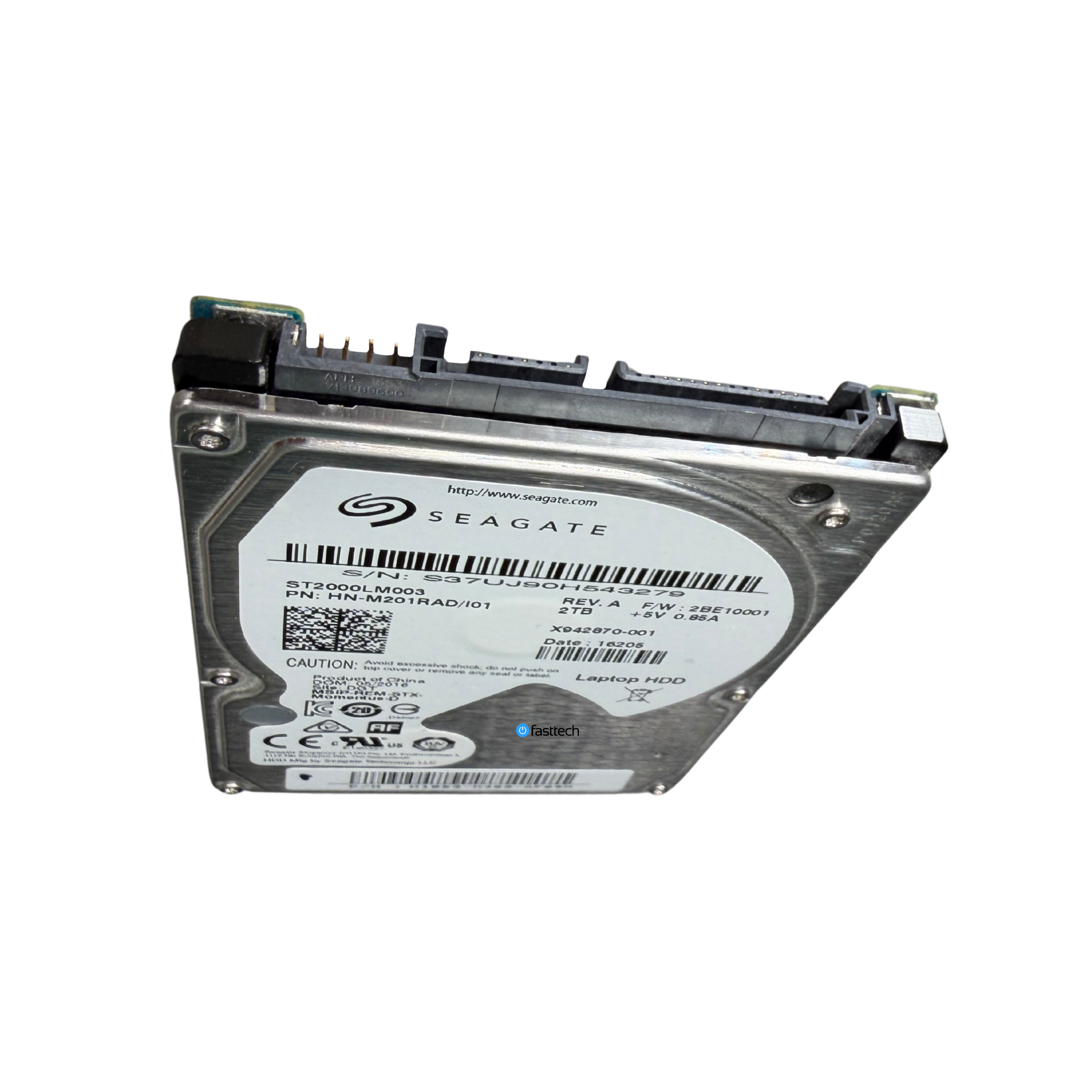 Image 14 of 30
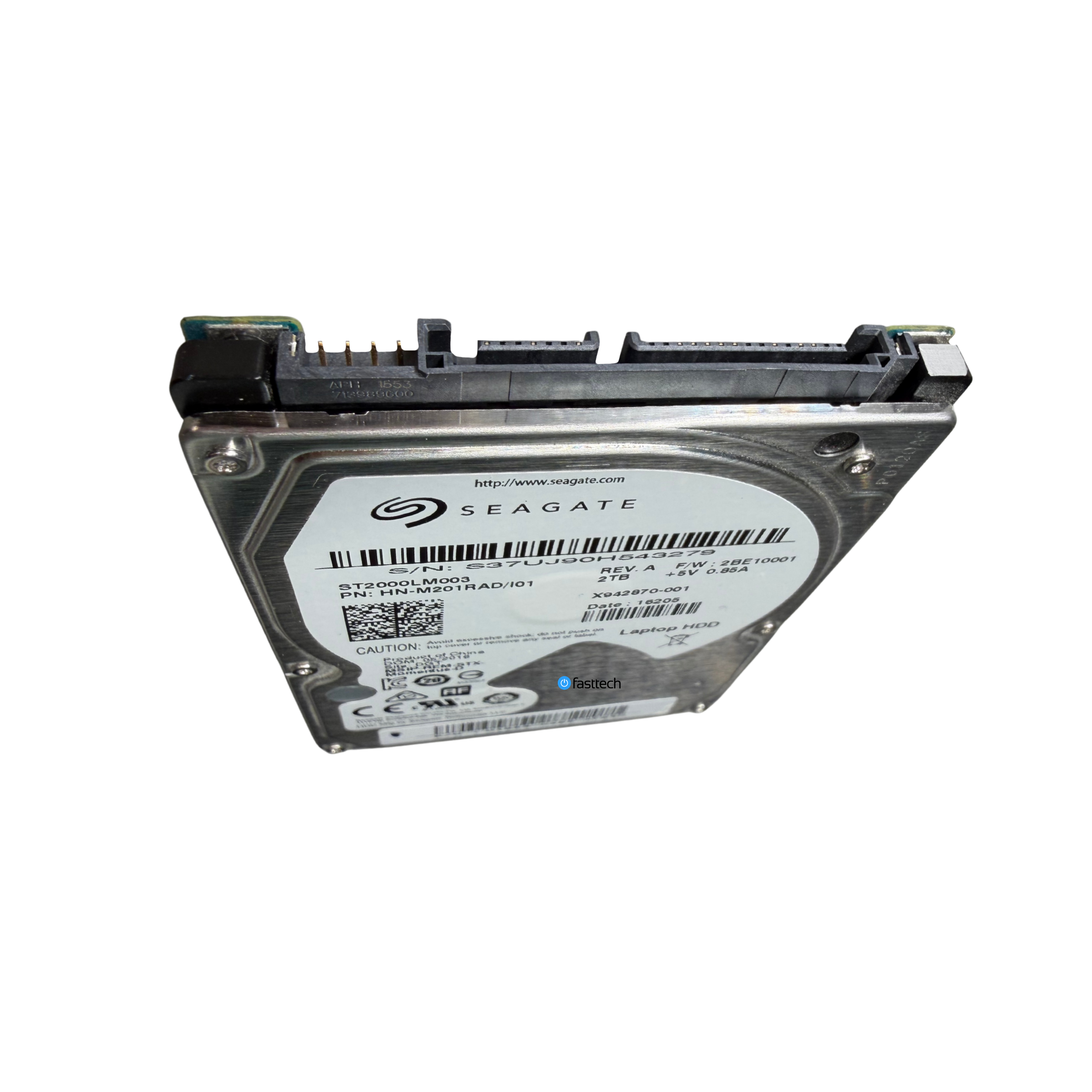 Image 15 of 30
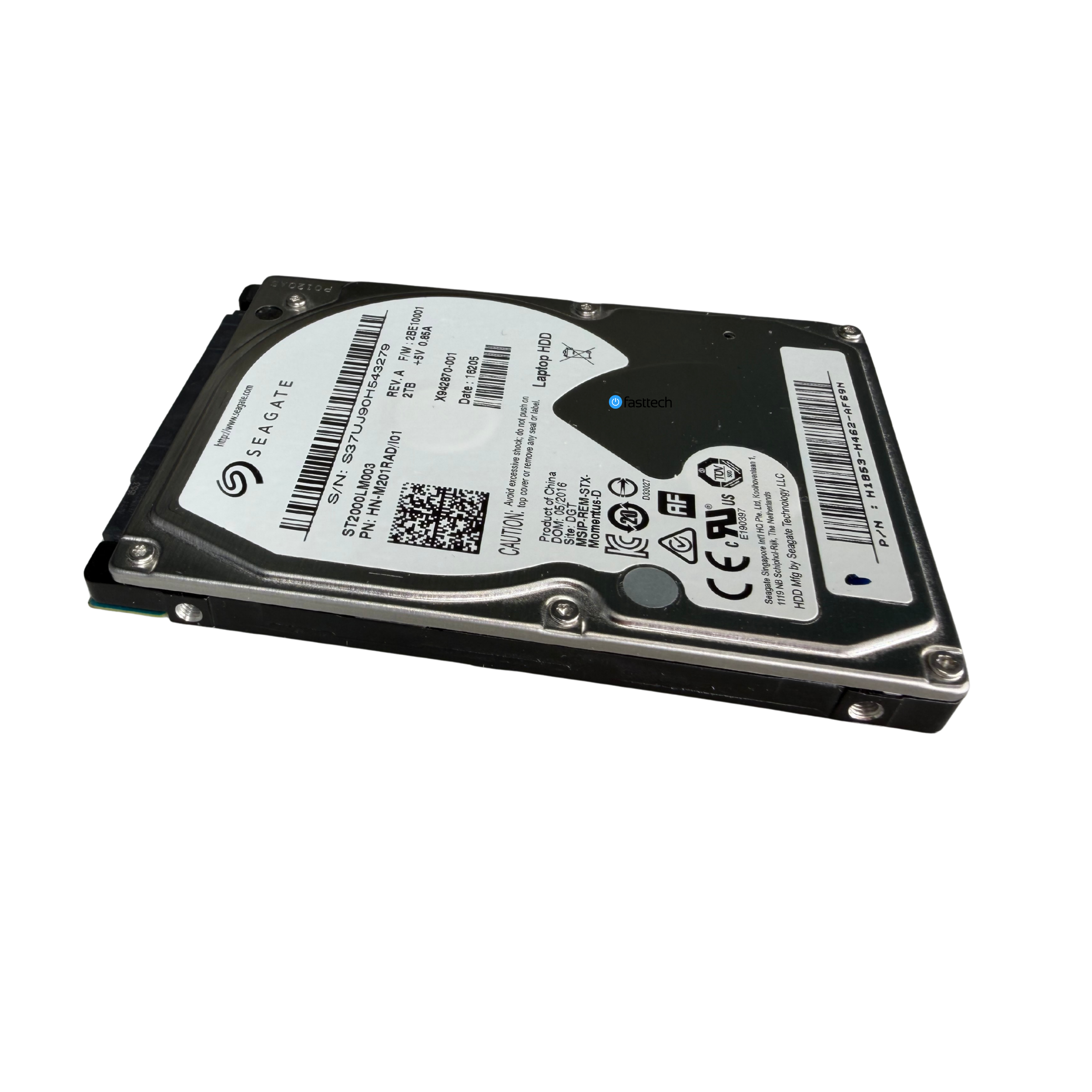 Image 16 of 30
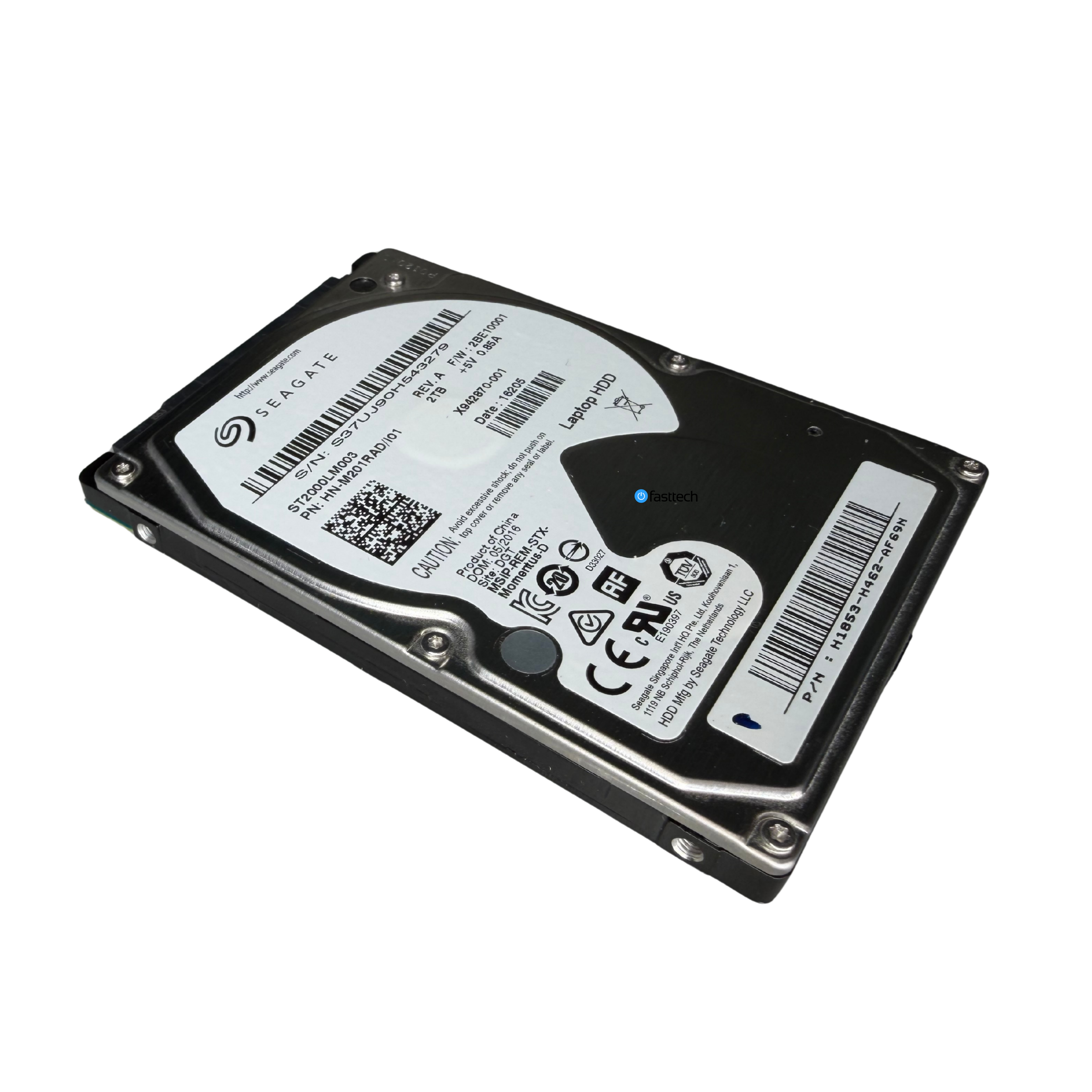 Image 17 of 30
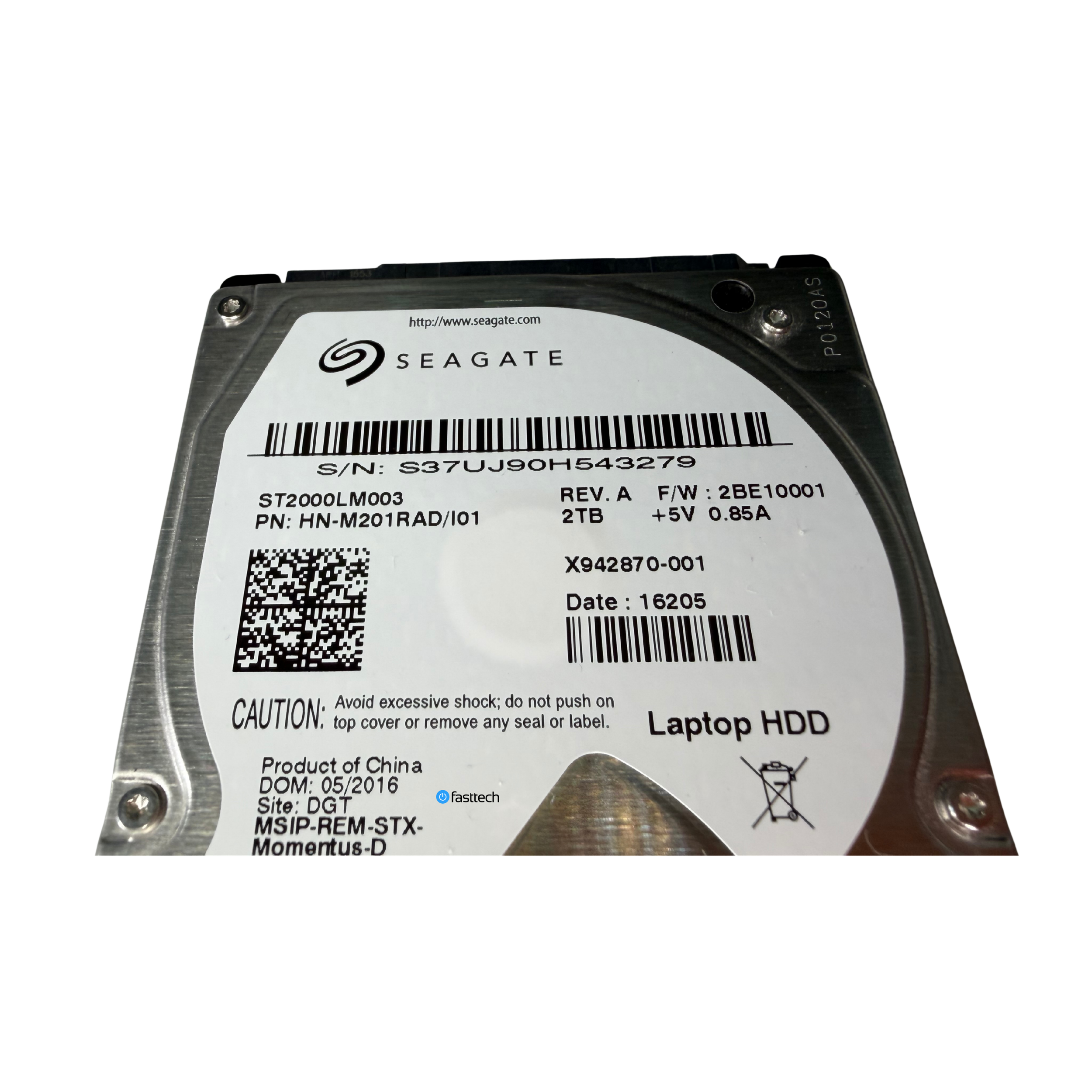 Image 18 of 30
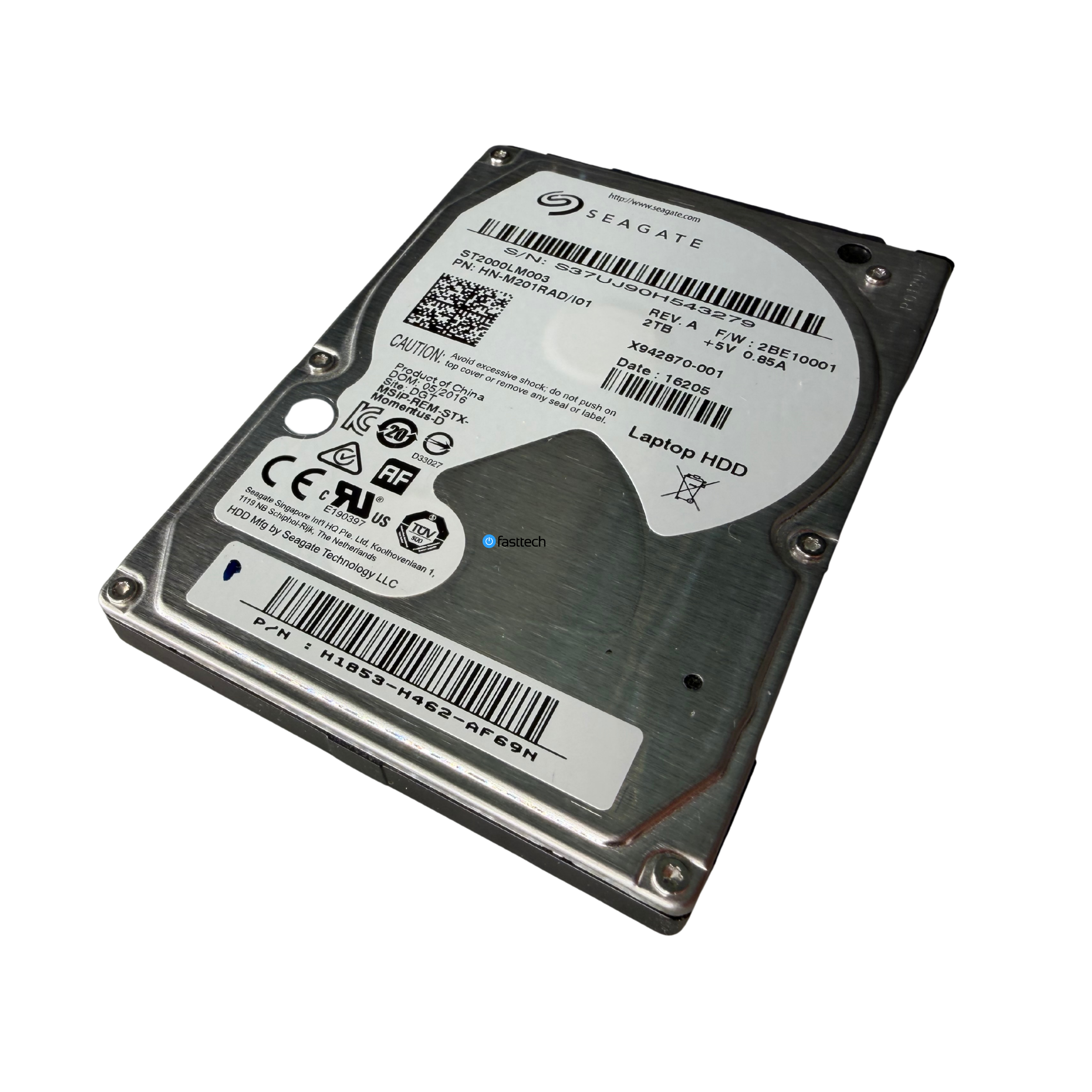 Image 19 of 30
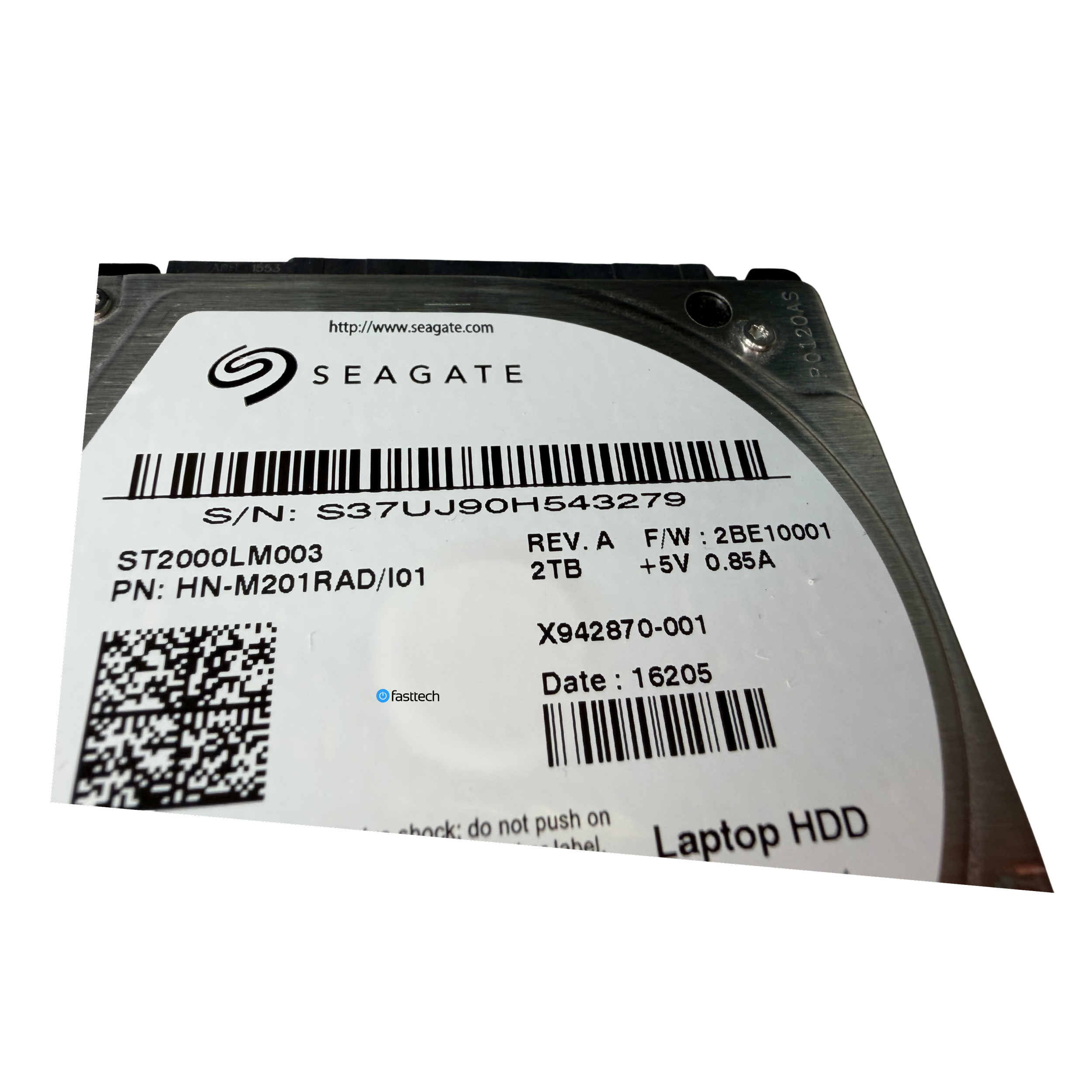 Image 20 of 30
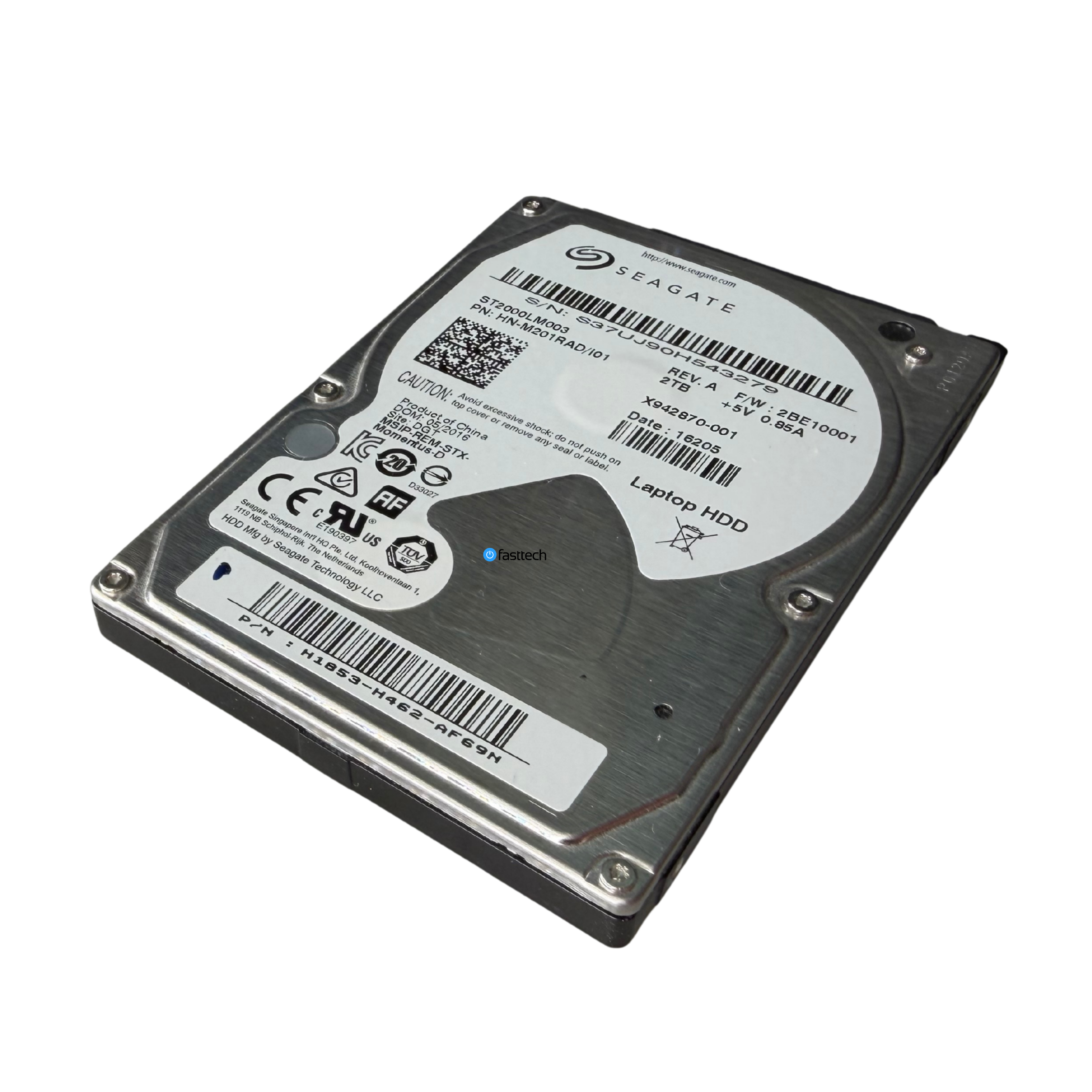 Image 21 of 30
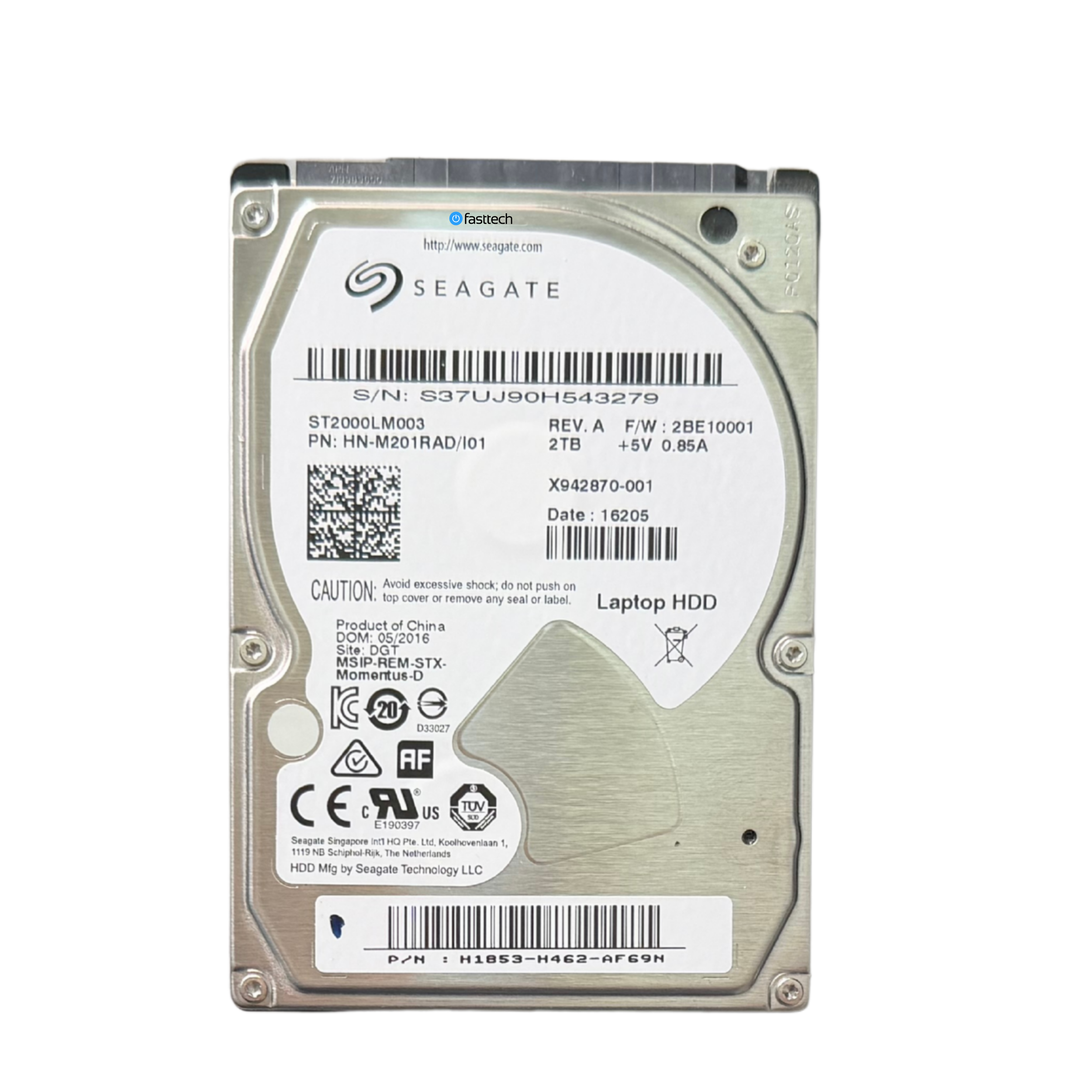 Image 22 of 30
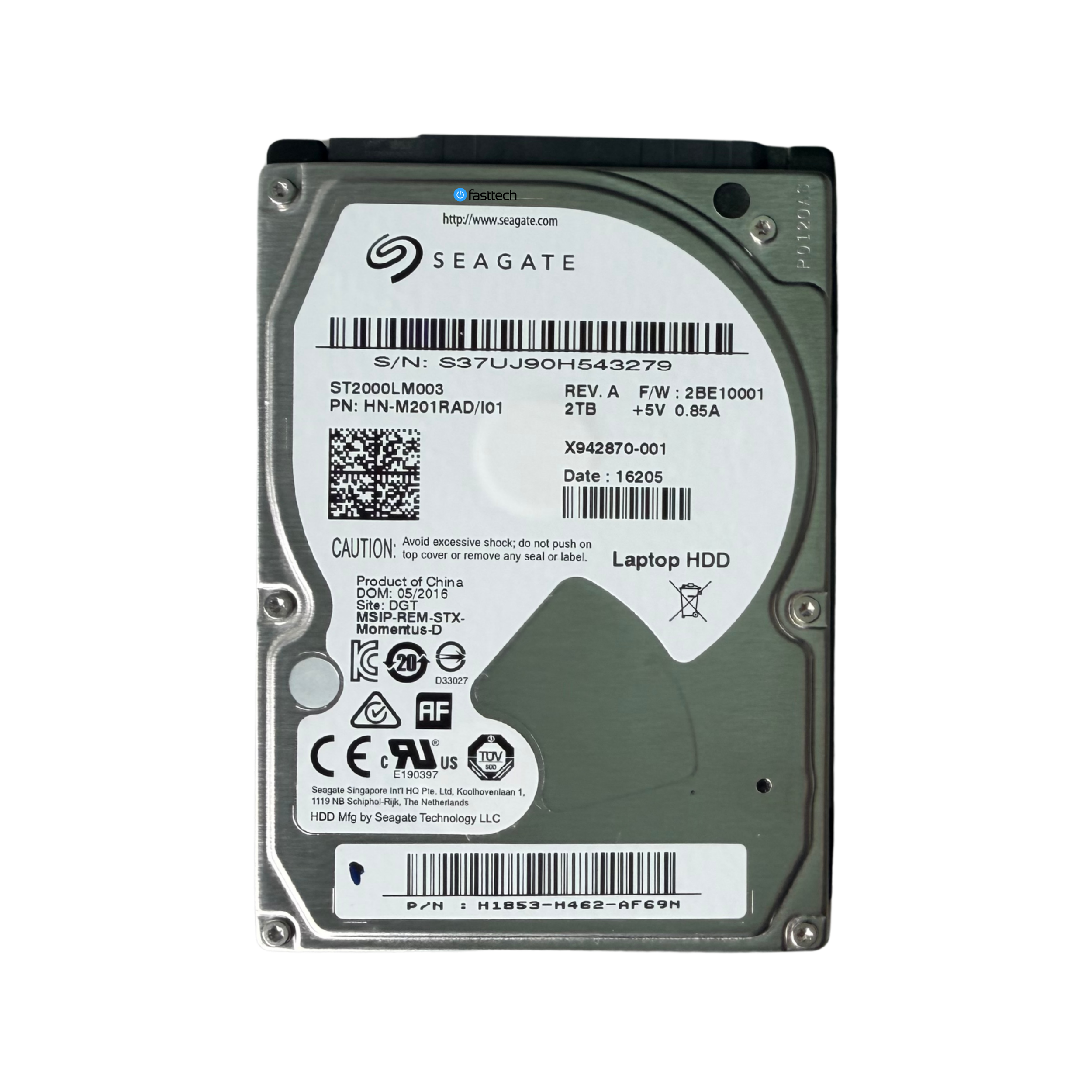 Image 23 of 30
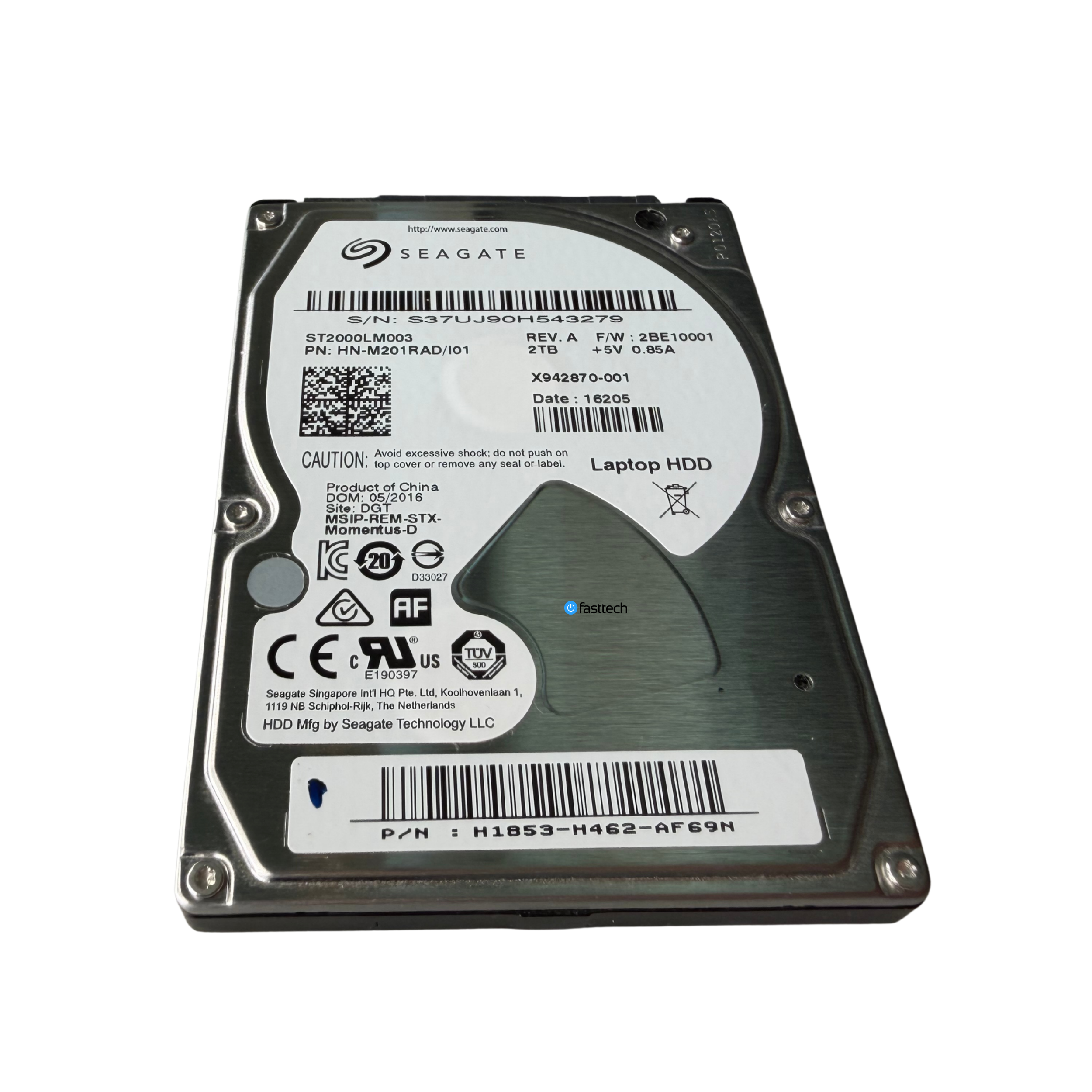 Image 24 of 30
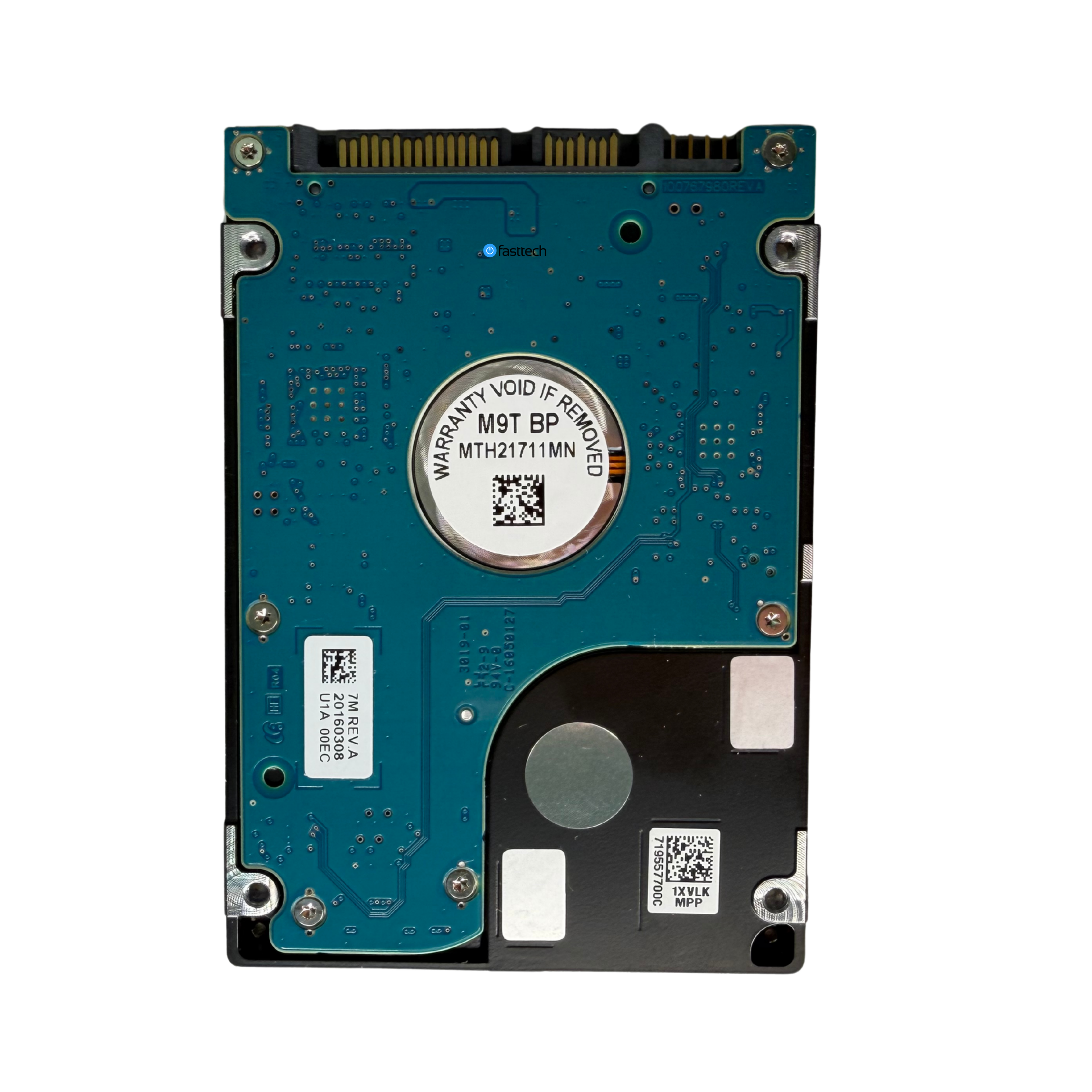 Image 25 of 30
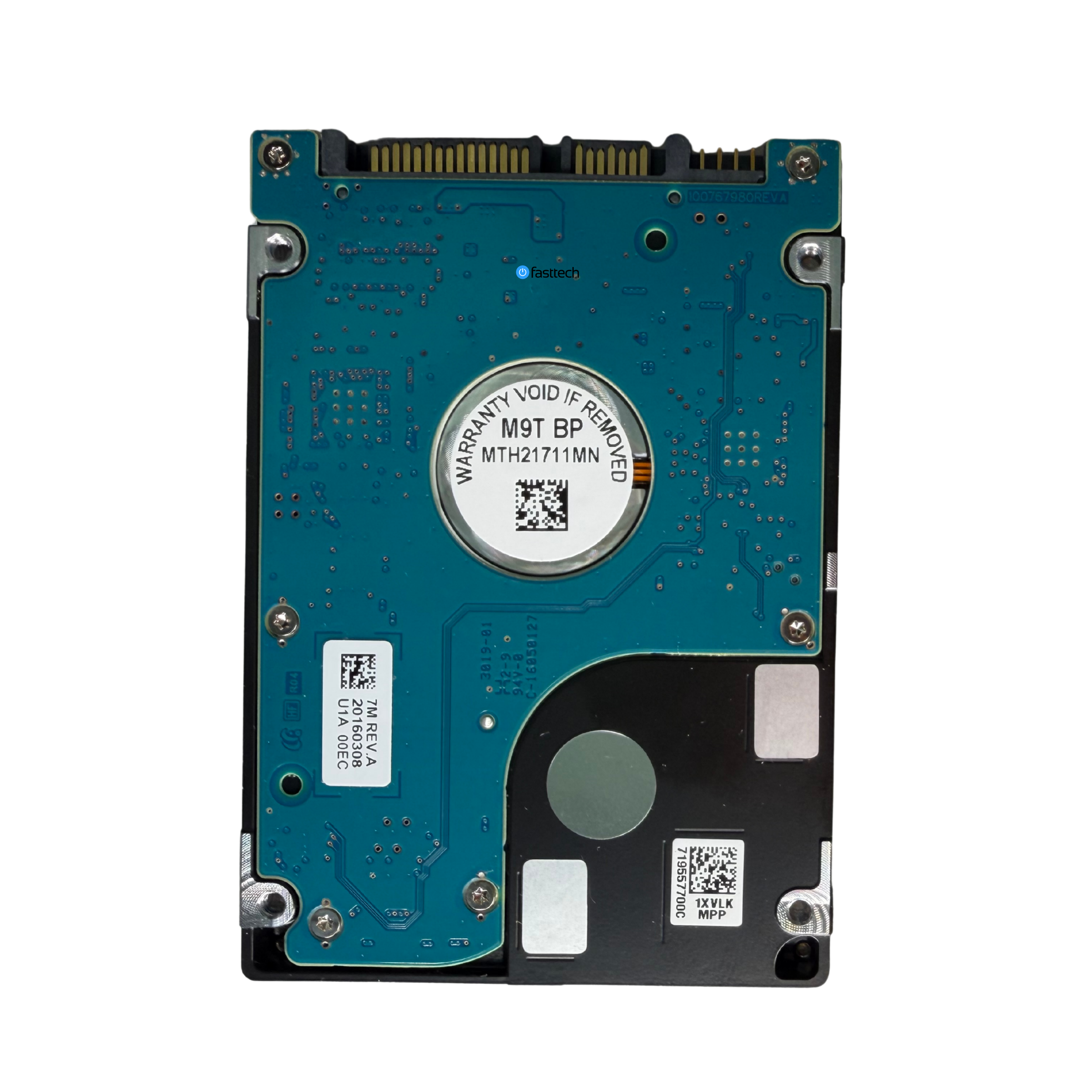 Image 26 of 30
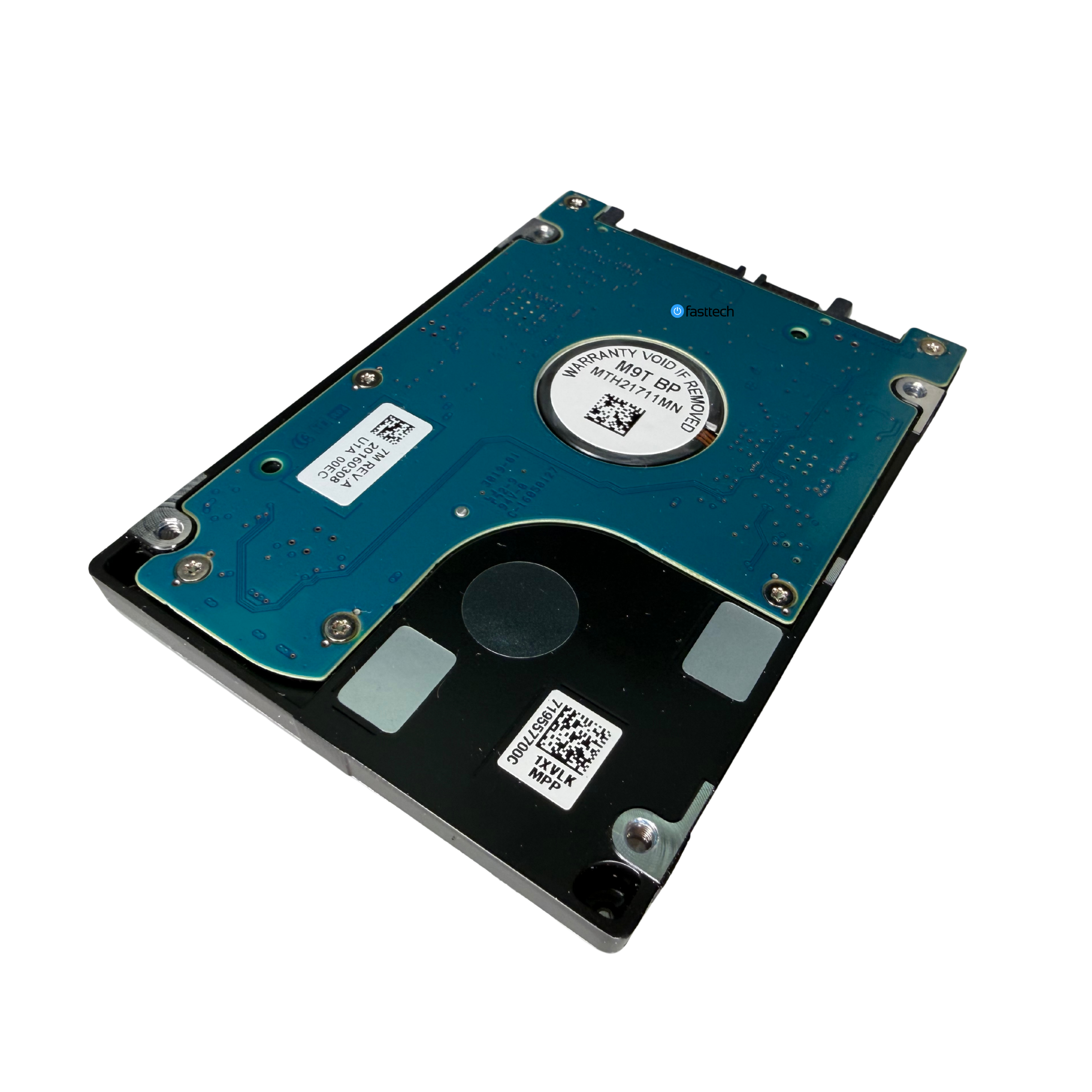 Image 27 of 30
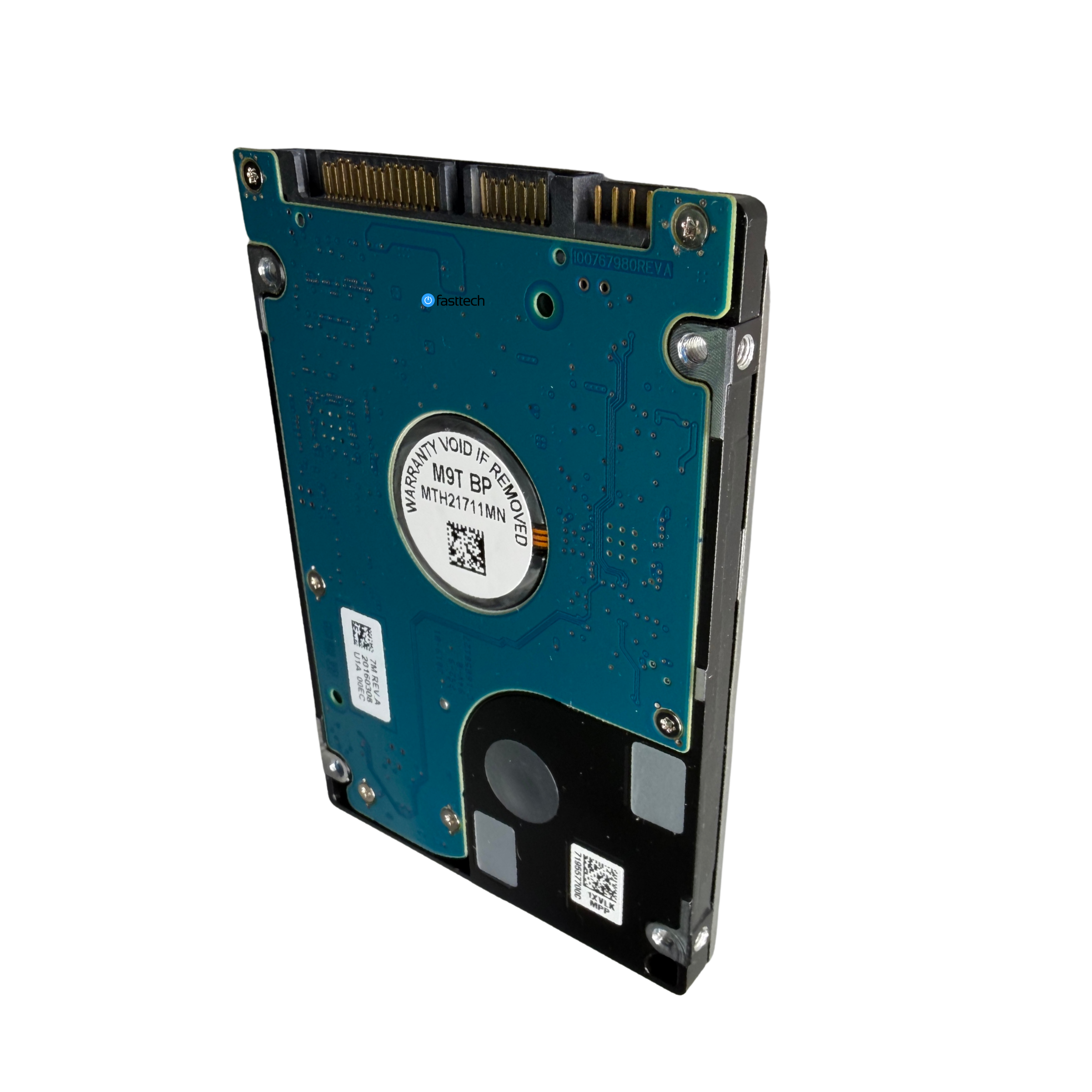 Image 28 of 30
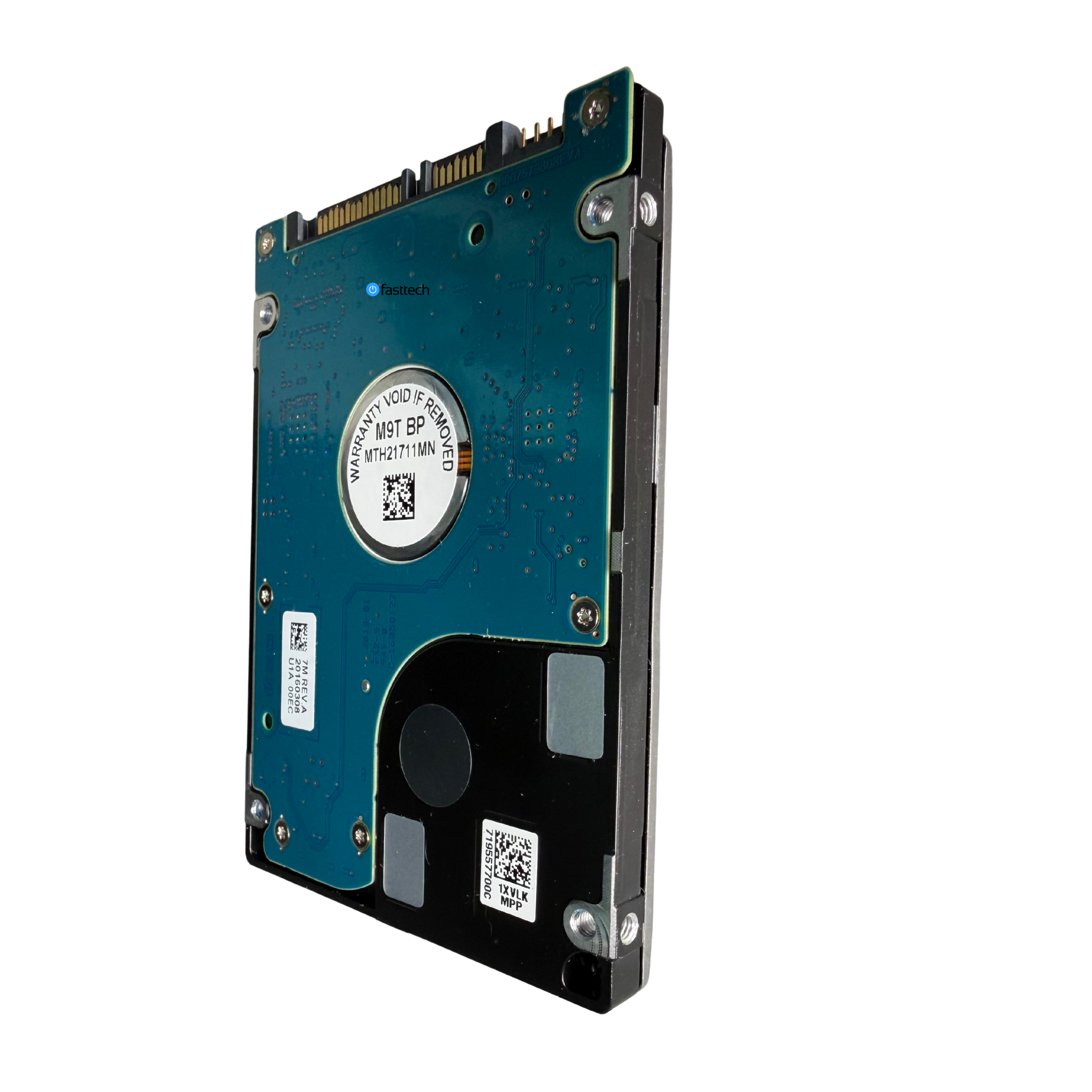 Image 29 of 30
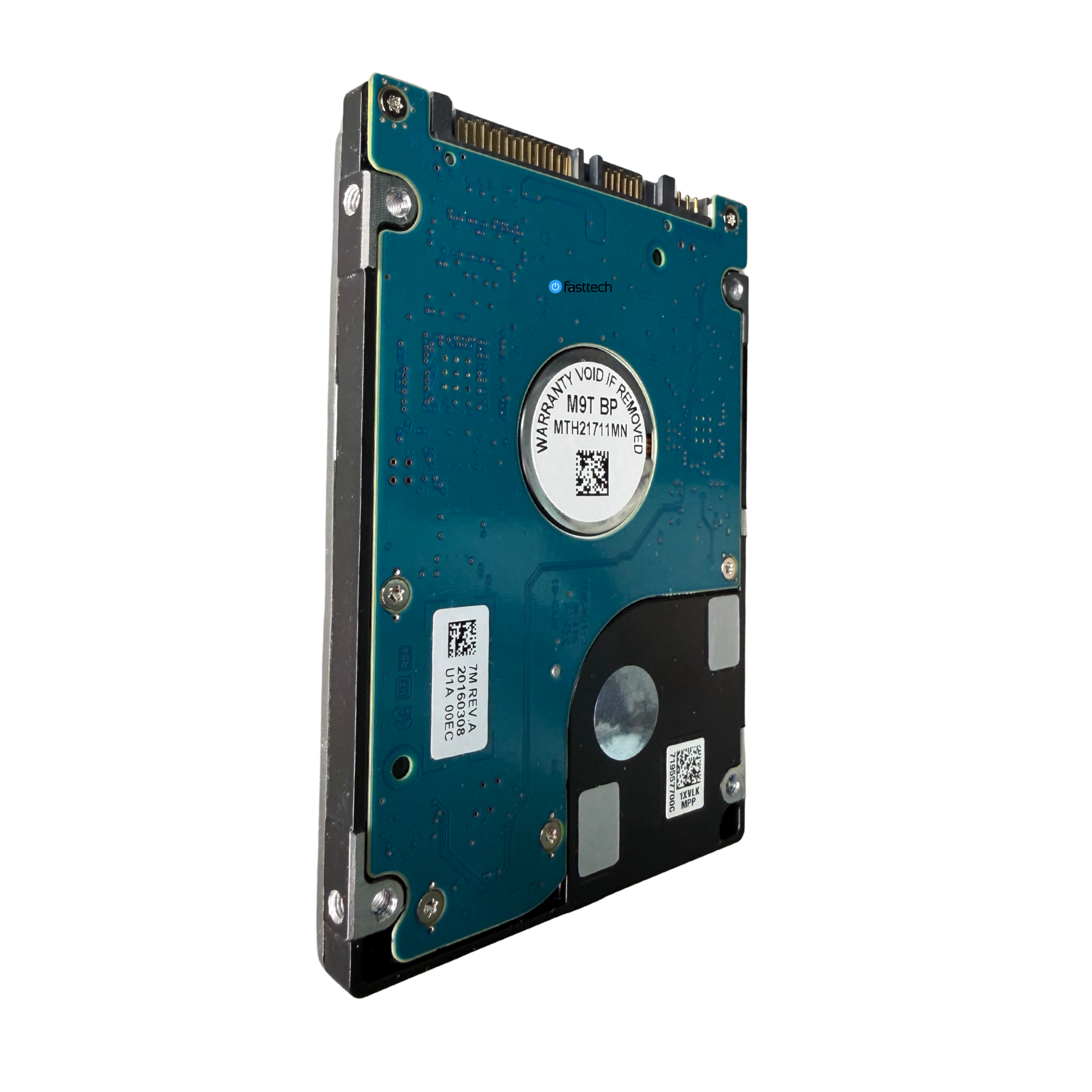 Image 30 of 30

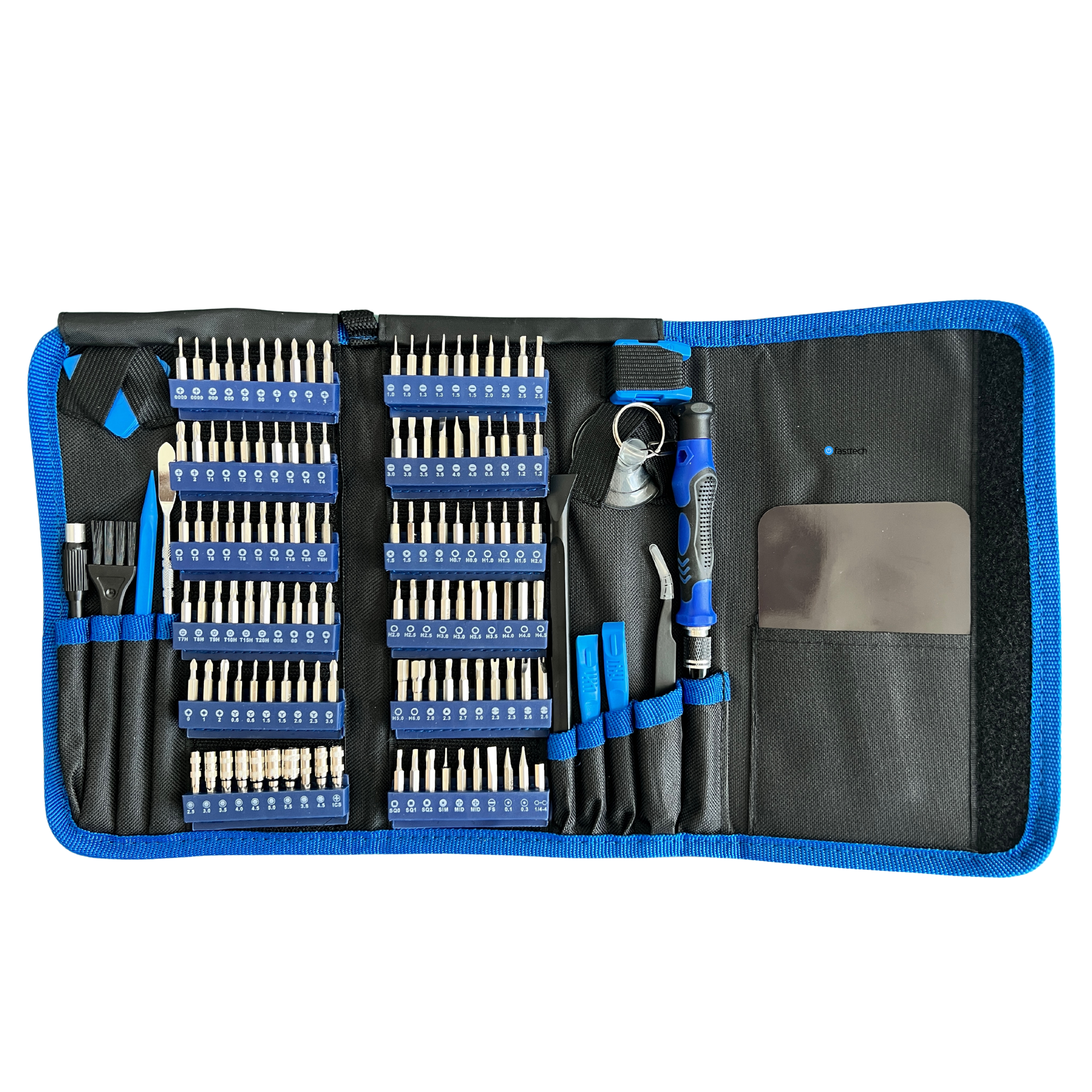
Compatibility

PlayStation 4
Technician’s Notes
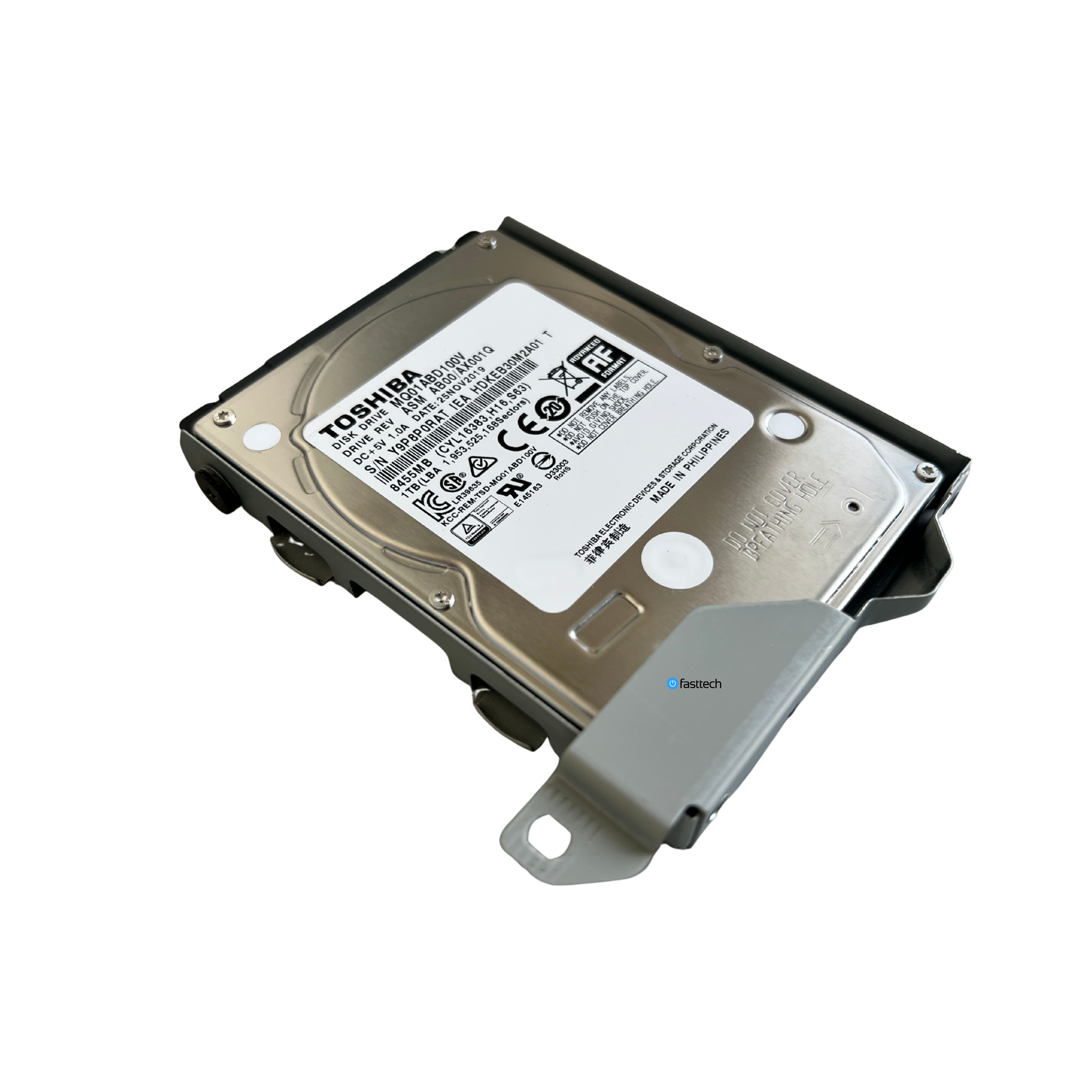
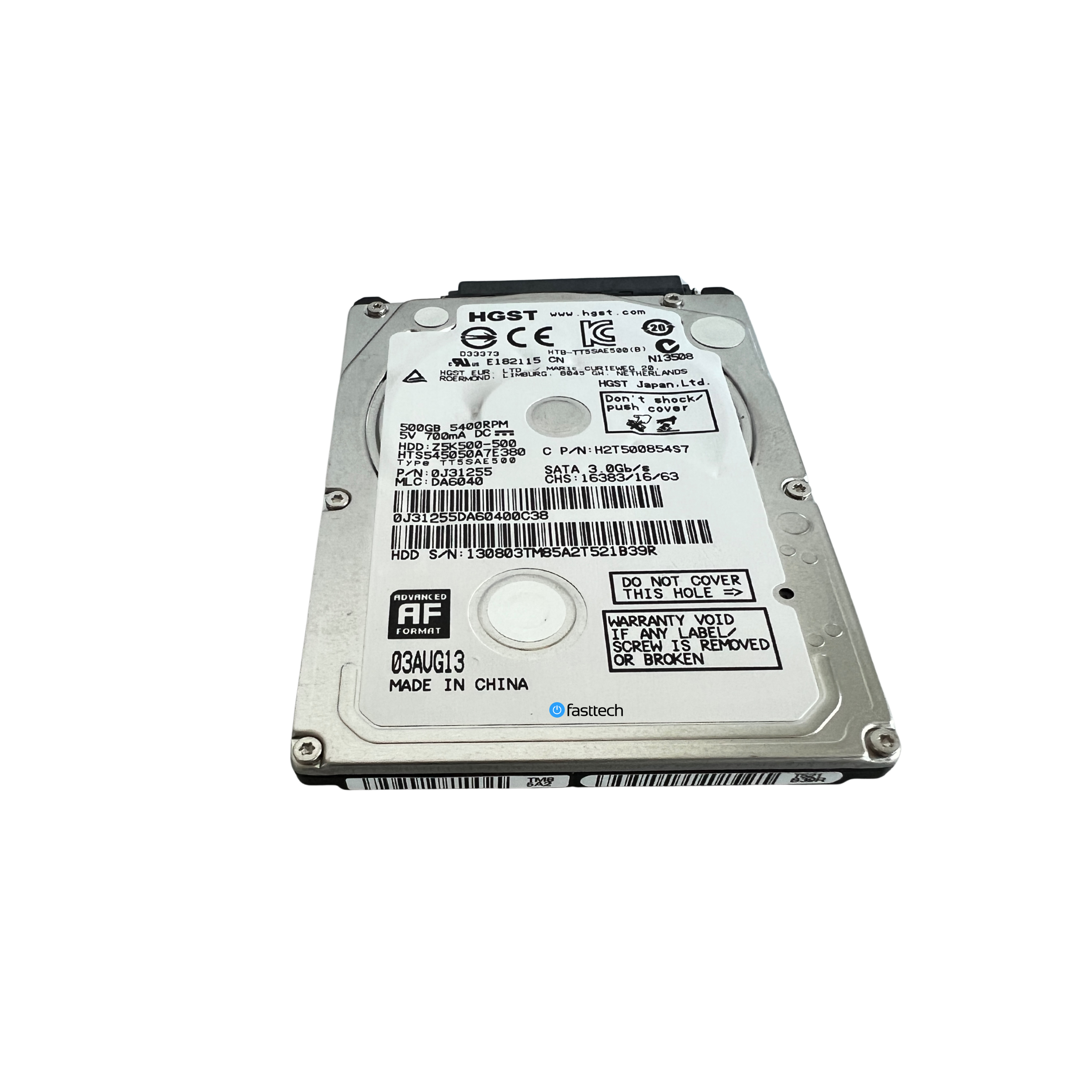
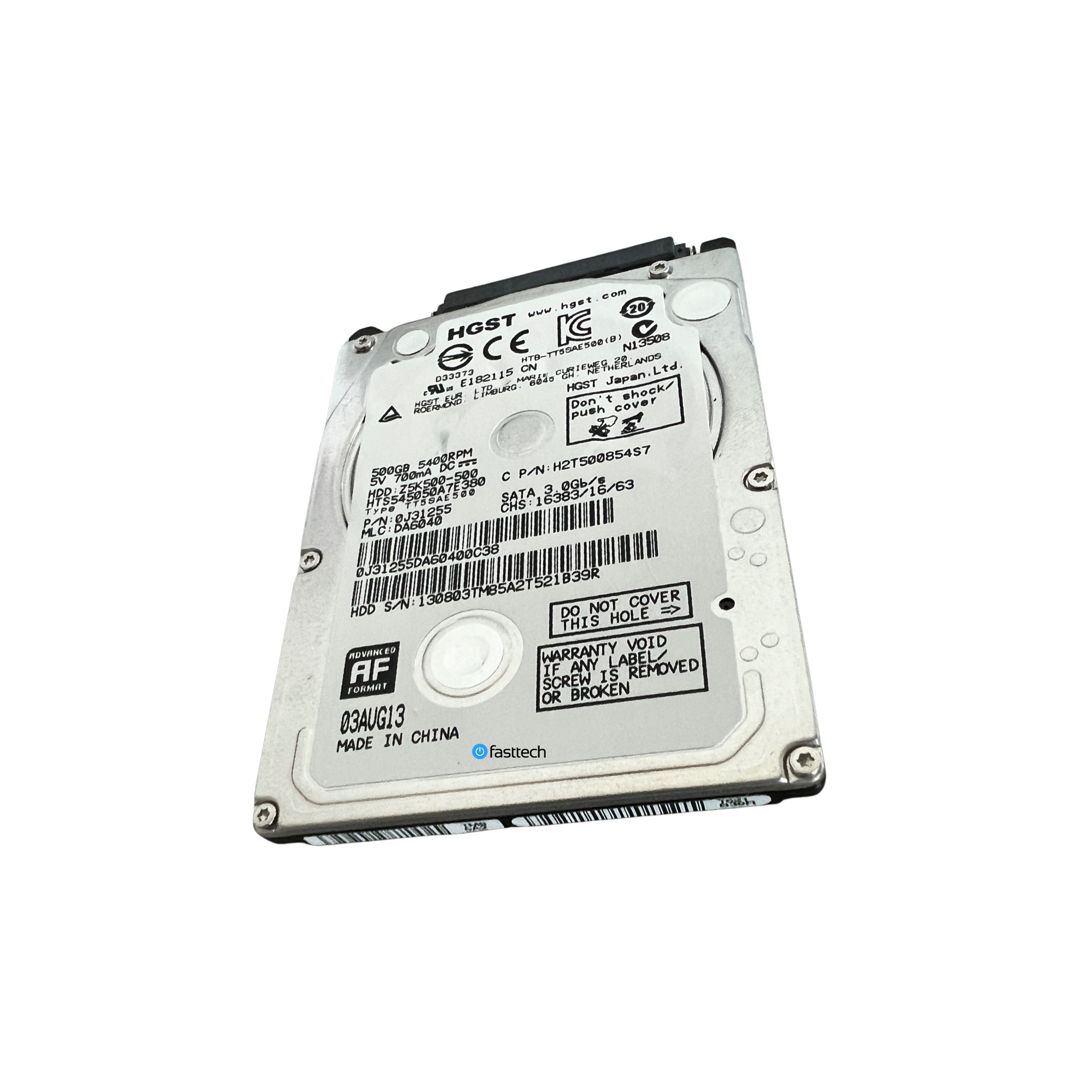
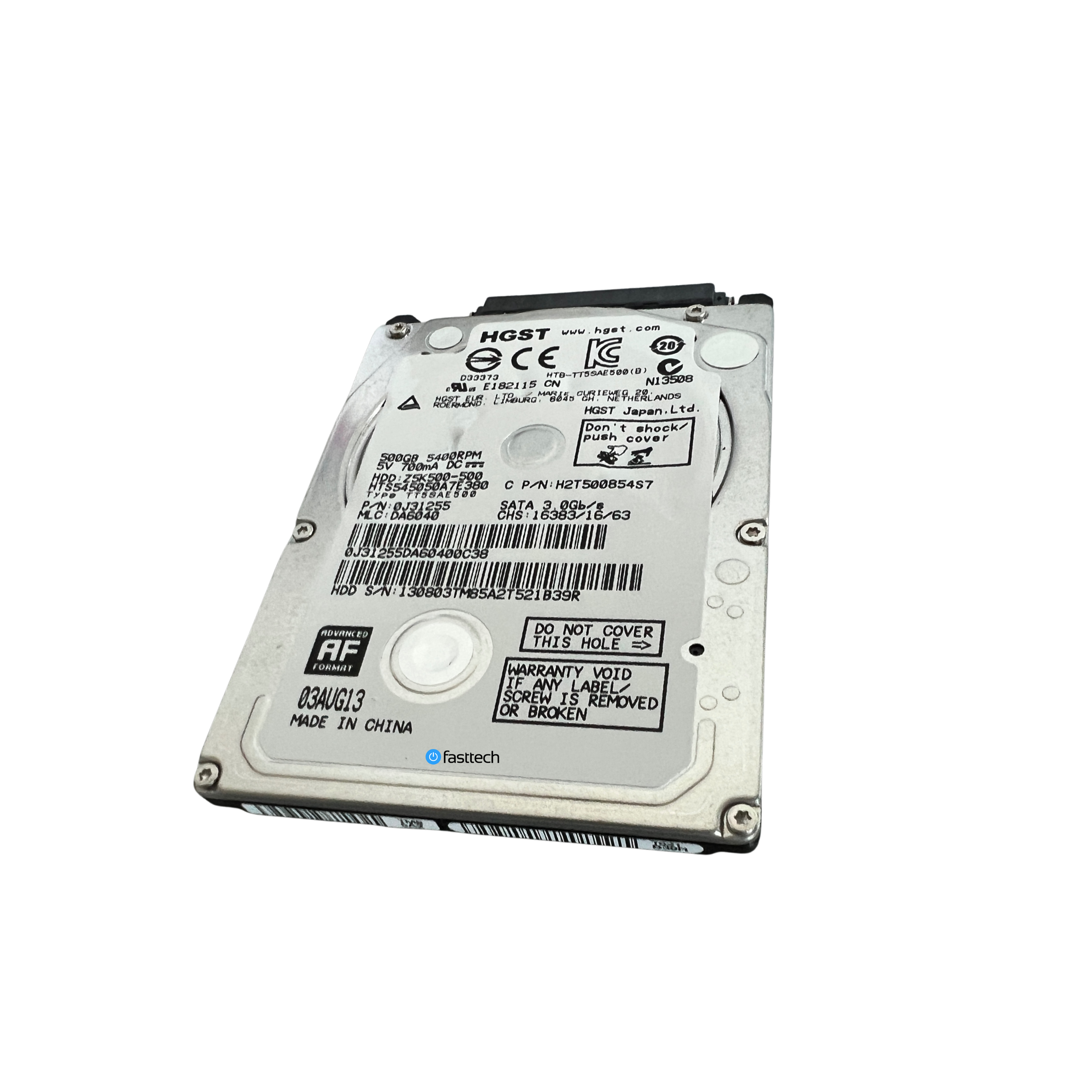
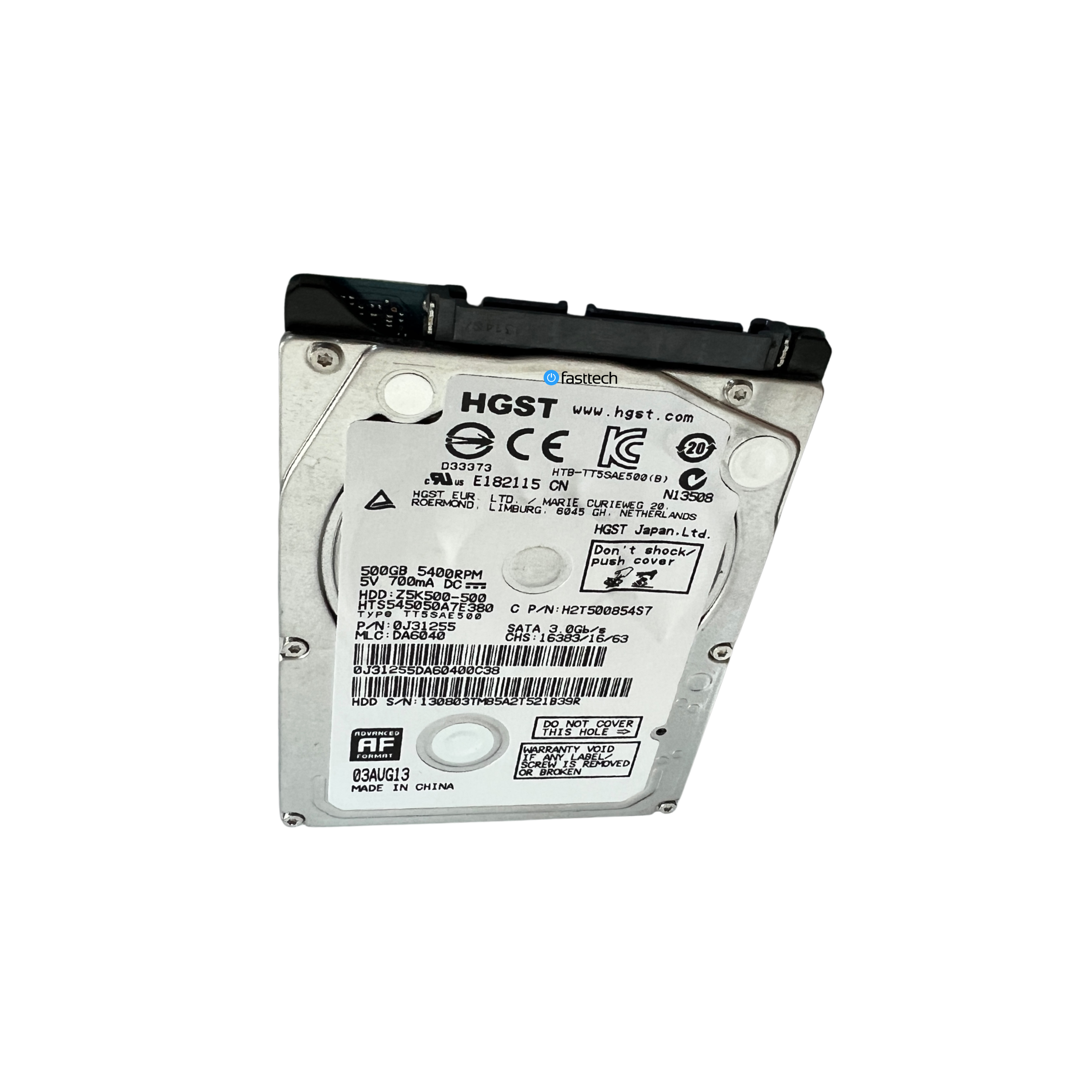
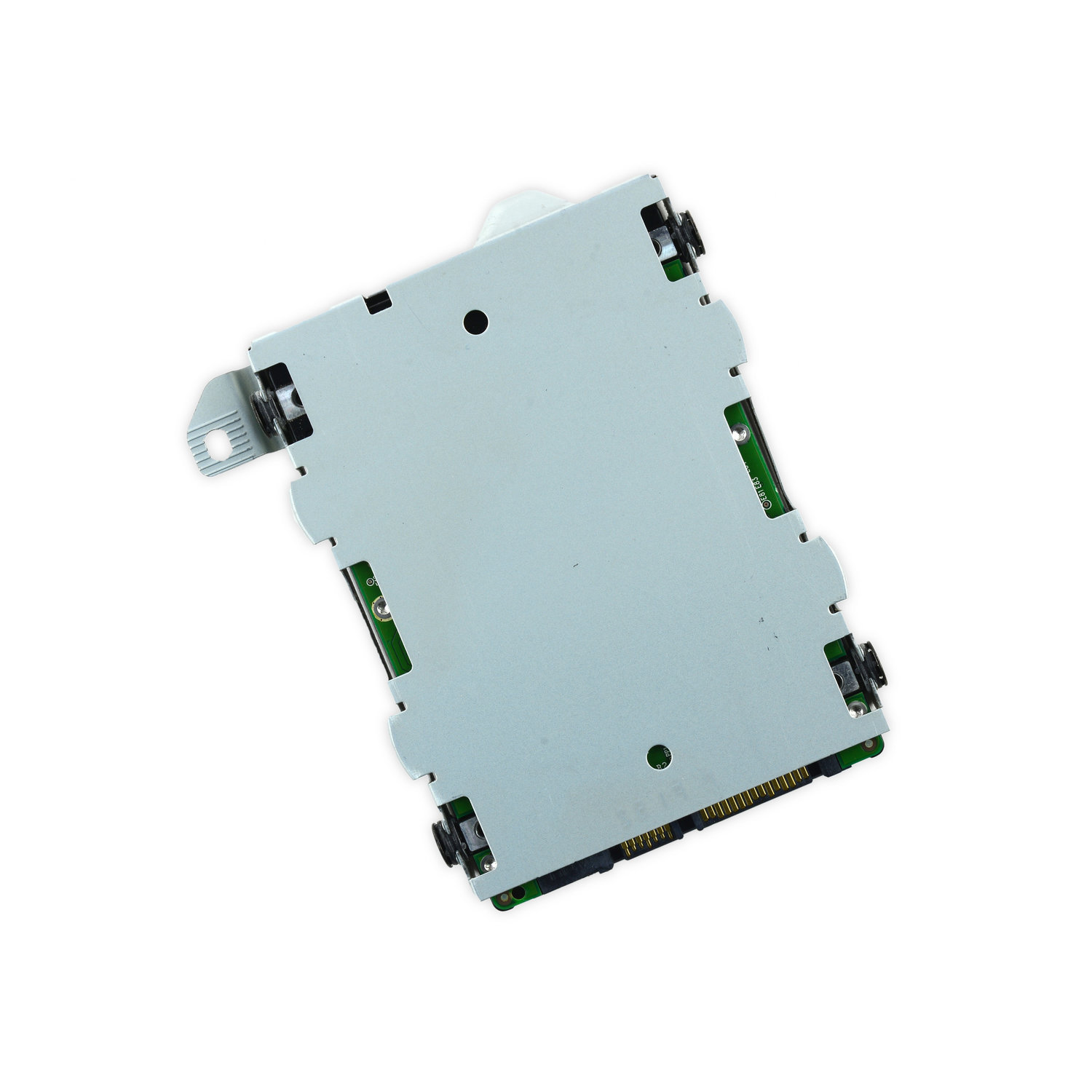
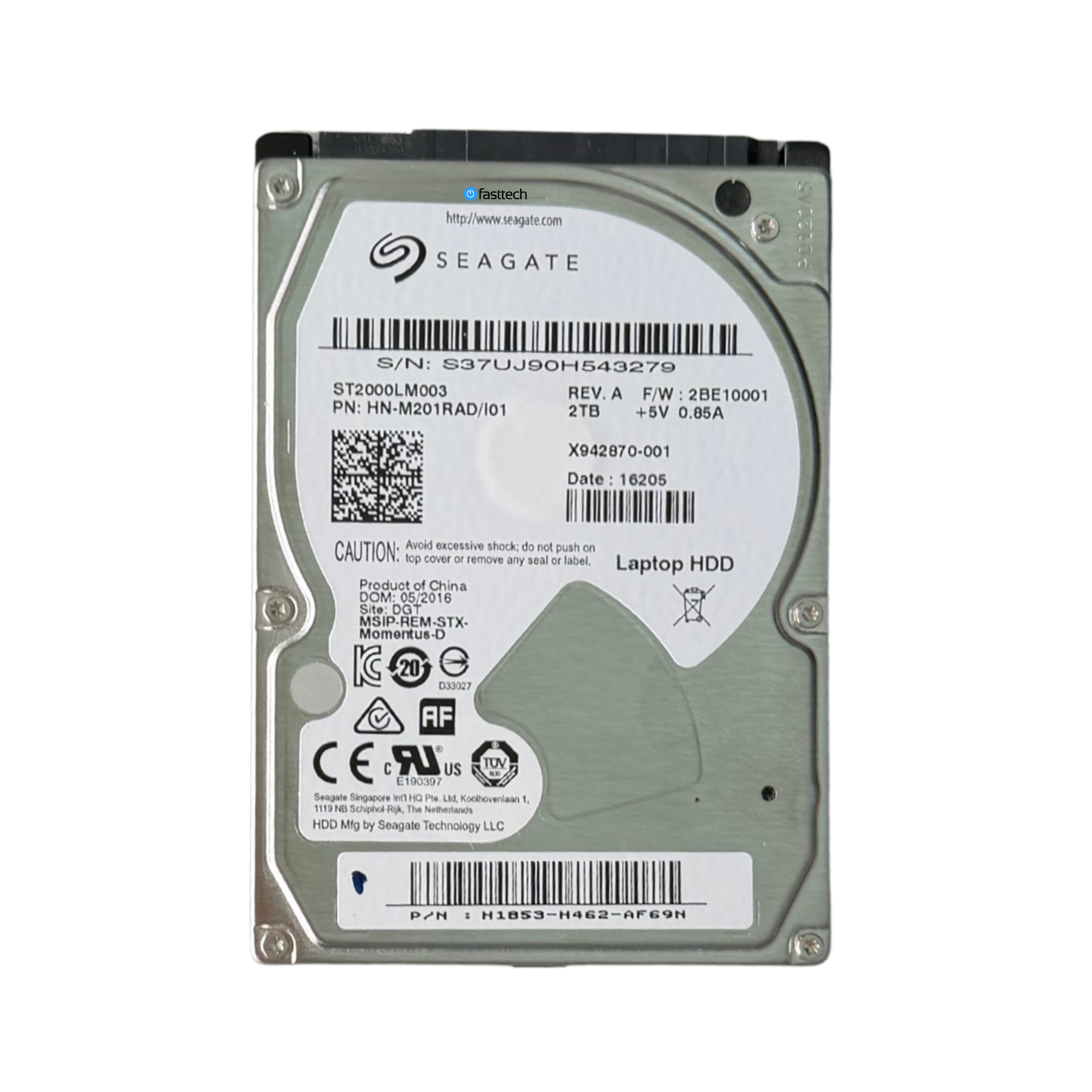
If you PS4 is giving you the ‘PS4 Cannot Start’ Error with a black screen, you most likely have a defective hard drive. Order one above and replace it using the instructions in our easy to follow video guide below. You need to download the full installation file for PlayStation 4 which can be downloaded here